366
2. LEXUS ENFORM WITH SAFETY CONNECT OPERATION
ES350/300h_Navi_OM33A07U_(U)
12.05.07 10:19
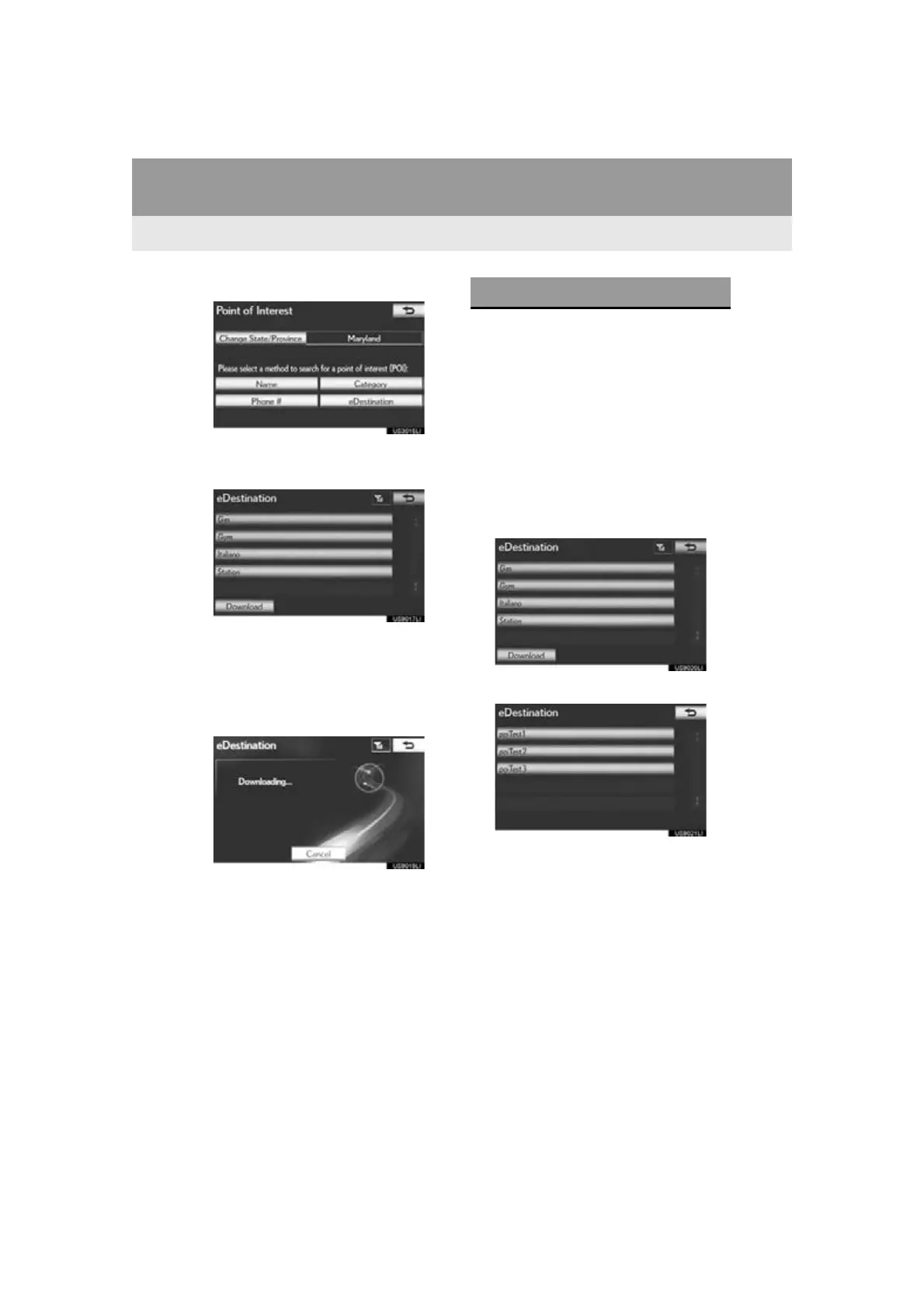
4 Select “eDestination”.
The “eDestination” screen is displayed.
5 Select “Download”.
6 Select “Yes” to confirm or “No” to can-
cel download.
When “Yes” is selected, your most recent
online eDestination data will be loaded to
the navigation system.
1 Press the “MENU” button on the
Remote Touch. (See “Remote Touch”
on page 10.)
2 Select “Destination” on the “Menu”
screen.
3 Select “Point of Interest” on the “Desti-
nation” screen.
4 Select “eDestination” on the “Point of
Interest” screen.
5 Select the desired eDestination folder.
6 Select the desired location.
RETRIEVE AN eDestination



 To Next Page