376
3-1. Using the touch screen
LS460_EE
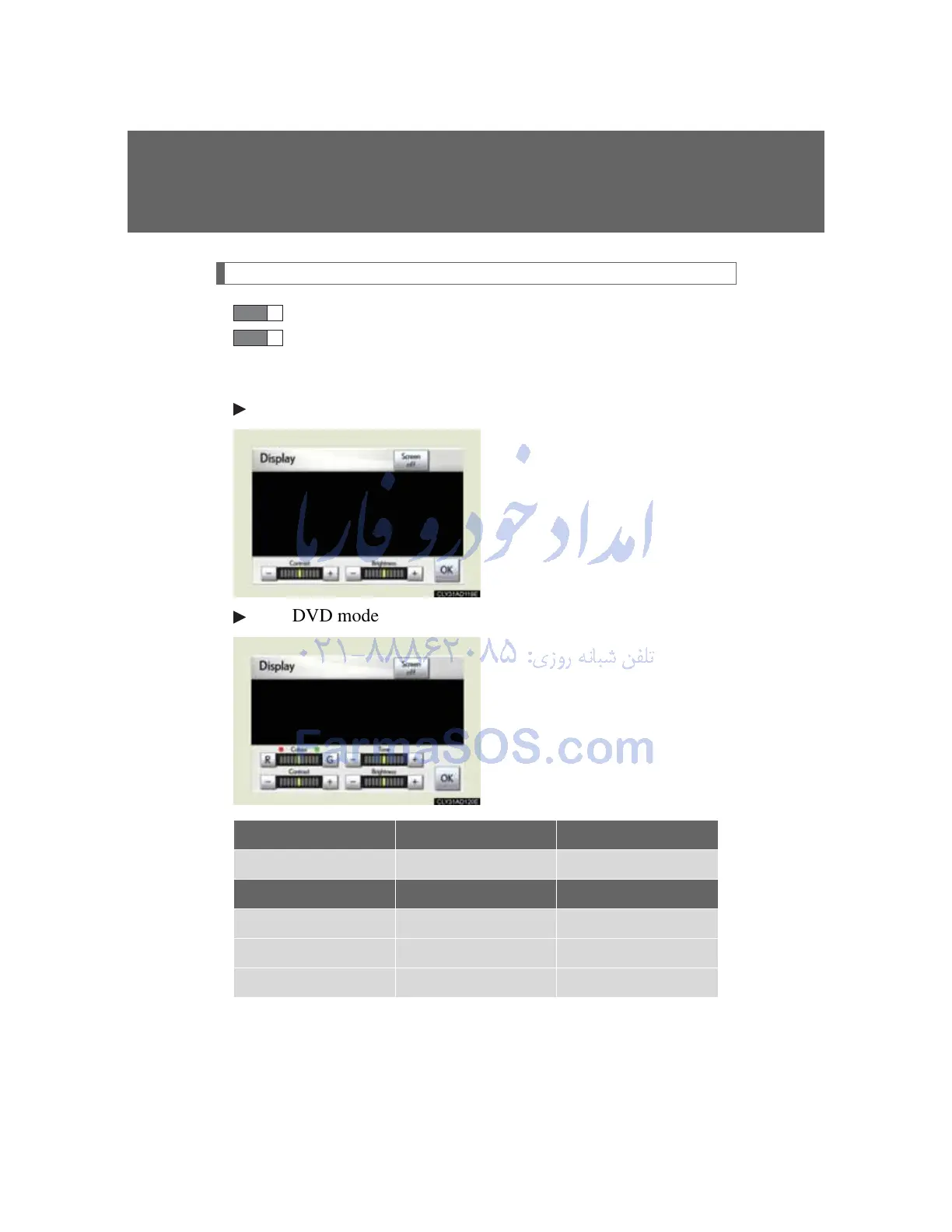
Adjusting the display
Press “DISP”.
Adjust the display as desired using “-” / “+” / “R” / “G”.
If you do not touch the screen for 20 seconds, the system will
return to the previous screen.
With CD mode
With DVD mode
“R” “G”
“Colour” Red Green
“-” “+”
“Tone” Lighter Darker
“Contrast” Weaker Stronger
“Brightness” Darker Brighter



 To Next Page