416
3-3. Using the audio system
LS460_EE
Setting station presets
Manually
Search for desired stations by turning or pressing “”
or “” on “SEEK•TRACK”.
Touch and hold one of the preset stations (1 - 6) until you
hear a beep.
Automatically (MW mode)
Touch and hold “AST” on the screen until you hear a beep.
Up to 6 stations are set in order of reception quality. When
the settings are finished, 2 beeps will be heard.
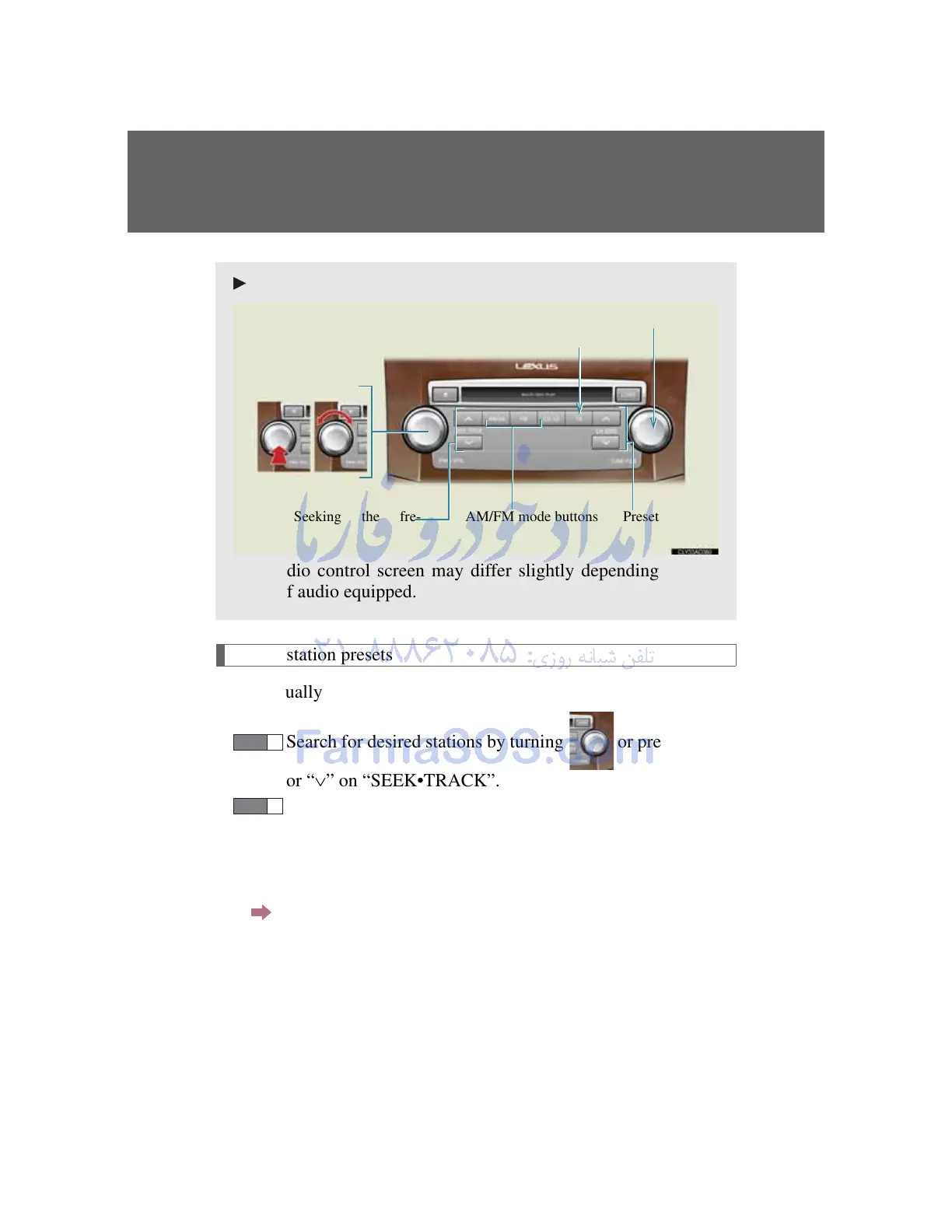
Type B
The audio control screen may differ slightly depending on the
types of audio equipped.
Power Volume
Seeking the fre-
AM/FM mode buttons
Preset tuning
Adjusting the fre-
TA mode button



 To Next Page