475
3-3. Using the audio system
3
Interior features
LS460_EE
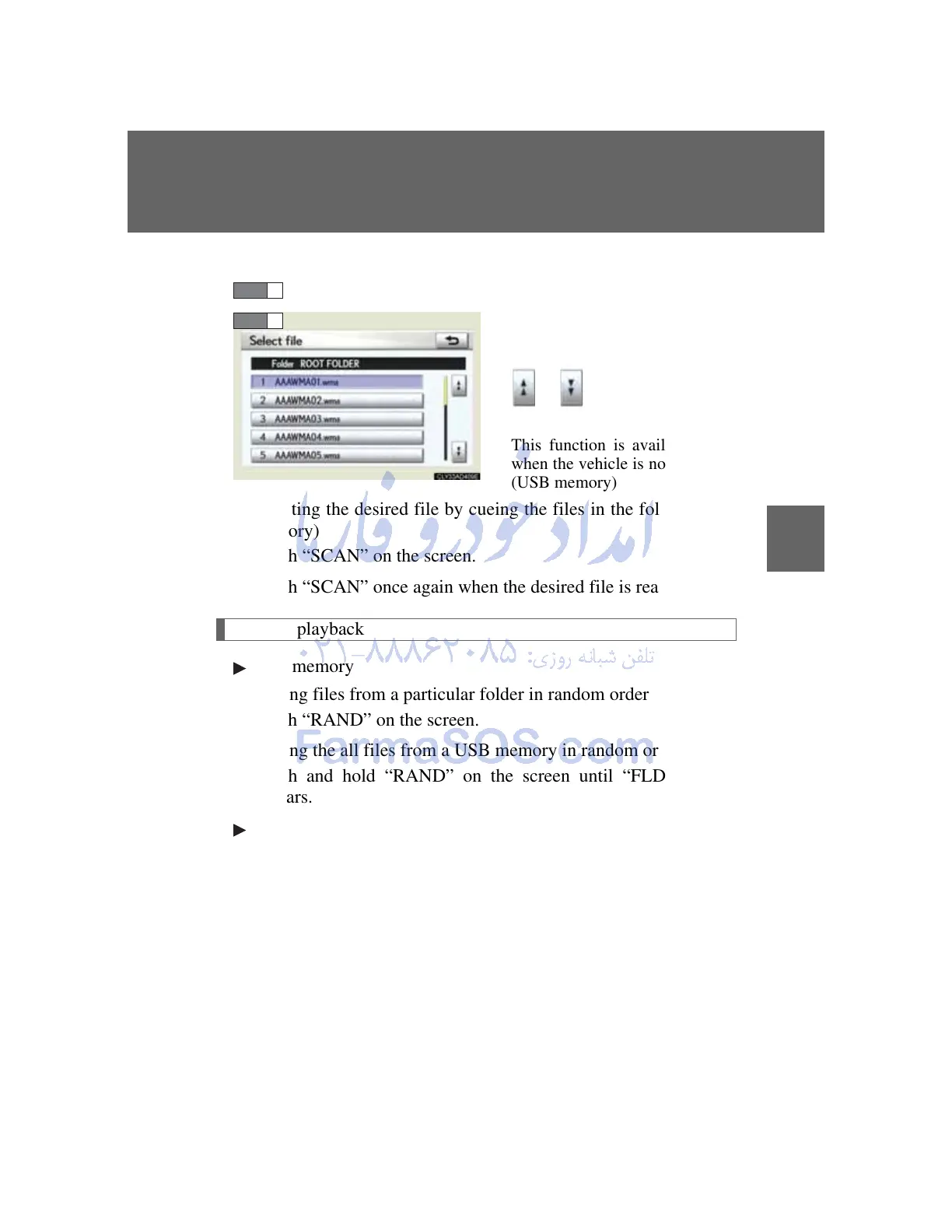
Selecting a file/track from the list
Touch “Select” of “File”/“Track”.
Touch the desired file/track
number.
or :changes the list by 5
file/track groups
This function is available only
when the vehicle is not moving.
(USB memory)
Selecting the desired file by cueing the files in the folder (USB
memory)
Touch “SCAN” on the screen.
Touch “SCAN” once again when the desired file is reached.
Random playback
USB memory
Playing files from a particular folder in random order
Touch “RAND” on the screen.
Playing the all files from a USB memory in random order
Touch and hold “RAND” on the screen until “FLD.RAND”
appears.
iPod
Playing tracks from one playlist or album in random order
Touch “RAND” on the screen.
Playing tracks all the playlists or albums in random order
Touch and hold “RAND” on the screen until “A.RAND”
appears.



 To Next Page