503
3-4. Using the rear seat entertainment system
3
Interior features
LS460_EE
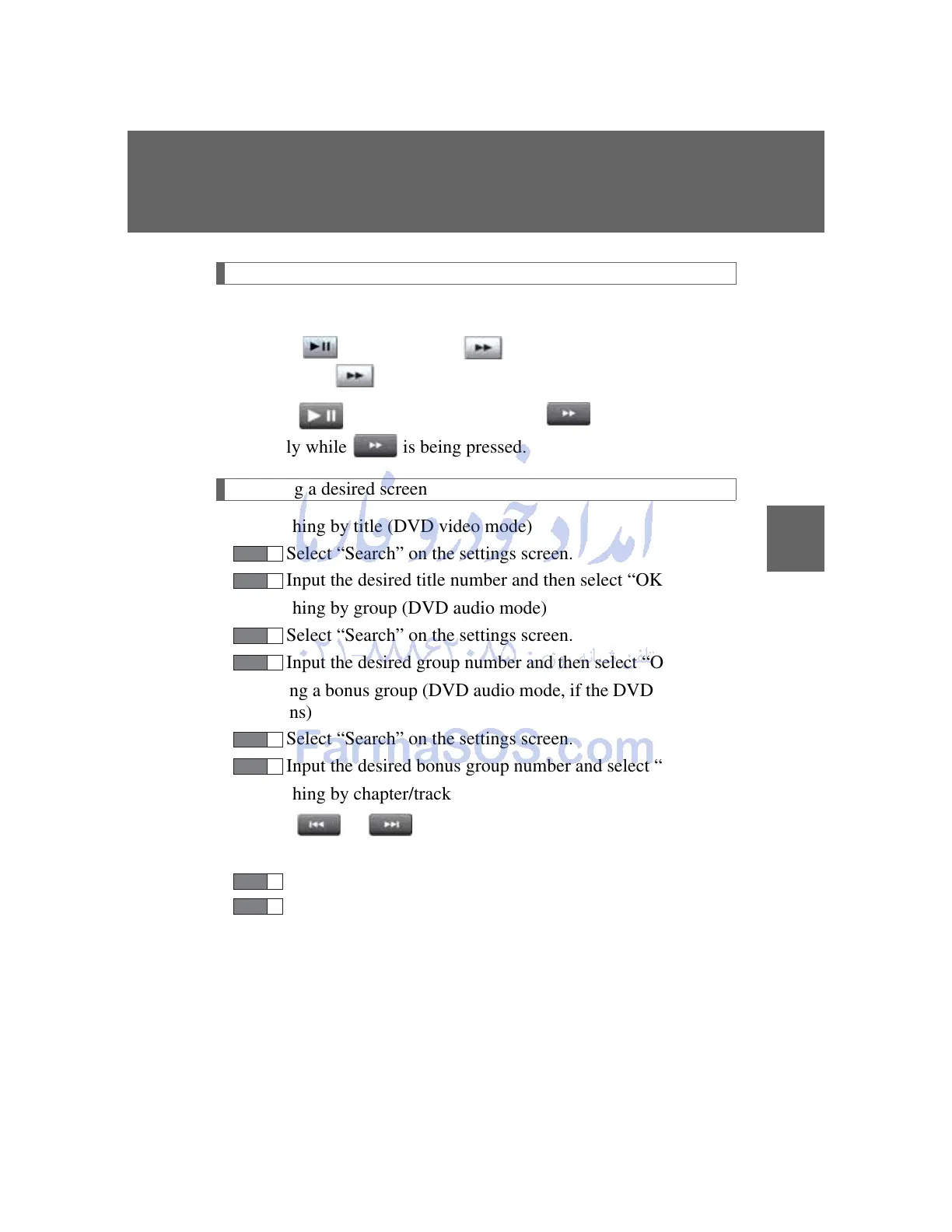
Slow playback
Perform either of the following:
Select and then select . Video is played slowly when
you select by pressing and holding “ENT”.
Press and then press and hold . Video is played
slowly while is being pressed.
Searching a desired screen
Searching by title (DVD video mode)
Select “Search” on the settings screen.
Input the desired title number and then select “OK”.
Searching by group (DVD audio mode)
Select “Search” on the settings screen.
Input the desired group number and then select “OK”.
Playing a bonus group (DVD audio mode, if the DVD has bonus
options)
Select “Search” on the settings screen.
Input the desired bonus group number and select “OK”.
Searching by chapter/track
Press or to select the desired chapter/track.
Selecting a menu number (DVD audio mode)
Select “Select Number” on the settings screen.
Input the desired menu number and select “OK”.



 To Next Page