551
3-5. Using the hands-free system (for cellular phone)
3
Interior features
LS460_EE
Editing the phonebook data
You can register the phone number separately.
Display the “Phonebook settings” screen. (P. 547)
Touch “Manage contacts” on the “Phonebook settings”
screen.
Touch “Edit contacts” on the “Contacts” screen.
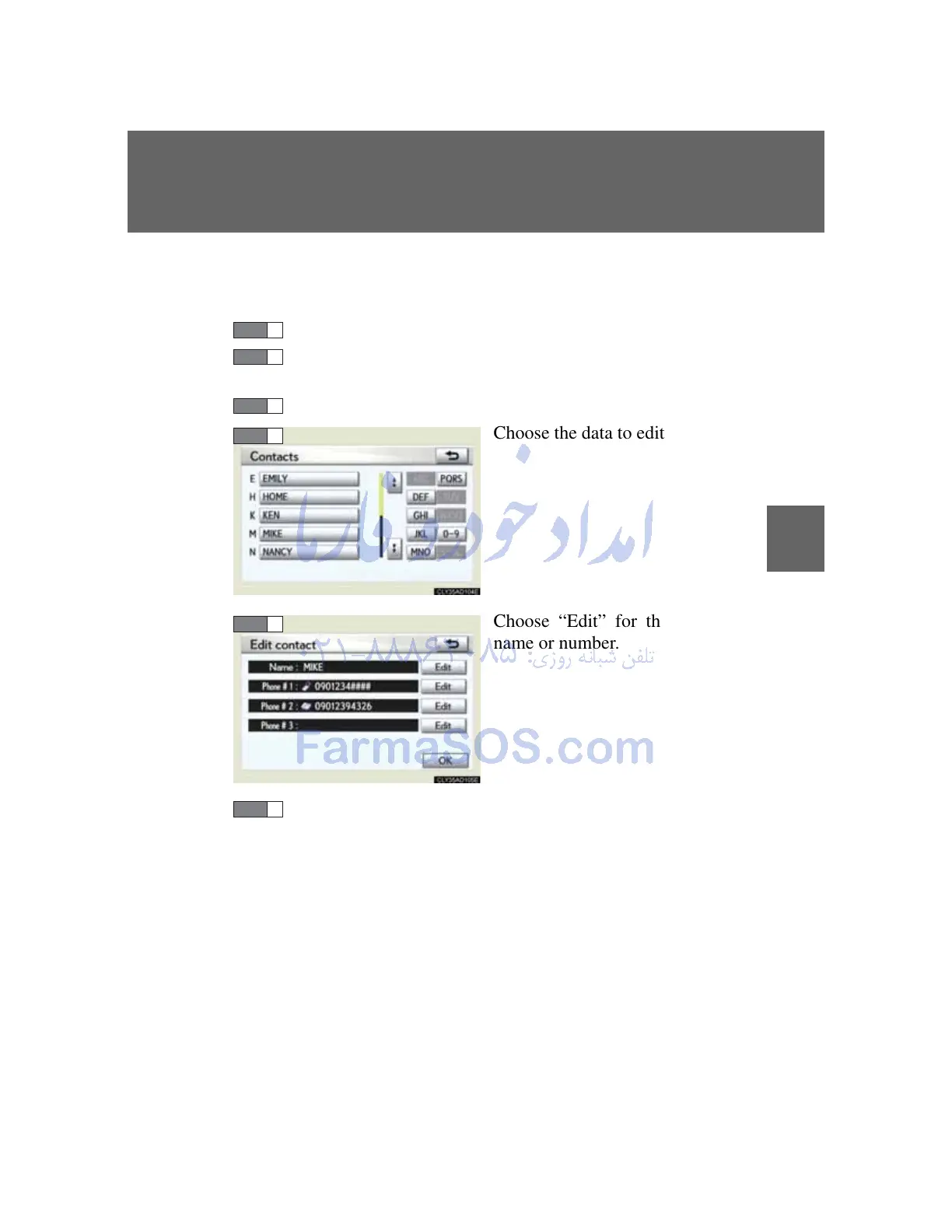
Choose the data to edit.
Choose “Edit” for the desired
name or number.
Edit the name or number. After editing, touch “OK”.



 To Next Page