562
3-5. Using the hands-free system (for cellular phone)
LS460_EE
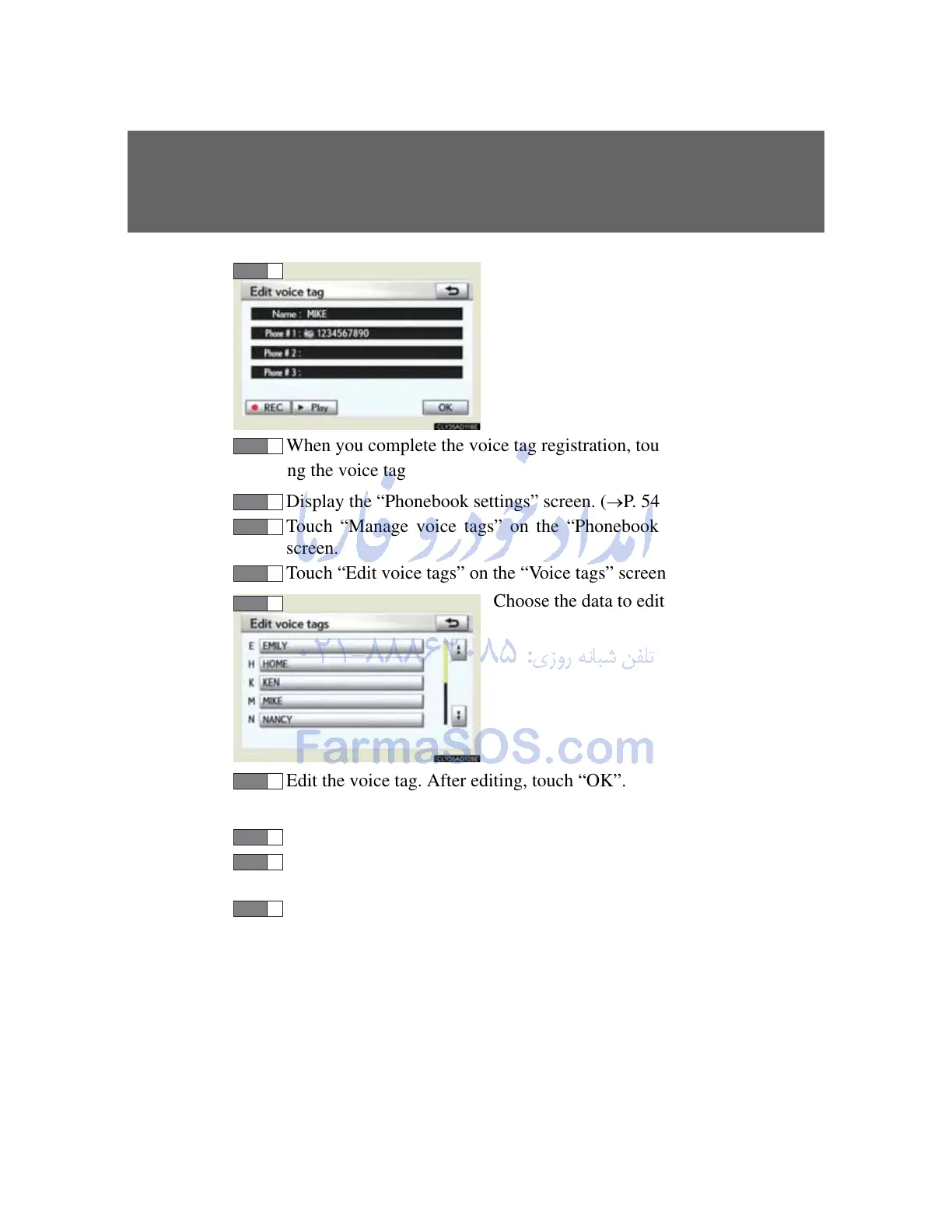
Touch “ REC”, and record a
voice tag.
To play the voice tag, touch
“ Play”.
When you complete the voice tag registration, touch “OK”.
Editing the voice tag
Display the “Phonebook settings” screen. (P. 547)
Touch “Manage voice tags” on the “Phonebook settings”
screen.
Touch “Edit voice tags” on the “Voice tags” screen.
Choose the data to edit.
Edit the voice tag. After editing, touch “OK”.
Deleting the voice tag
Display the “Phonebook settings” screen. (
P. 547)
Touch “Manage voice tags” on the “Phonebook settings”
screen.
Touch “Delete voice tags” on the “Voice tags” screen.



 To Next Page