127
3-1. Key information
3
Operation of each component
LX570_450d_OM_OM60R63E_(GE)
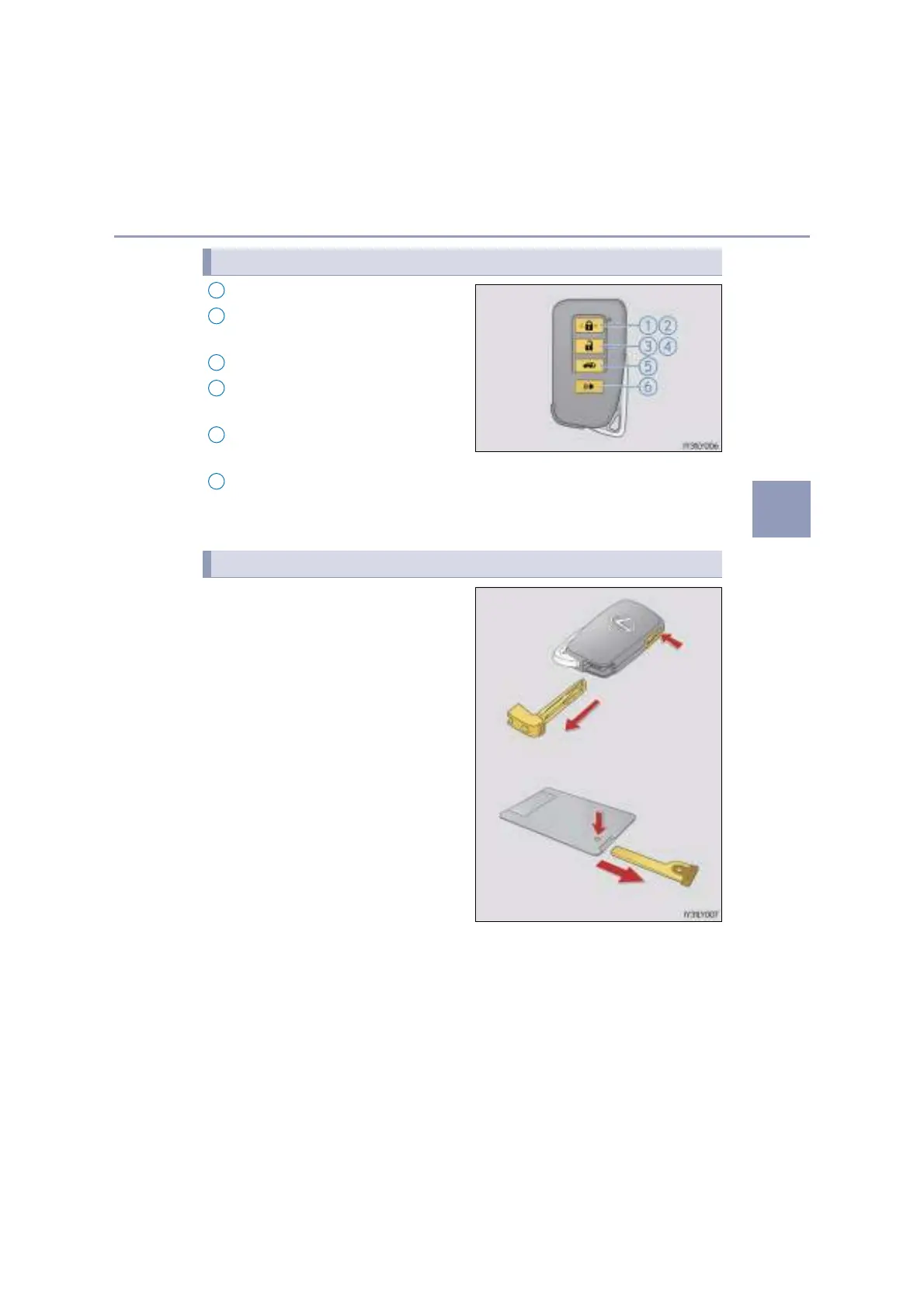
Locks the doors (P. 132)
Closes the windows and moon
roof
*
1, 2
(P. 132)
Unlocks the doors (P. 132)
Opens the windows and moon
roof
*
1, 2
(P. 132)
Opens/closes the power back
door
*
1
(P. 139)
Sounds the alarm
*
1
(P. 128)
*
1
: If equipped
*
2
: These settings must be customized at your Lexus dealer.
To take out the mechanical key, push
the release button and take the key out.
The mechanical key can only be
inserted in one direction, as the key only
has grooves on one side. If the key can-
not be inserted in a lock cylinder, turn it
over and re-attempt to insert it.
After using the mechanical key, store it
in the electronic key. Carry the mechan-
ical key together with the electronic key.
If the electronic key battery is depleted
or the entry function does not operate
properly, you will need the mechanical
key. (P. 605)
Wireless remote control
1
2
3
4
5
Using the mechanical key
6



 To Next Page