40
1. BASIC INFORMATION BEFORE OPERATION
NX300h/NX200t_Navi_OM78105U_(U)
15.06.25 12:26
■ CHANGING THE DISPLAY
ITEMS/AREA
1 Select the desired item.
2 Select the desired area.
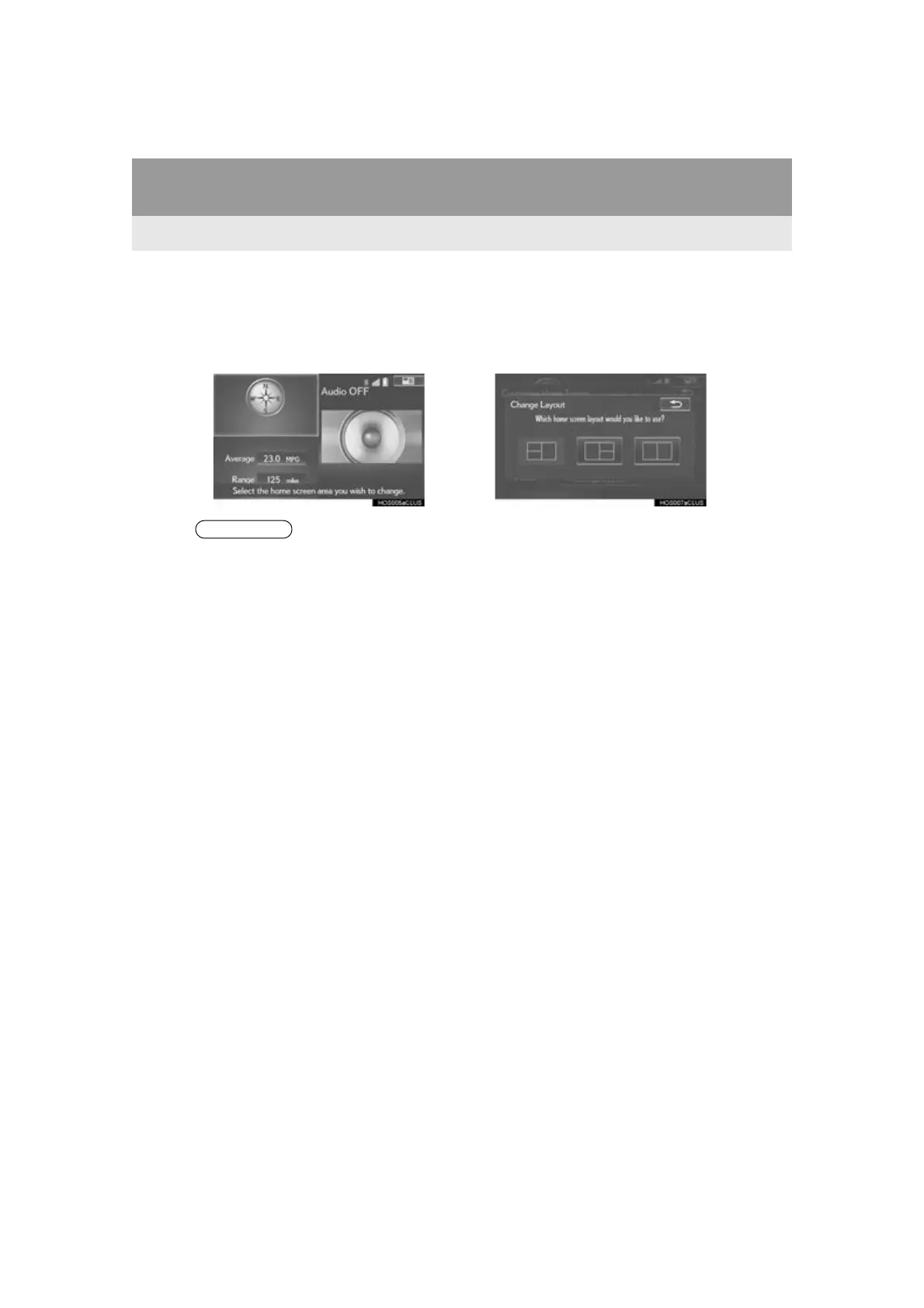
■ CHANGING THE HOME SCREEN
LAYOUT
1 Select “Change Layout”.
2 Select the desired screen layout.
●When the selected item is already being
displayed and another area is selected for
that item, the item that it is replacing will
be displayed in the original item’s loca-
tion.








 To Next Page