72
3. OTHER SETTINGS
NX300h/NX200t_Navi_OM78105U_(U)
15.06.25 12:26
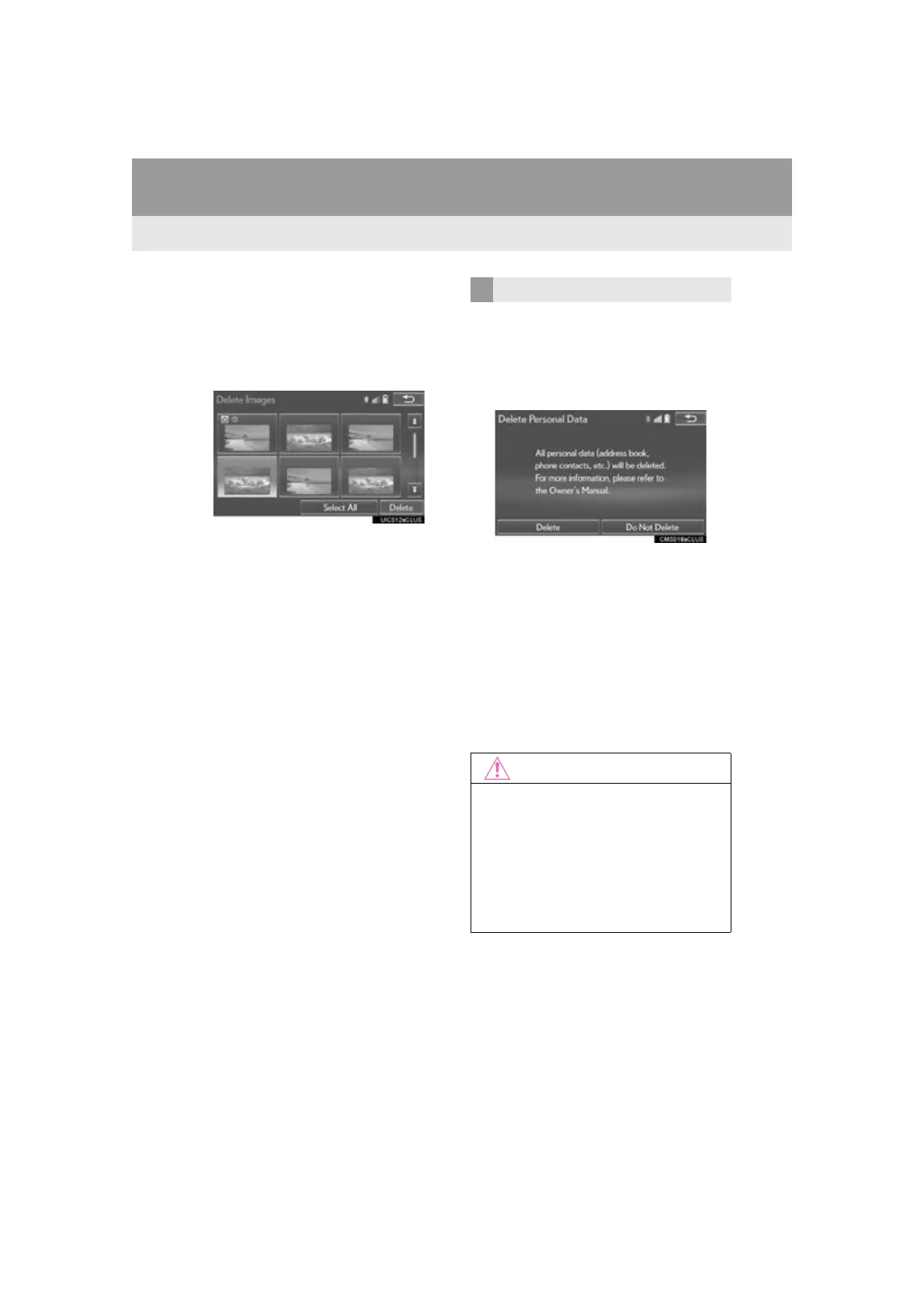
■ DELETING TRANSFERRED IMAG-
ES
1 Select “Delete Images”.
2 Select the images to be deleted and se-
lect “Delete”.
3 Select “Yes” when the confirmation
screen appears.
1 Display the “General Settings” screen.
(P.66)
2 Select “Delete Personal Data”.
3 Select “Delete”.
4 Select “Yes” when the confirmation
screen appears.
Registered or changed personal settings
will be deleted or returned to their default
conditions.
For example:
• General settings
• Navigation settings
• Audio settings
•Phone settings
•Lexus Enform settings
DELETING PERSONAL DATA
●Make sure the map SD card is inserted
when deleting personal data. The per-
sonal data cannot be deleted when the
map SD card is removed. To delete the
data, after inserting the map SD card,
turn the engine <power> switch to
ACCESSORY or IGNITION ON <ON>
mode.








 To Next Page