329
5-6. Using the other interior features
5
Interior features
memorized.
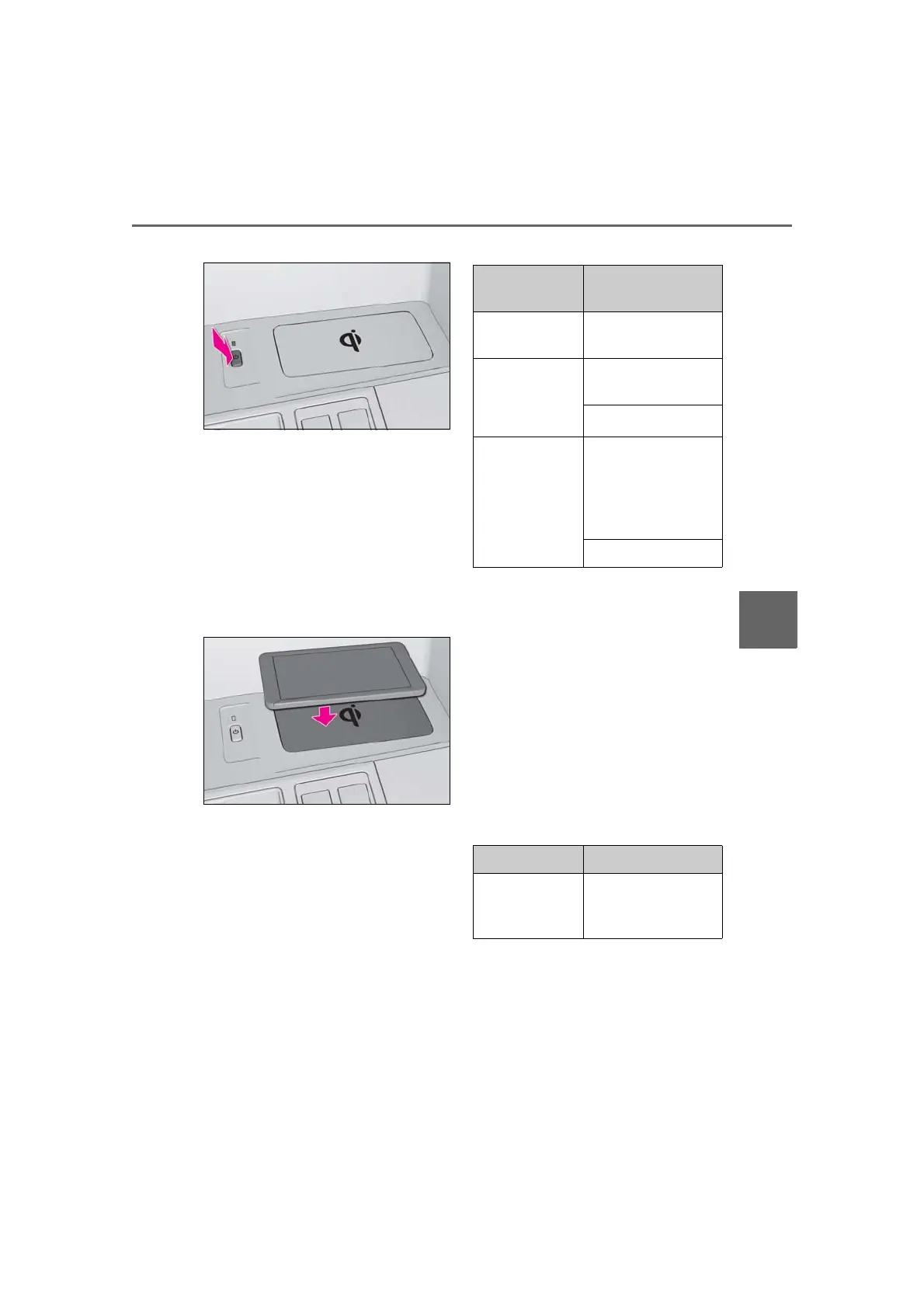
2 Place a portable device on the
charging area with its charging sur-
face facing down.
While charging, the operation indicator
light (orange) will be illuminated.
If charging does not begin, move the porta-
ble device as close to the center of the
charging area as possible.
When charging is complete, the operation
indicator light (green) will illuminate.
■ Recharging function
If a certain amount of time has
elapsed since charging completed
and the portable device has not
been moved, the wireless charger
will restart charging.
If the portable device is moved
within the charging area, charging
will stop temporarily then restart.
■ Operation indicator light status
*
: Depending on the portable device, the
operation indicator light may stay illumi-
nated (orange) after charging has com-
pleted.
■ If the operation indicator light
blinks
If an error is detected, the operation
indicator light will blink (orange). Take
the appropriate measures according to
the table below.
Blinks (orange) at a one second
interval continuously
Blinks (orange) 3 times repeatedly
Operation indica-
tor light
State
Off
The Wireless charger
is off
Green (illumi-
nated)
Standby (charging is
possible)
Charging is complete
*
Orange (illumi-
nated)
A portable device has
been placed on the
charging area (identi-
fying the portable
device)
Charging in progress
Suspected causes Measure
Vehicle to char-
ger communica-
tion failure.
Contact your Lexus
dealer.



 To Next Page