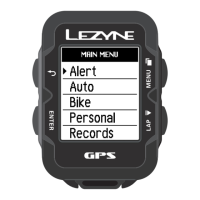
Start/Stop (Pause) Setting
Auto/Preset Notification Set up
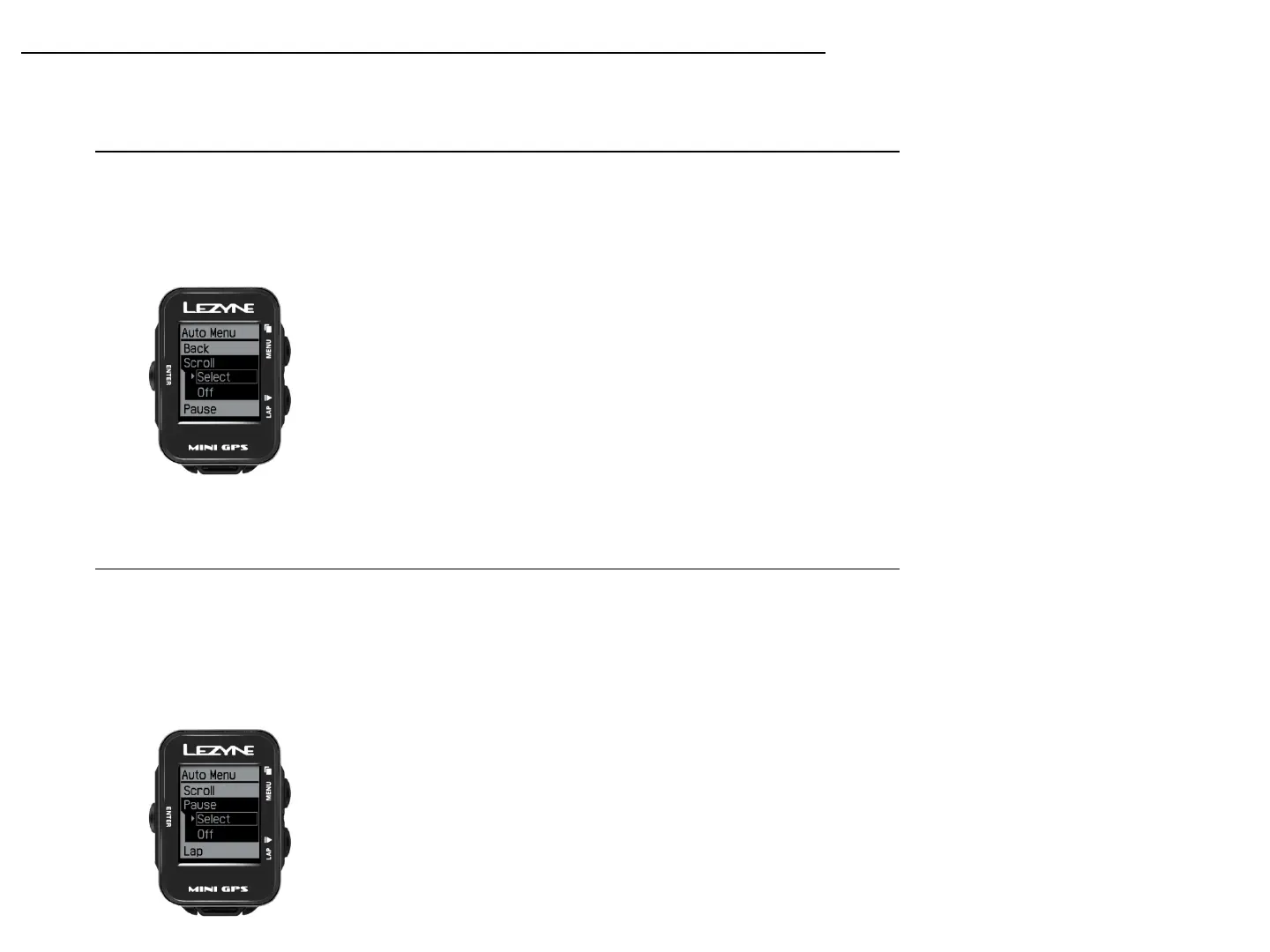
Scroll Setting
Automatic Scroll set for the bottom data line.
Press ENTER and use the right buttons to select On or Off. Press ENTER to make
the selection
The Pause setting is an automatic Start/Stop feature that controls recording of the ride if
you stop for a period of time. And will start back up once you begin to move.
Press ENTER and use the right buttons to select On or Off. Press ENTER to make the
selection
18


 To Next Page