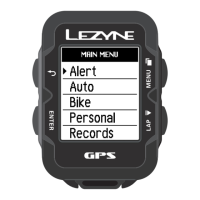
Ride Time Alert Set up
Alert Set up
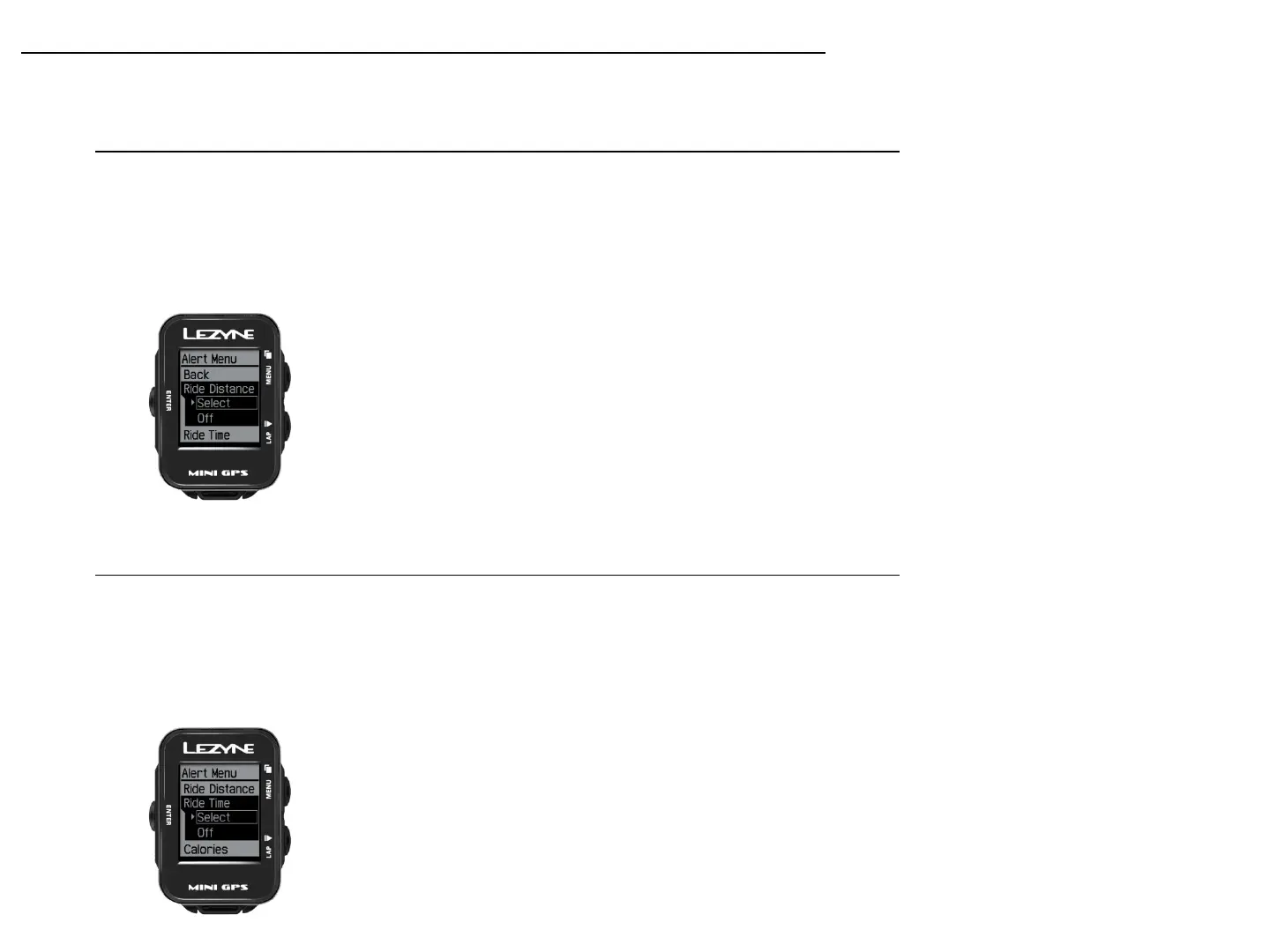
Ride Distance Alert Set up
Ride Distance alert gives you a pop up alert when you complete a set distance
goal. Press ENTER and use the right buttons to select INCREASE or DECREASE.
Use the ENTER button to make the adjustments. When done select BACK. To
reset, select Off and repeat the steps for set up.
Ride Time alert gives you a pop up alert when you complete a set a goal for an
amount of time. Press ENTER and use the right buttons to select INCREASE or
DECREASE. Use the ENTER button to make the adjustments. When done select
BACK. To reset, select Off and repeat the steps for set up.
20


 To Next Page