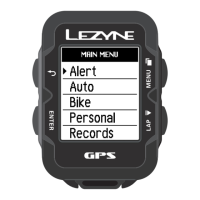
Enter the pause menu by holding the bottom right button . To continue
recording, select the option RESUME by pressing the left button ENTER or scroll
through other options by pressing one of the top or bottom right buttons
Select the option END to go to the file menu. Now choose to SAVE or DISCARD
your file
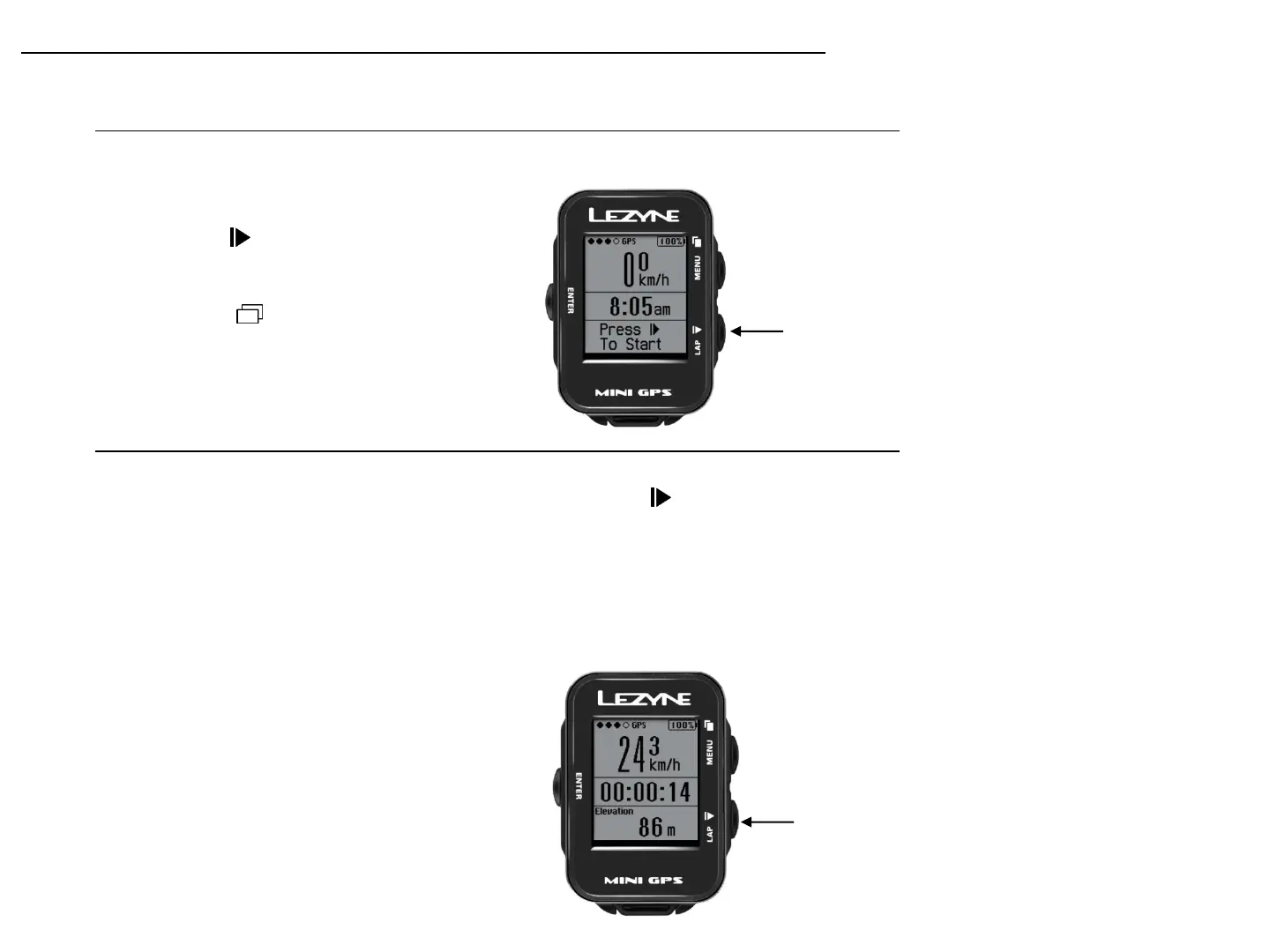
Starting a Ride
Press to start
recording a ride
1. At least 1 GPS status dots will fill solid
when ready.
2. Start recording by pressing the bottom
right button.
3. Ride data is recorded when the timer is
running
4. Press to see other ride metrics
Press and hold to
end ride
Ending a Ride
Getting Started
9


 To Next Page