EasyManua.ls Logo

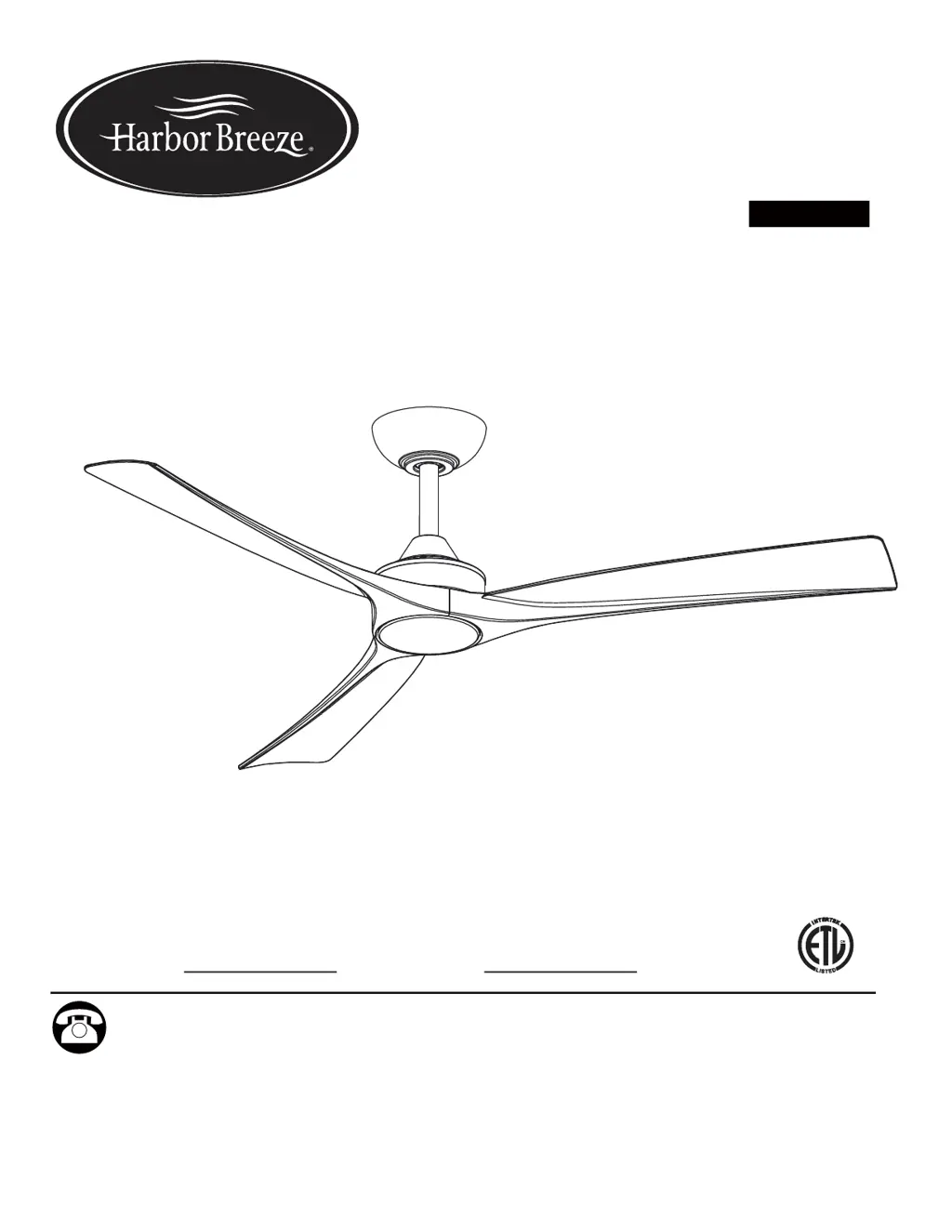
LF Harbor Breeze CALAVAR 52 - User Manual

LF Harbor Breeze CALAVAR 52
18 pages
Print Icon
To Next Page IconTo Next Page
Loading...
ITEM #5613098
Español p. 19
MODEL #84401
ATTACH YOUR RECEIPT HERE
Questions, problems, missing parts? Before returning to your retailer, call our customer
service department at 888-251-1003, 8 a.m. - 8 p.m., EST, Monday - Sunday. You could also
1
HARBOR BREEZE® and logo design are trademarks
or registered trademarks of LF, LLC. All rights reserved.
ATTACH YOUR RECEIPT HERE
Serial Number
Purchase Date
contact us at partsplus@lowes.com.
SC22340
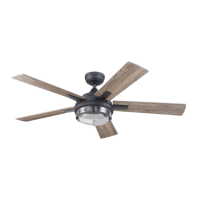
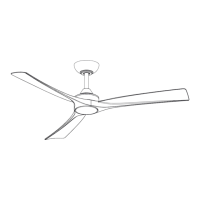
52" CALAVAR
CEILING FAN

Questions and Answers

  • G
    gyoungAug 8, 2025
    Why is my LF Harbor Breeze CALAVAR 52 Fan so noisy?
    • R
      Robert HancockAug 8, 2025
      If your LF Fan sounds noisy, try the following: * Ensure all motor housing screws are snug. * Make sure the screws attaching the fan blade arm to the motor hub are tight. * Confirm wire nut connections aren't rattling against each other or the switch housing's interior wall. Allow a 24-hour "breaking-in" period, as most new fan noises disappear then. If using a ceiling light kit, tighten the screws securing the glassware and ensure the light bulb is secure. Make sure there's a short distance from the ceiling to the canopy, avoiding contact. Lastly, ensure your ceiling box is secure, using rubber isolator pads between the mounting bracket and outlet box.
  • J
    Jessica DyerAug 15, 2025
    What to do if my LF Harbor Breeze CALAVAR 52 Fan wobbles?
    • T
      Tyler RoweAug 15, 2025
      If your LF Fan wobbles, check that all blade and blade arm screws are secure. Most fan wobble issues occur when blade levels are unequal. To check the blade level, measure from a point on the center of each blade to a point on the ceiling above the blade tip; deviations should be within 1/8 inch. Run the fan for 10 minutes. If the wobble persists, use the enclosed blade balancing kit, which contains an additional instruction manual.
  • E
    Elizabeth MurphyAug 23, 2025
    How to fix an LF Harbor Breeze CALAVAR 52 that will not start?
    • K
      Katelyn McclureAug 23, 2025
      If your LF Fan won't start, here are a few things you can check: First, examine the main and branch circuit fuses or breakers. After that, check the line wire connections to the fan and the switch wire connections in the switch housing. Finally, try re-pairing the transmitter with the receiver.
  • N
    Nancy RandolphAug 30, 2025
    Why is my LF Fan remote control not working?
    • B
      buckleykatieAug 30, 2025
      If the LF Fan remote control is not working, first, ensure that the fan is not connected to any wall-mounted variable speed controls. If it is not, try re-pairing the transmitter with the receiver.

Summary

Safety Information

Package Contents

Hardware Contents

Preparation

Initial Installation

Assembly-Hanging The Fan

Assembly-Making The Electrical Connection

Installing The Blades And Light Kit

Operating Instructions

Remote control operating instructions

Details on using the remote control for fan speed, direction, and light.

Pairing process

Instructions on how to pair the remote control with the fan receiver.

Care and Maintenance

Troubleshooting

Limited Lifetime Warranty

Replacement Parts List

LF Harbor Breeze CALAVAR 52 Specifications

General IconGeneral
BrandLF
ModelHarbor Breeze CALAVAR 52
CategoryFan
LanguageEnglish

Related product manuals