EasyManua.ls Logo

LF Harbor Breeze L1902 - User Manual

LF Harbor Breeze L1902
18 pages
Print Icon
To Next Page IconTo Next Page
Loading...
1
Español p. 19
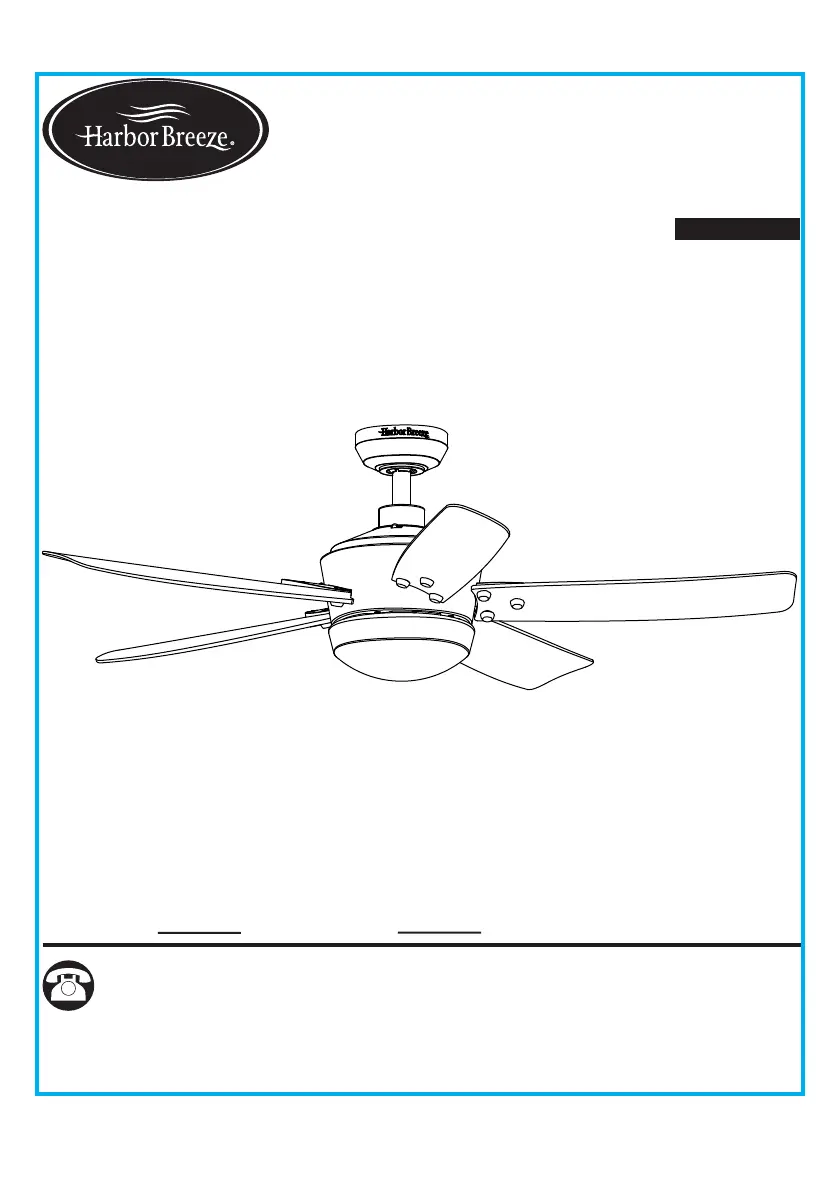
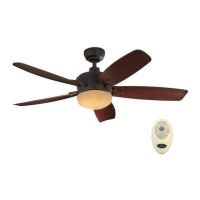
SARATOGA
CEILING FAN
ITEM #0883772
MODEL #L1902
Serial Number
Purchase Date
Questions, problems, missing parts? Before returning to your retailer, call our customer
service department at 1-800-643-0067, 8 a.m. - 6 p.m., EST, Monday - Thursday,
8 a.m. - 5 p.m., EST, Friday.
PH19239
ATTACH YOUR RECEIPT HERE
Harbor Breeze
®
is a registered trademark
of LF, LLC. All Rights Reserved.

Questions and Answers

  • Z
    Zachary BarryAug 3, 2025
    How to fix a noisy LF Fan?
    • K
      Kevin GregoryAug 4, 2025
      A noisy LF Fan can be caused by several factors: * Loose set screws: Tighten all set screws. * Incompatible speed control: Avoid using solid-state variable speed controls, as some fan motors are sensitive to their signals. * Normal noise: Allow a 'break-in' period of 24 hours, as most noises associated with a new fan will disappear after this time. * Rattling wire connectors: Check that wire connectors inside the switch housing are not rattling against each other or the housing's interior. * Cracked blade: Replace the blades. * Excessive canopy-to-ceiling distance: Ensure the upper canopy is close to the ceiling without touching it. * Loose glass: Secure the glass.
  • N
    Natalie BradyAug 23, 2025
    What to do if my LF Harbor Breeze L1902 does not start?
    • S
      Scott RiveraAug 23, 2025
      If your LF Fan isn't starting, consider these potential causes: * Check the power supply: Ensure the power is turned on, the fuse hasn't blown, and the circuit breaker hasn't tripped. Turn the power on, replace the fuse, or reset the breaker as needed. * Inspect wire connections: Turn off the power and loosen the canopy. Check all connections according to the wiring instructions. Also, check the plug connection in the switch housing. * Verify the motor reversing switch: Make sure the switch is fully engaged to the right or left, as the fan won't operate when it's in the middle position.
  • W
    wareamandaNov 13, 2025
    Why does my LF Harbor Breeze L1902 wobble?
    • D
      David BairdNov 13, 2025
      A wobble in your LF Fan can stem from several issues: * The hanger bracket or ceiling outlet box might not be securely fastened. In this case, tighten the hanger bracket screws to the outlet box and/or secure the outlet box. * A set screw in the downrod assembly could be loose. Tighten the set screw in the downrod assembly. * The fan hanger ball may not be properly seated in the canopy tabs. Turn the power off, carefully support the fan, and check that the hanger ball is correctly seated. * A set screw in the motor coupling might be loose. Raise the motor coupling and securely tighten the set screws. * A blade is loose. Check that all blades are screwed firmly into blade holders. * Blade holders are loose. Ensure the fan blade irons seat firmly and uniformly on the motor surfa...

Summary

Package Contents

Hardware Contents

Safety Information

Read and Save These Instructions

Crucial safety guidelines and warnings to read before installation and operation.

Preparation

Initial Installation Instructions

Standard;Angle-Mounting Instructions

Wiring Instructions

Final Installation Instructions

Operating Instructions

Care and Maintenance

Troubleshooting

Fan Sounds Noisy

Common causes and corrective actions for a noisy ceiling fan.

Fan Wobbles

Troubleshooting steps for a fan that is wobbling, including checking screws and blade balance.

Fan Wobbles (Continued)

Further checks for blade holder tightness, balance, and mounting security.

Fan Does Not Start

Diagnosing issues when the fan fails to start, checking power and wiring.

Light Does Not Work

Troubleshooting steps for when the fan's light fixture is not functioning.

Limited Lifetime Warranty

FCC Warning

Replacement Part List

LF Harbor Breeze L1902 Specifications

General IconGeneral
BrandLF
ModelHarbor Breeze L1902
CategoryFan
LanguageEnglish

Related product manuals