52
Upper Roller Cam
Tools and Materials Needed
• Set of metric Allen keys with ball ends
• Socket wrench from RTP 9® Toolkit (36 mm)
• New Upper Roller Cam part
• Disposable latex/rubber gloves (for food grade products and to protect hands from grease)
• Hairnet and/or beard net (food grade products only)
• Sterile shoe covers (food grade products only)
The Upper Roller Cam compresses the Upper Punches to make tablets. These instructions also
apply to replacing the Upper Roller Cam Shaft.
Watch a video to see what a worn Upper Roller Cam looks like at https://www.lfatabletpresses.
com/rtp-9-inspecting-roller-cams
Watch a video of Upper Roller Cam removal and replacement at https://www.lfatabletpresses.com/
rtp9-upper-roller-cam-change-1
Instructions
Note: Wear latex/rubber gloves (and appropriate food grade attire if applicable) during this
process.
WARNING: To prevent any potential personal injury, ALWAYS unplug the RTP
9® from the electrical outlet when replacing parts.
Remove the Upper Roller Cam
1. Loosen the Hopper's screws with an Allen key and remove it from the Perspex Casing.
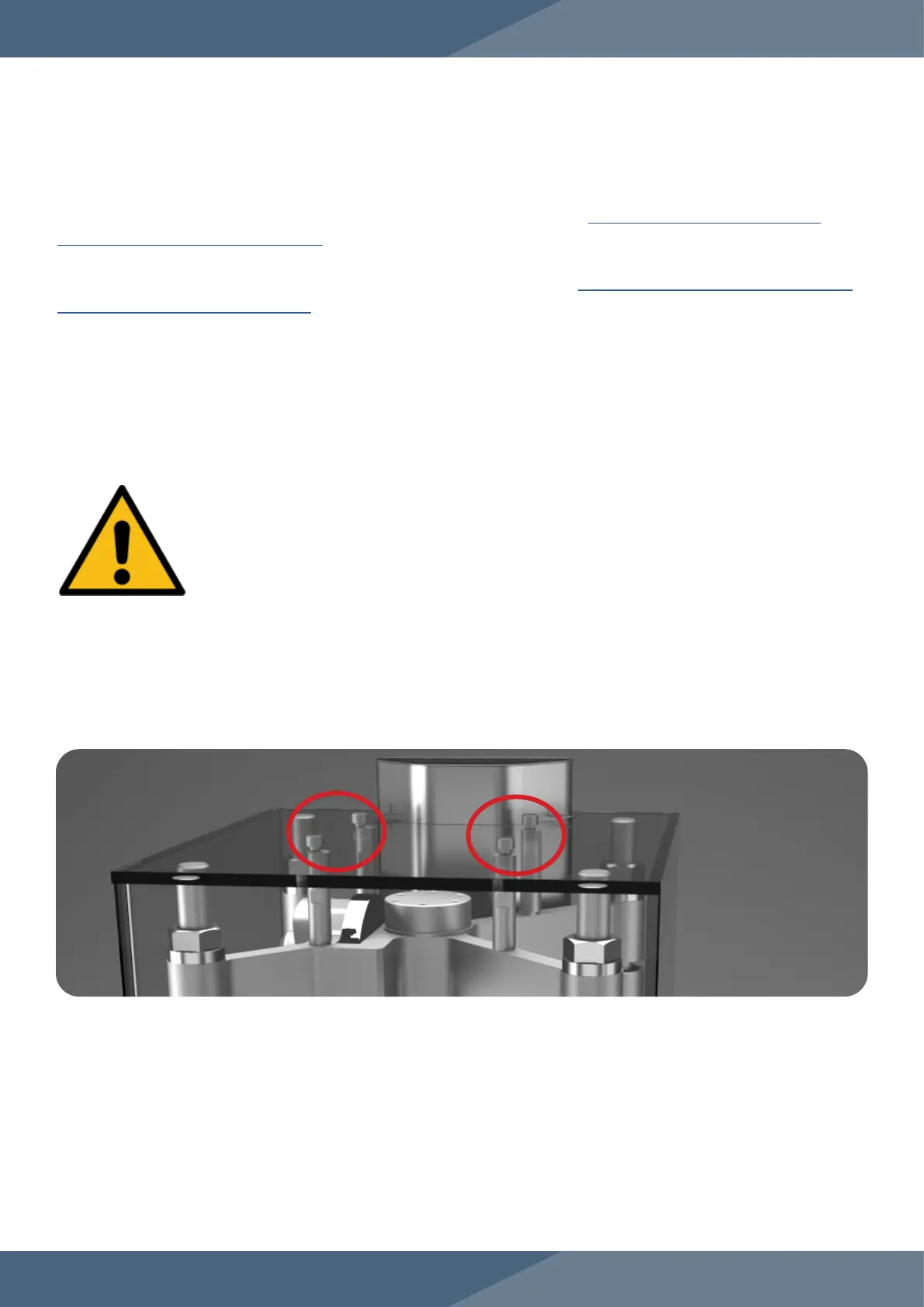
2. Remove the screws on the Perspex Casing with an Allen key and take it off.


 To Next Page