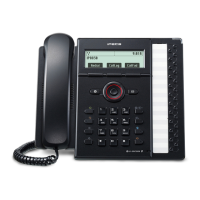
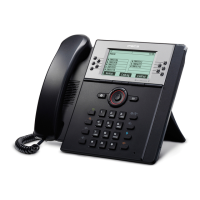
Standard Telephone User Guide
Placing a Call
Lift handset.
Dial the external number required or dial extension
number.
Call Transfer
While connected to an outside line, press recall
button.
Dial the desired extension number.
Hand up to complete the call transfer.
Storing Station Speed Dial Numbers
Lift handset.
Dial * 4 0.
Dial the speed bin number (00-19) or dial the
number you wish to store.
Press the recall button.
Using the Speed Dial Numbers
Lift the handset.
Dial #8.
Dial the desired speed bin number (00-19), (200-
950).
Do Not Disturb (DND)
Dial 553 On
Dial 559 Off
Call Forward
Lift handset.
Dial 554
Dial the desired call forward number.
1. Immediate
2. Busy
3. No Answer
4. Busy/No Answer
Then dial the extension number you wish to
forward your calls to or 620 for Voice Mail.
To Cancel Call Forward
Lift handset and dial 554#.
Call Park
While connected to an outside call, press the recall
button.


 To Next Page