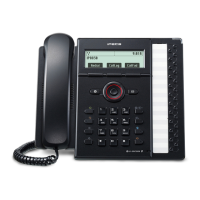
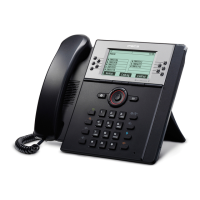
Need help?
Do you have a question about the LG-Nortel IPECS and is the answer not in the manual?
Lift handset and dial the external number or extension number to initiate a call.
Transfer an active call to another extension by pressing the recall button and dialing the extension.
Save frequently used numbers by dialing *40, the speed dial bin, and the number.
Dial #8 followed by the speed dial bin number to call stored numbers.
Activate DND by dialing 553 On; deactivate by dialing 559 Off.
Forward calls to another extension or voicemail by dialing 554 and the destination.
Deactivate call forwarding by lifting the handset and dialing 554#.
Temporarily hold a call at a specific location (601-610) for later retrieval.
Make an announcement to internal or external extensions by dialing a paging code.
Answer a ringing phone in your area using *1 or by specifying the extension with *42.
Access voicemail by dialing 620 and following the prompts for PIN entry.
 General
| Brand | LG-Nortel |
|---|---|
| Model | IPECS |
| Category | Telephone System |
| Language | English |

 To Next Page