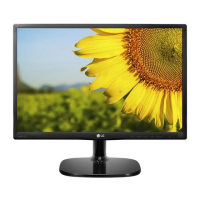
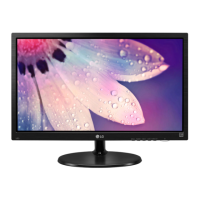
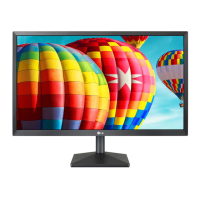
8
ENG
ENGLISH
ASSEMBLING AND PREPARING
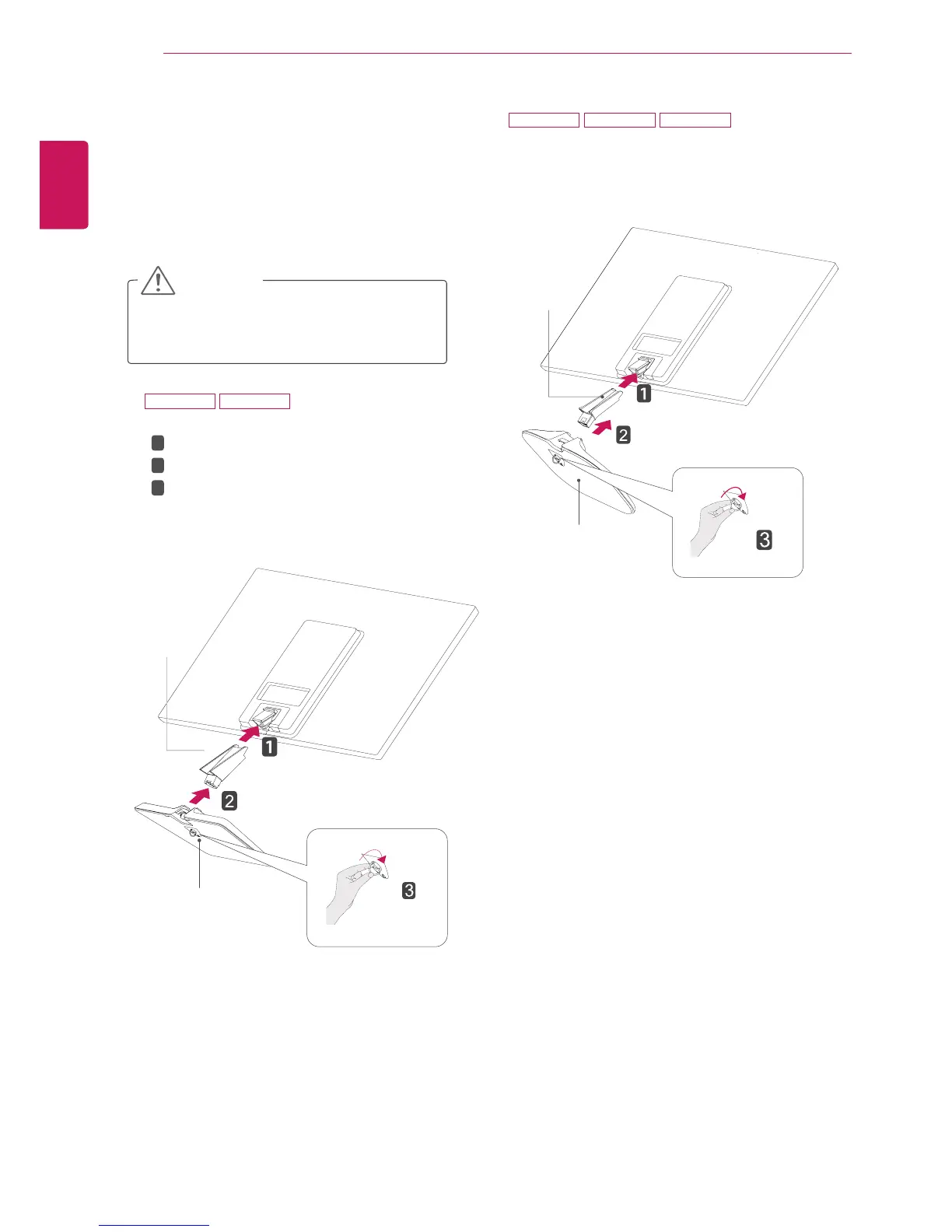
Attachthe
StandBody
tothemonitorset.
Attachthe
StandBase
.
Tightenthescrewtotheright.
SettinguptheMonitorset
AttachingtheStandBase
1
PlacetheMonitorsetwiththescreenside
downonaflatandcushionedsurface.
Layafoammatorsoftprotectivecloth
onthesurfacetoprotectthescreenfrom
damage.
CAUTION
2
StandBase
StandBody
1
2
3
StandBody
StandBase
20M47A 20M47D
27M47H 27M47HQ 27M47VQ



 To Next Page