10
ENG
ENGLISH
ASSEMBLING AND PREPARING
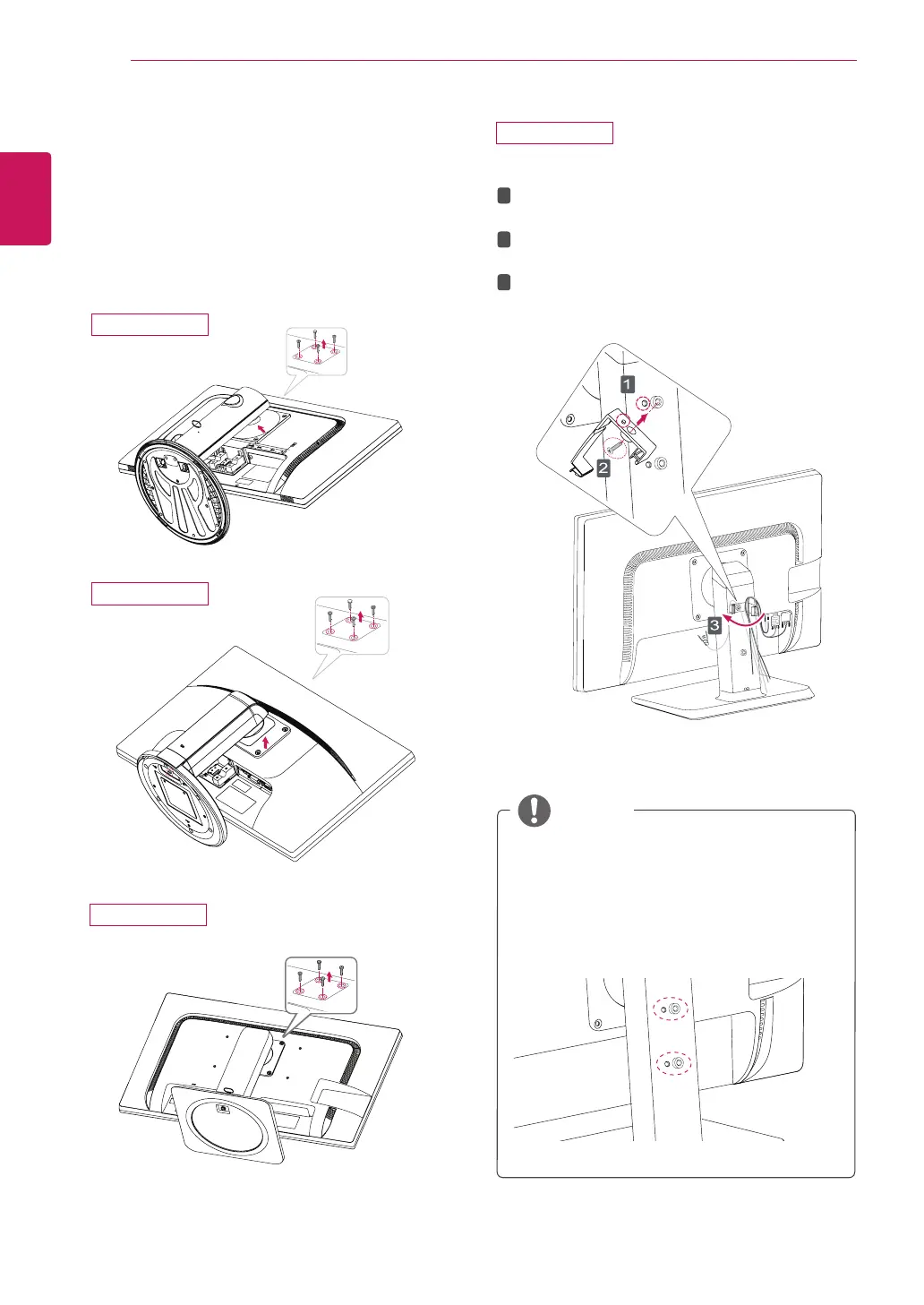
Detaching the stand body
1
Place the monitor's screen face down. To
protect the screen from scratches, cover the
surface with a soft cloth.
2
Using a screwdriver, remove the four screws
and detach the stand from the monitor.
Using the cable holder
Fix the Knob (Cable holder) to the
Hole(Hingebody).
1
2
3
Use one screw to fix the Cable Holder and
monitor set.
Close the Cable holder.
y
The holes are used for wall mount bracket.
y
Varies depending upon your country or
model.
NOTE
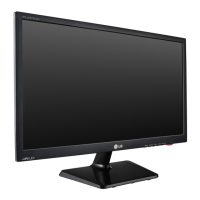
27MB35PH
24MB35PH
23MB35PH
27MB35PH



 To Next Page