11
ENG
ENGLISH
35 ° -5°
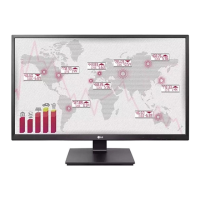
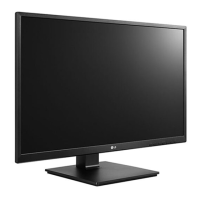
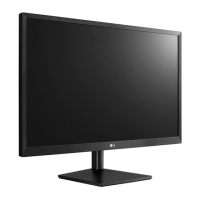
Adjusting the angle
1
Place the monitor in an upright position, mounted
on the stand base.
2
Adjust the angle of the screen. The angle of the
screen can be adjusted forwards or backwards for a
comfortable viewing experience.
Front SideRear Side
y
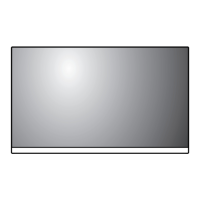
To avoid injury to the fingers when adjusting
the screen, do not hold the lower part of the
monitor's frame as illustrated below.
y
Be careful not to touch or press the screen area
when adjusting the angle of the monitor.
WARNING
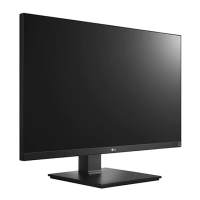
Swivel stand
y
Image shown may differ from your Monitor set.
1
Swivel 355 degrees and adjust the angle of the
Monitor set to suit your view.



 To Next Page
 Loading...