10
ENG
ENGLISH
y
Illustrations in this document represent typical
procedures, so they may look different from
the actual product.
y
Do not carry the monitor upside down by just
holding the stand base. This may cause the
monitor to fall off the stand and could result in
personal injury.
y
When lifting or moving the monitor, do not
touch the monitor screen. The force applied
to the monitor screen may cause damage to
it.
y
If you use the monitor panel without the stand
base, its joystick button may cause the moni-
tor to become unstable and fall, resulting in
damage to the monitor or human injury. In
addition, this may cause the joystick button to
malfunction.
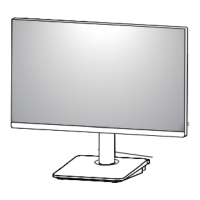
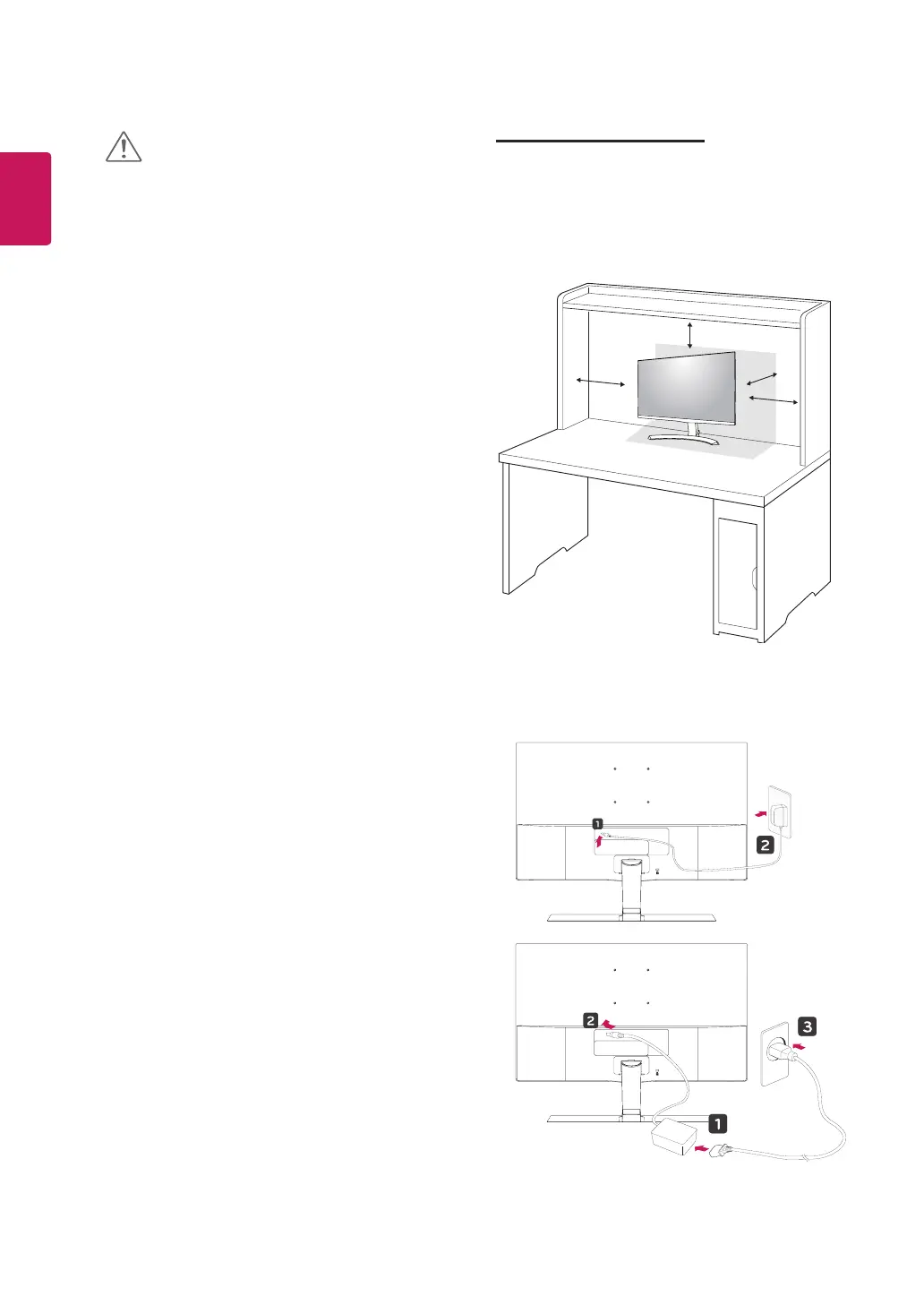
Mounting on a table
1
Lift and tilt the Monitor set into its upright
position on a table.
Leave a 100 mm (minimum) space from the
wall for proper ventilation.
2
Connect the AC-DC Adapter and Power Cord
to a wall outlet.
100 mm
100 mm
100 mm
100 mm
or
CAUTION


 To Next Page
 Loading...