15
ENG
ENGLISH
NOTE
y
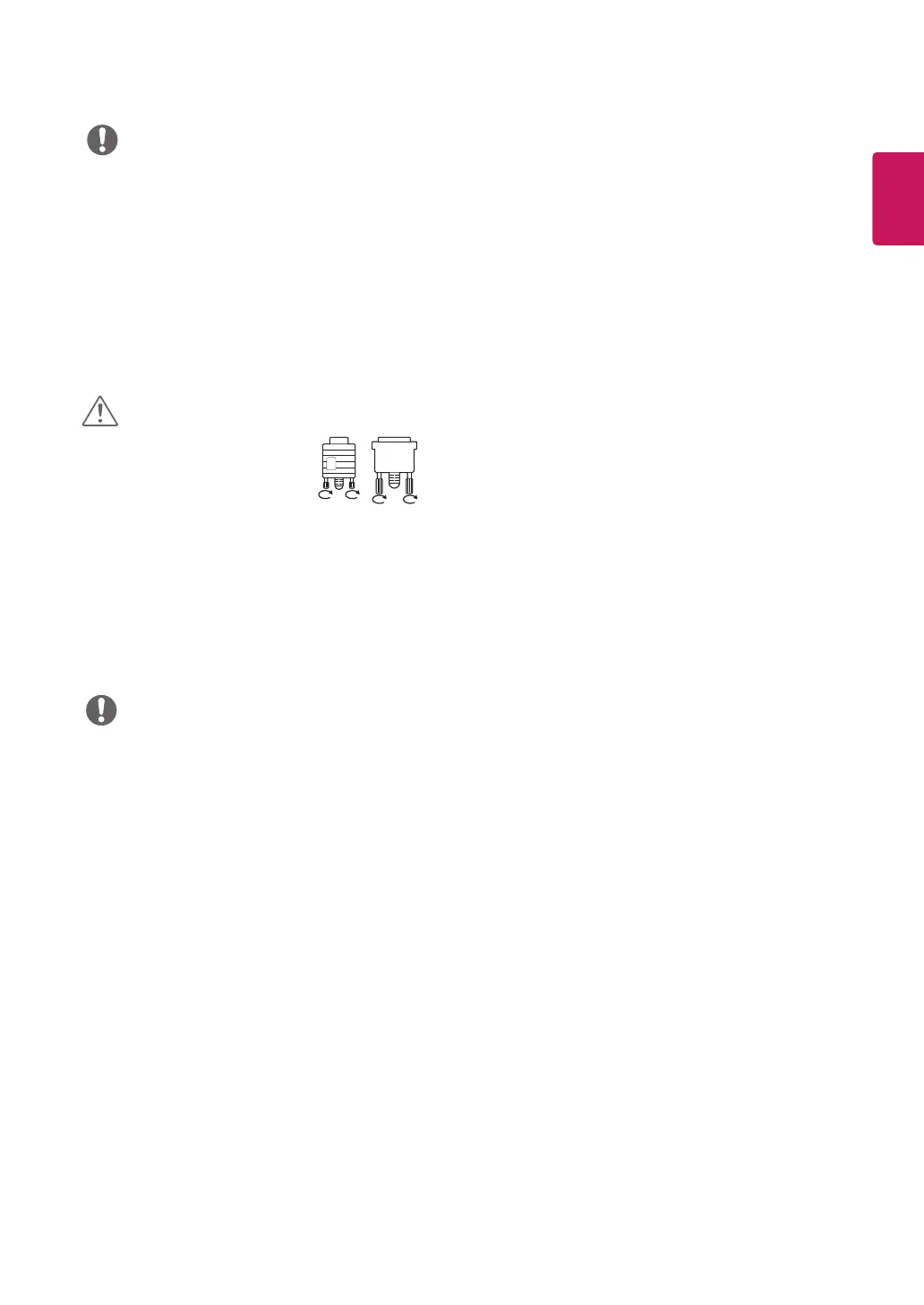
Connect the signal input cable
and tighten it by turning the
screws clockwise.
y
Do not press the screen with
your finger for a long time as this may
result in temporary distortion on the screen.
y
Avoid displaying a fixed image on the
screen for a long period of time to prevent
image burn. Use a screensaver if possible.
CAUTION
y
When you want to use two PC in our Monitor,
please connect the signal cable(D-SUB/
DVI-D/HDMI) respectively in Monitor set.
y
If you turn the Monitor set on while it is cold,
the screen may flicker. This is normal.
y
Some red, green, or blue spots may appear
on the screen. This is normal.
NOTE
y
If you use HDMI PC, it can cause compatibility
problem.
y
Use a certified cable with the HDMI logo
attached. If you do not use a certified HDMI
cable, the screen may not display or a
connection error may occur.
y
Recommended HDMI cable types
- High-Speed HDMI
®
/
TM
Cable
- High-Speed HDMI
®
/
TM
Cable with Ethernet


 To Next Page
 Loading...