EasyManua.ls Logo

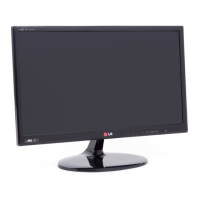
LG 29MN33D-PU.AUS - User Manual

LG 29MN33D-PU.AUS
46 pages
Print Icon
To Next Page IconTo Next Page
Loading...
www.lg.com
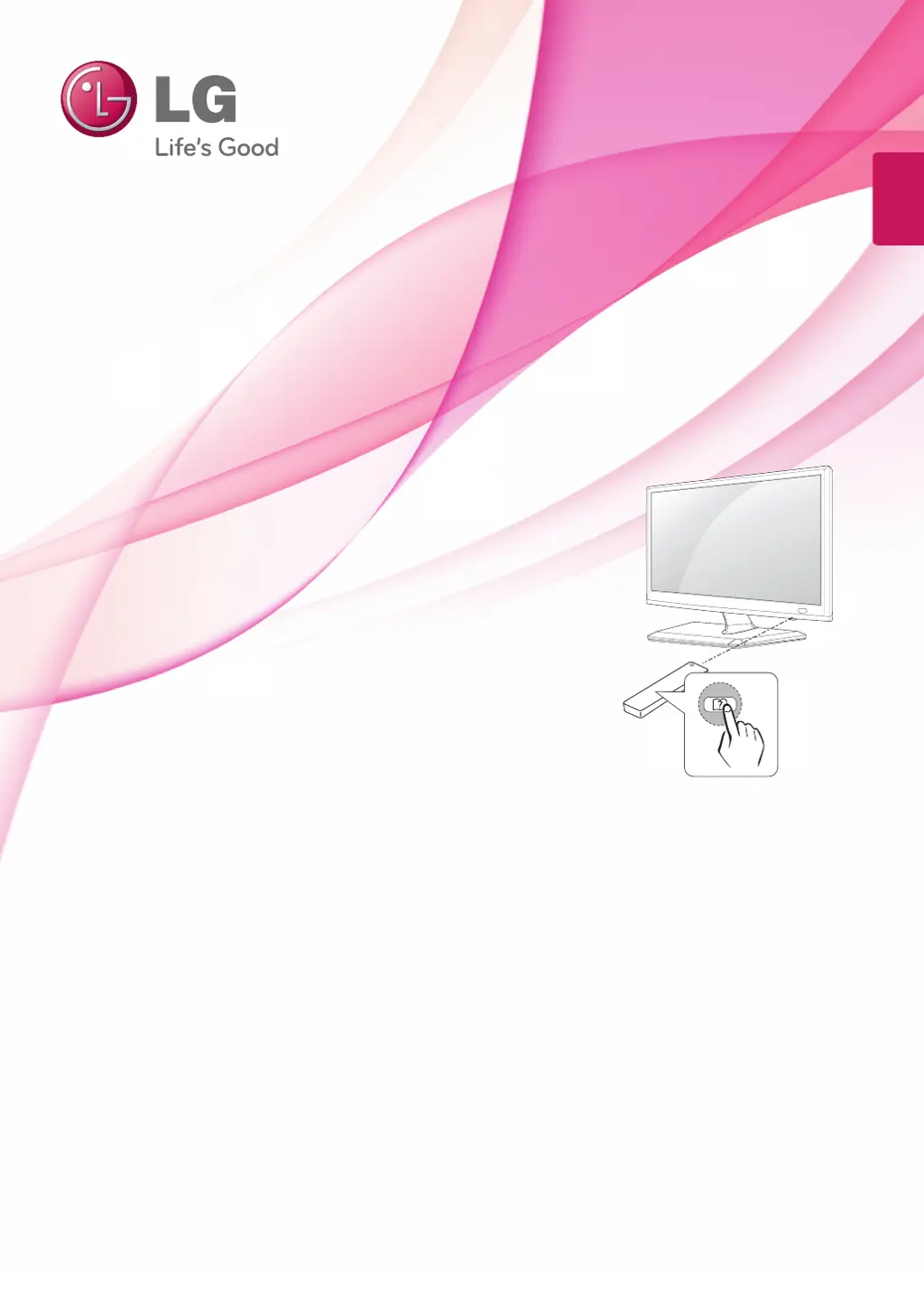
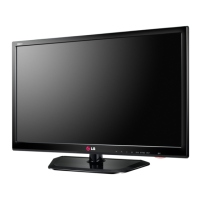
OWNER’S MANUAL
LED TV*
*LG LED TV refers to an LCD screen with LED backlights.
Please read this manual carefully before operating your TV and retain
it for future reference.
ENGLISH
24MN33D
29MN33D

Questions and Answers

  • M
    Michele GarciaAug 11, 2025
    Why does my LG LED TV turn off suddenly?
    • B
      Billy ColeAug 12, 2025
      If your LG LED TV turns off suddenly, examine the power control settings to ensure the power supply isn't being interrupted. Also, check the Time settings to see if the Auto sleep feature is enabled. If the TV is on but receives no signal, it will automatically turn off after 15 minutes of inactivity.
  • L
    Lori HendricksAug 18, 2025
    Why does my LG TV turn off suddenly?
    • B
      Bianca KennedyAug 19, 2025
      There are a few things you can check if your LG TV turns off suddenly. Initially, review the power control settings on your TV. Power interruptions may cause the TV to shut down. Also, verify if the Auto sleep feature is enabled within the Time settings. If the TV is on but not receiving a signal, it will automatically turn off after 15 minutes of inactivity.
  • R
    Rebecca RobertsAug 27, 2025
    How to fix LG 29MN33D-PU.AUS LED TV remote control not working?
    • A
      Anthony LopezAug 27, 2025
      If you cannot control your LG LED TV with the remote, begin by checking the remote control sensor on the TV and try again. Ensure there are no obstructions between the remote and the TV. Finally, verify that the batteries in the remote are working and correctly installed.
  • S
    smithdianeSep 3, 2025
    What to do if my LG 29MN33D-PU.AUS has no image and sound?
    • A
      Amanda WhiteSep 3, 2025
      If your LG LED TV shows no image and produces no sound, first ensure the TV is turned on. Then, verify that the power cord is securely connected to a wall outlet. Finally, test the wall outlet by plugging in other devices to check for any issues with the power supply.

LG 29MN33D-PU.AUS Specifications

General IconGeneral
BrandLG
Model29MN33D-PU.AUS
CategoryLED TV
LanguageEnglish

Related product manuals