79
MY MEDIA
ENTRY MODE
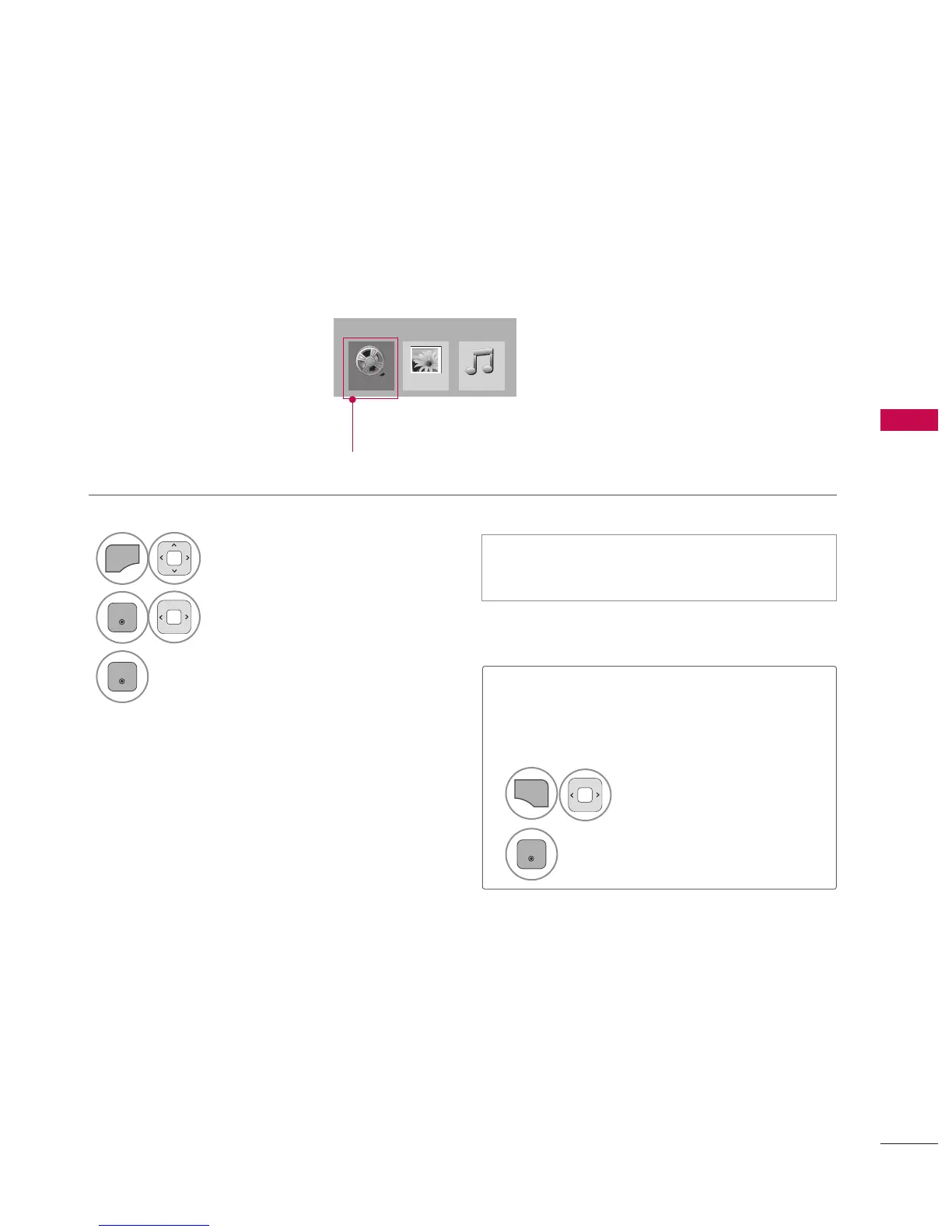
The My Media menu will open automatically when you insert a USB drive. My Media can also be
accessed by choosing My Media in the user menu.
On USB device, you can not add a new folder or delete the existing folder.
When removing the USB device
Select the USB Device menu before
removing the USB device.
This TV can view JPG image files, HD DivX
files or play MP3 audio files.
1



 To Next Page