EasyManua.ls Logo

LG 32LD350 - Page 86

LG 32LD350
172 pages
Print Icon
To Next Page IconTo Next Page
To Previous Page IconTo Previous Page
Loading...
MY MEDIA
MY MEDIA
86
Set Video Menu Options
Set Audio Menu Options










High




󰭶
󰮺





Clear Voice II


󰮺
L R
1
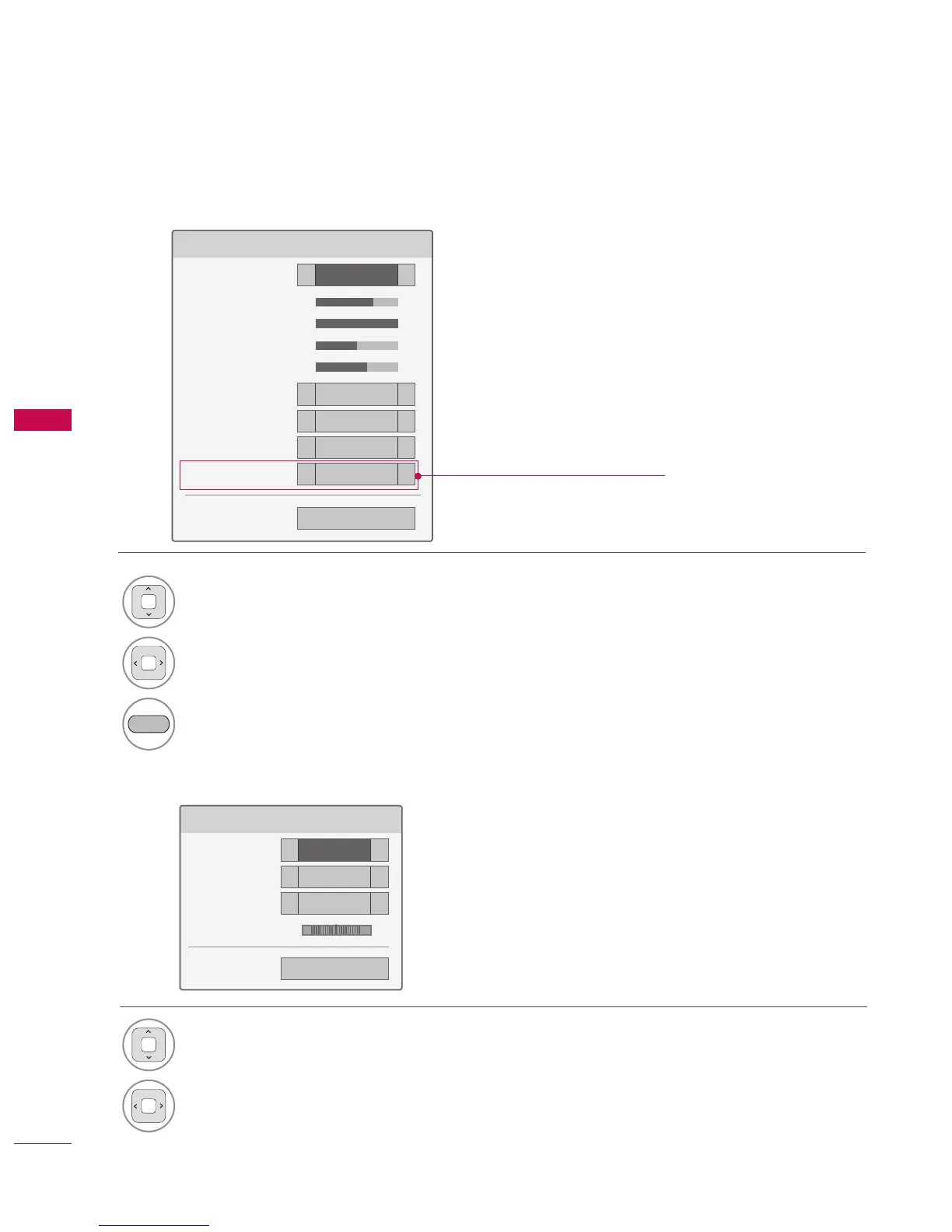
Select Picture Mode or TruMotion.
2
Make appropriate adjustments.
BLUE
Reset picture settings to default.
1
Select Sound Mode, Auto Volume, Clear
Voice II or Balance.
2
Make appropriate adjustments.
('TruMotion' dependent on model)
* Image shown may differ from your TV.

Table of Contents