81
MY MEDIA
Subtitle Language Group Supported Language
Latin1 English, Spanish, Portuguese
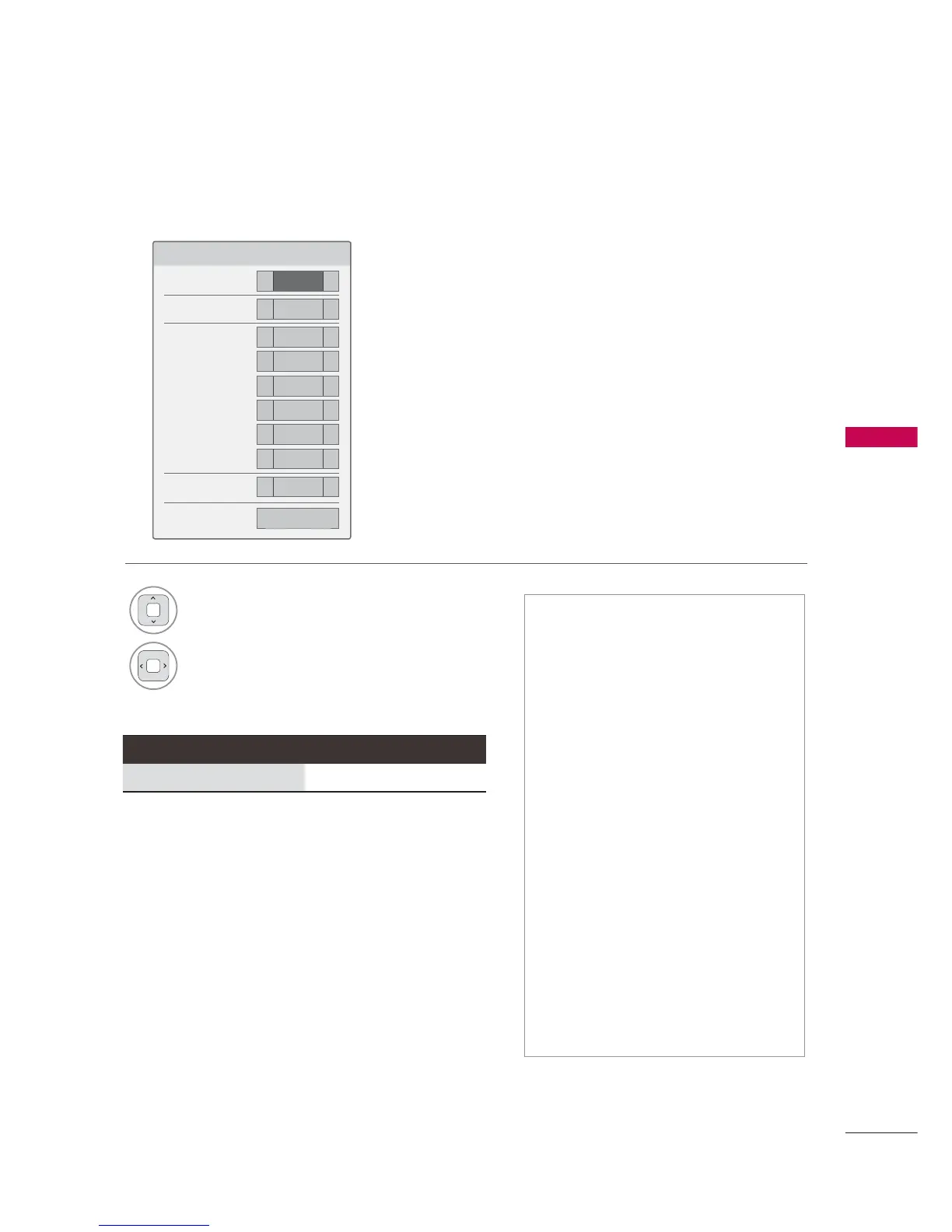
Set Video Play menu option
6HW9LGHR3OD\
3LFWXUH6L]H
܁
)XOO
۽
$XGLR/DQJXDJH
܁
۽
6XEWLWOH/DQJXDJH
܁
2Q
۽
ؒ/DQJXDJH
܁
8QNQRZ
۽
ؒ&RGH3DJH
܁
'HIDXOW
۽
ؒ6\QF
܁
۽
ؒ3RVLWLRQ
܁
۽
ؒ6L]H
܁
1RUPDO
۽
5HSHDW
܁
2II
۽
ᰙ3UHYLRXV
1
Select Picture Size, Audio Language,
Subtitle Language, or Repeat.
2
Make appropriate adjustments.
Code Page
ᯫ
Picture Size: Selects your desired
picture format for videos.
ᯫ
Audio Language: Changes the
Language Group of the audio for
video files.
ᯫ
Subtitle Language: The subtitles can
be turned on or off.
ᯫ
Language: Activated for SMI subtitles
and can select the language within
the subtitle.
ᯫ
Code Page: Subtitle font selection.
When set to default, same font as
general menu will be used.
ᯫ
Sync: When the video is not synchro-
nized with the captions, it can be
adjusted by 0.5 second.
ᯫ
Position: Move the location of the
subtitles.
ᯫ
Size: Changes the subtitle font size.
ᯫ
Repeat: Turn on/off repeat function
of movie playback. When turned on,
the file within the folder will be played
back repeatedly.



 To Next Page