EasyManua.ls Logo

LG 32PC51 - Page 26

LG 32PC51
78 pages
Print Icon
To Next Page IconTo Next Page
To Previous Page IconTo Previous Page
Loading...
24
EXTERNAL EQUIPMENT SETUP
1
3 4
Picture Mode
Colour Temperature
XD
Advanced
Aspect Ratio
Picture Reset
Screen
XD Demo
Picture
Screen
Auto Config.
Manual Config.
VGA Mode
Reset
640x480
848x480
852x480
VGA Mode G
DE F G
OK MENU
2
Picture
Picture Mode
Colour Temperature
XD
Advanced
Aspect Ratio
Picture Reset
Screen
XD Demo
To Set
Screen G
DE F G
OK MENU
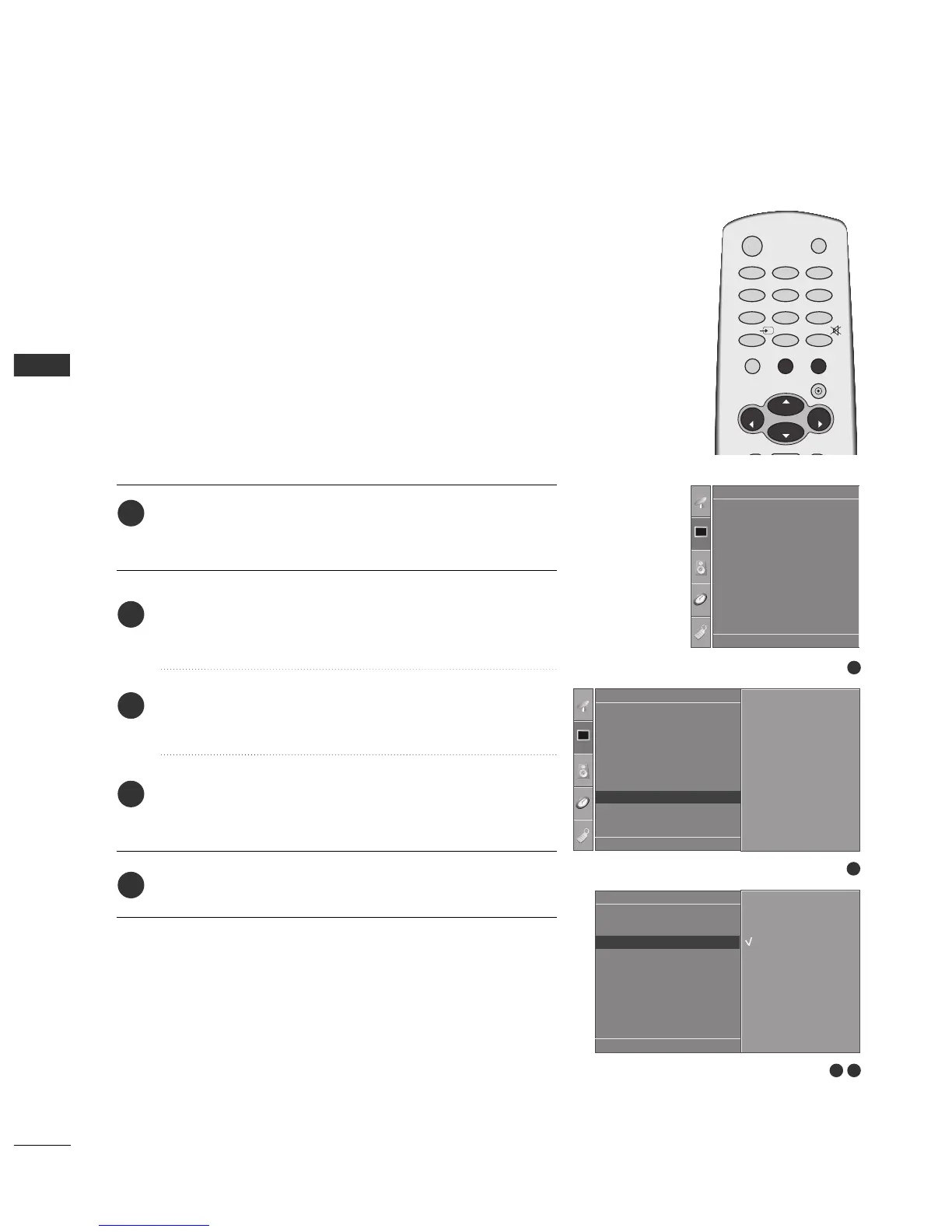
To see a normal picture, match the resolution of RGB mode and
selection of VGA mode.
This function works in the following mode: RGB[PC] mode.
Press the
MMEENNUU
button and then use
DD
//
EE
button to
select the
Picture menu.
Press the
GG
button and then use
DD
//
EE
button to select
Screen.
Press the
GG
button and then use
DD
//
EE
button to select
VGA Mode.
Press the
GG
button and then use
DD
//
EE
button to select
the desired VGA resolution.
Press the
EEXXIITT
button to return to TV viewing.
Selecting Wide VGA mode
1
2
3
4
5
EXTERNAL EQUIPMENT SETUP
DE F G
OK MENU
OK
VOL
VOL
0
INPUT
MUTE
MENU
1
23
4
56
7
89
POWER
TV
RATIO
EXIT
PR
PR

Related product manuals