41
PICTURE CONTROL
PICTURE CONTROL
WATCHING PIP(PICTURE-IN-PICTURE)
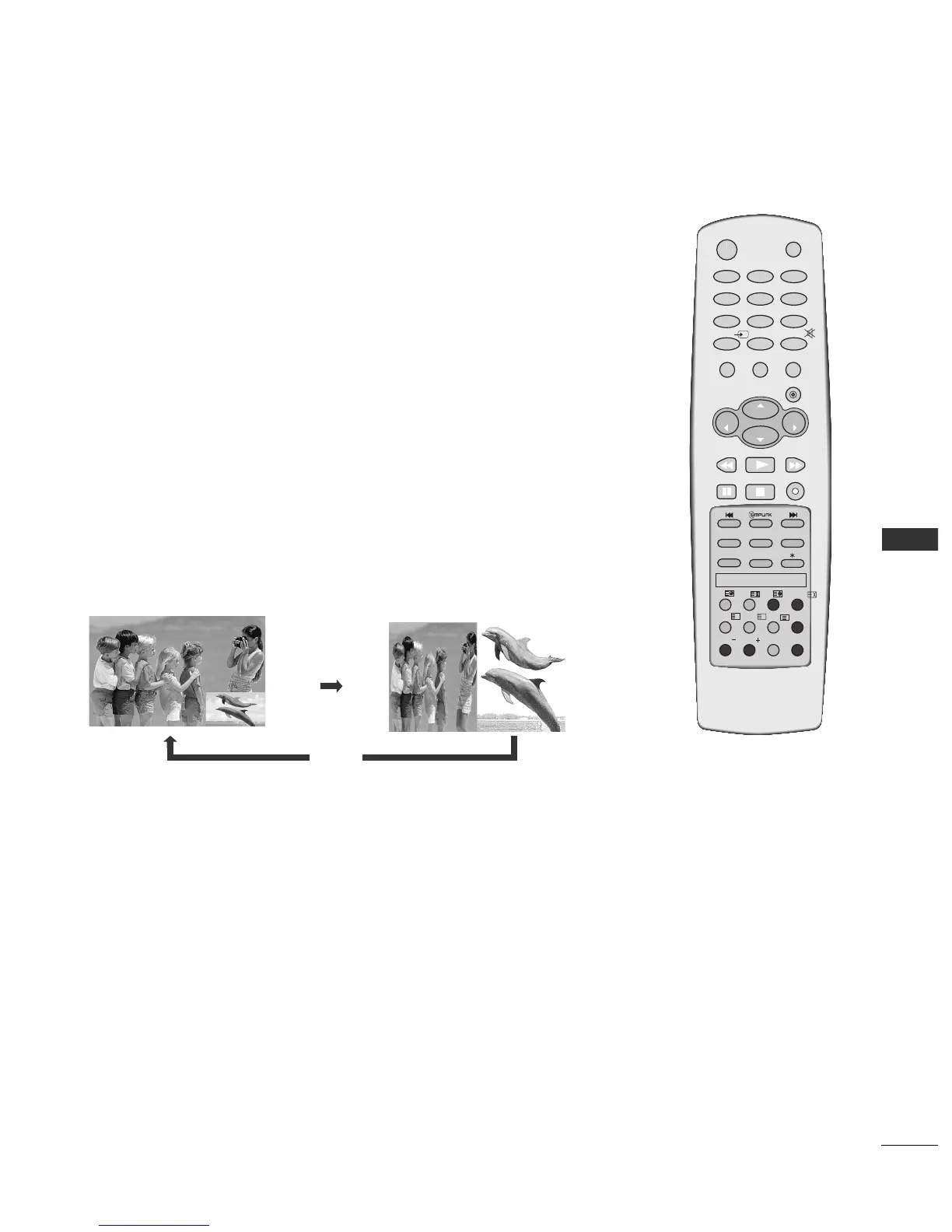
PIP lets you view 2 different inputs (sources) on your TV screen at the same time.
One source will be large, and the other source will show a smaller inset image.
PIP function is available in the Component, RGB, HDMI mode. (But, it can’t adjust
480i/576i resolution of Component mode.)
Programme Selection for Sub Picture
Press the PIP PR +/- button to select a programme for the sub picture.
The selected programme number is displayed just below the programme number of main picture.
Watching PIP/Double Window
Press the
PPIIPP
button to access the sub picture.
Each press of PIP changes the PIP options.
PIP Mode
DW Mode
PIP Off



 To Next Page