SOUND & LANGUAGE CONTROL
62
I/II
SOUND & LANGUAGE CONTROL
AA
MMoonnoo ssoouunndd sseelleeccttiioonn
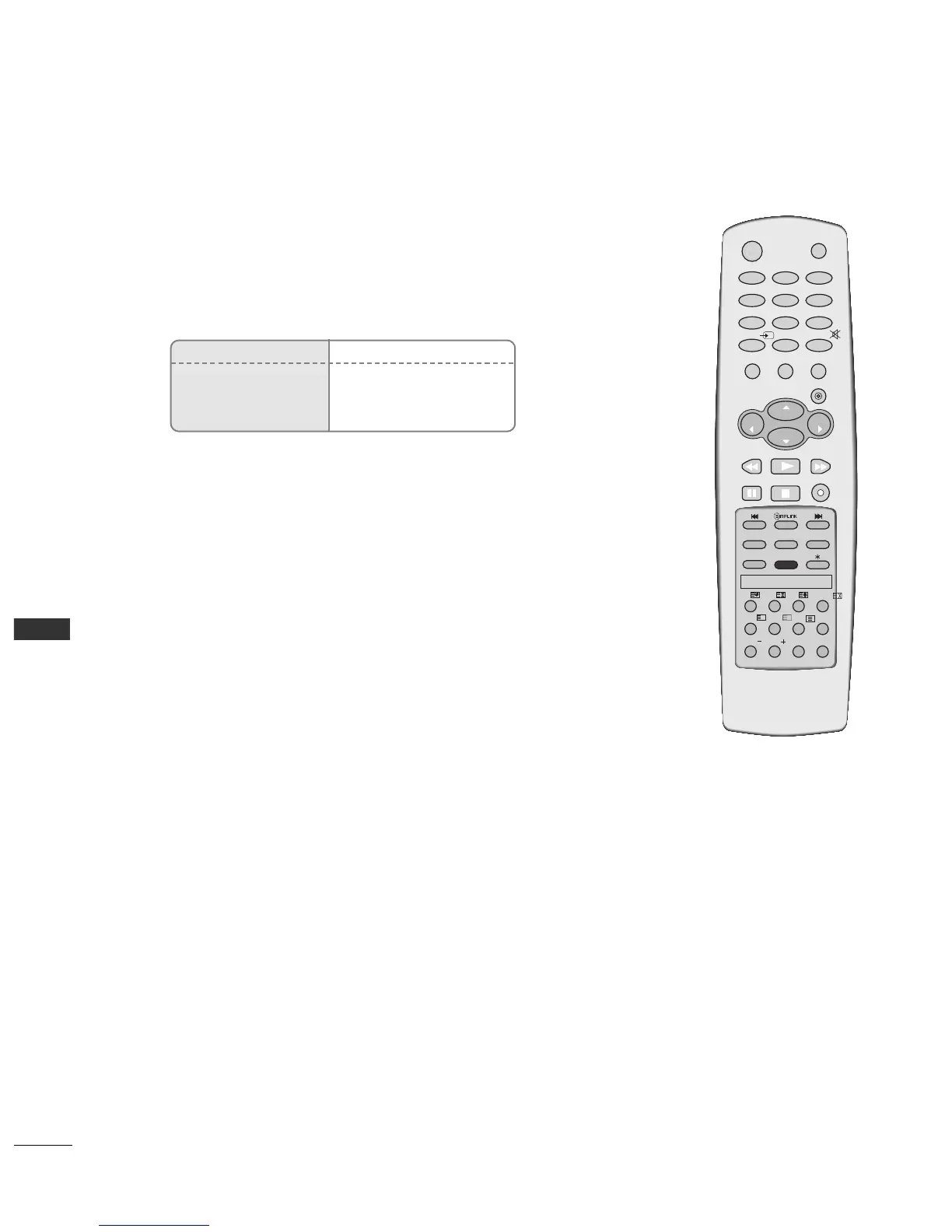
If the stereo signal is weak in stereo reception, you can switch to mono by pressing
the
II//IIII
button twice. In mono reception, the depth of sound is improved. To switch
back to stereo, press the
II//IIII
button twice again.
AA
LLaanngguuaaggee sseelleeccttiioonn ffoorr dduuaall llaanngguuaaggee bbrrooaaddccaasstt
If a programme received two languages (dual language), you can switch to
DUAL I,
DUAL II or DUAL I+II by pressing the
II//IIII
button repeatedly.
DUAL I Sends the primary broadcast language to the loudspeakers.
DUAL II Sends the secondary broadcast language to the loudspeakers.
DUAL I+II Sends a separate language to each loudspeaker.
Broadcast
Mono
Stereo
Dual
On Screen Display
MONO
STEREO
DUAL I
Stereo/Dual Reception
When a programme is selected, the sound information for the station appears after
the programme number and station name disappear.



 To Next Page