Portrait Layout
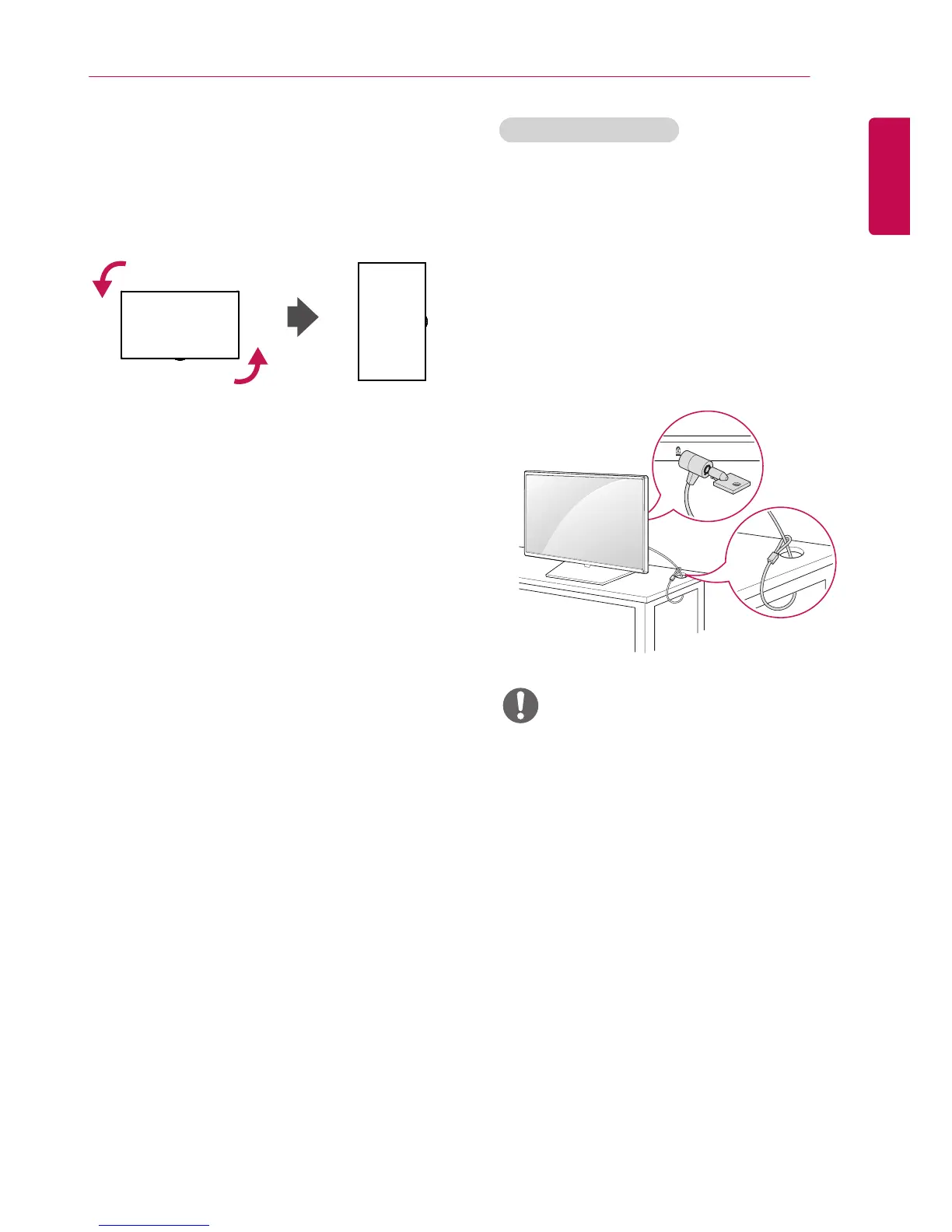
When installing in a portrait layout, rotate the
monitor counterclockwise 90 degrees (when facing
the screen).
(This is not available for all models.)
The Kensington security system connector is
located at the back of the monitor. For more
information on installation and use of this system,
refer to the manual provided with the Kensington
security system or visit
http://www.kensington.
com
.
Connect the Kensington security system cable
between the monitor and a table.
Using Kensington Lock
• The Kensington security system is optional. You
can obtain additional accessories from most
electronics retail stores.
NOTE


 To Next Page
 Loading...