72
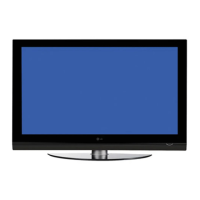
Plasma Fall 2008 42PG20
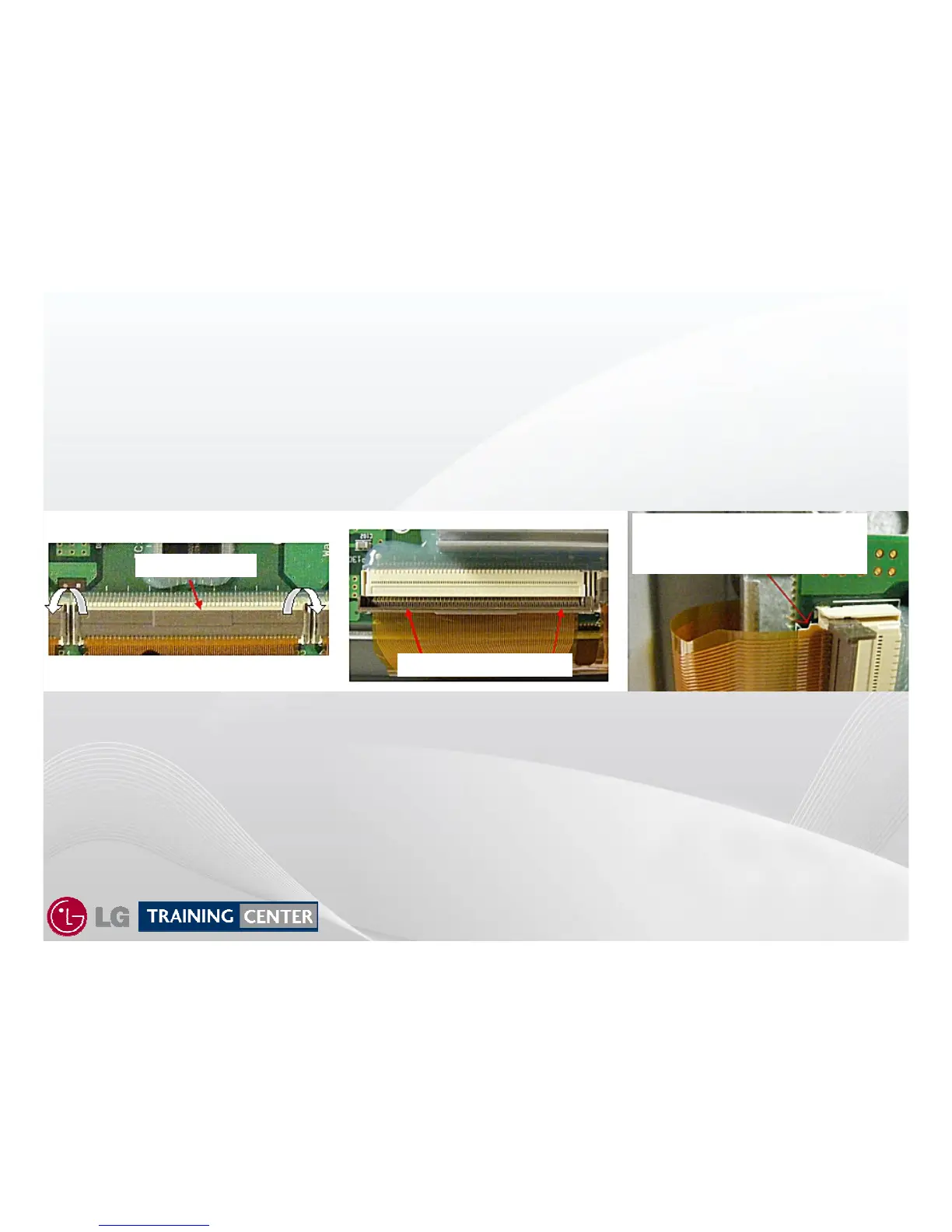
To remove the Ribbon Cable from the connector first carefully lift the Locking Tab from
the back and tilt it forward ( lift from under the tab as shown in Fig 1).
The locking tab must be standing straight up as shown in Fig 2.
Lift up the entire Ribbon Cable gently to release the Tabs on each end. (See Fig 2)
Gently slide the Ribbon Cable free from the connector.
To reinstall the Ribbon Cable, carefully slide it back into the slot see ( Fig 3 ), be sure the Tab is seated
securely and press the Locking Tab back to the locked position see ( Fig 2 then Fig 1).
Removing (Panel) Flexible Ribbon from Y Drive
Removing (Panel) Flexible Ribbon from Y Drive
Flexible Ribbon Cables shown are from a different model, but pro
Flexible Ribbon Cables shown are from a different model, but pro
cess is the same.
cess is the same.
Fig 1
Fig 3
Fig 2
Gently Pry Up Here
Locking tab in upright position
Be sure ribbon tab is released
By lifting the ribbon up slightly
Before removing ribbon.


 To Next Page