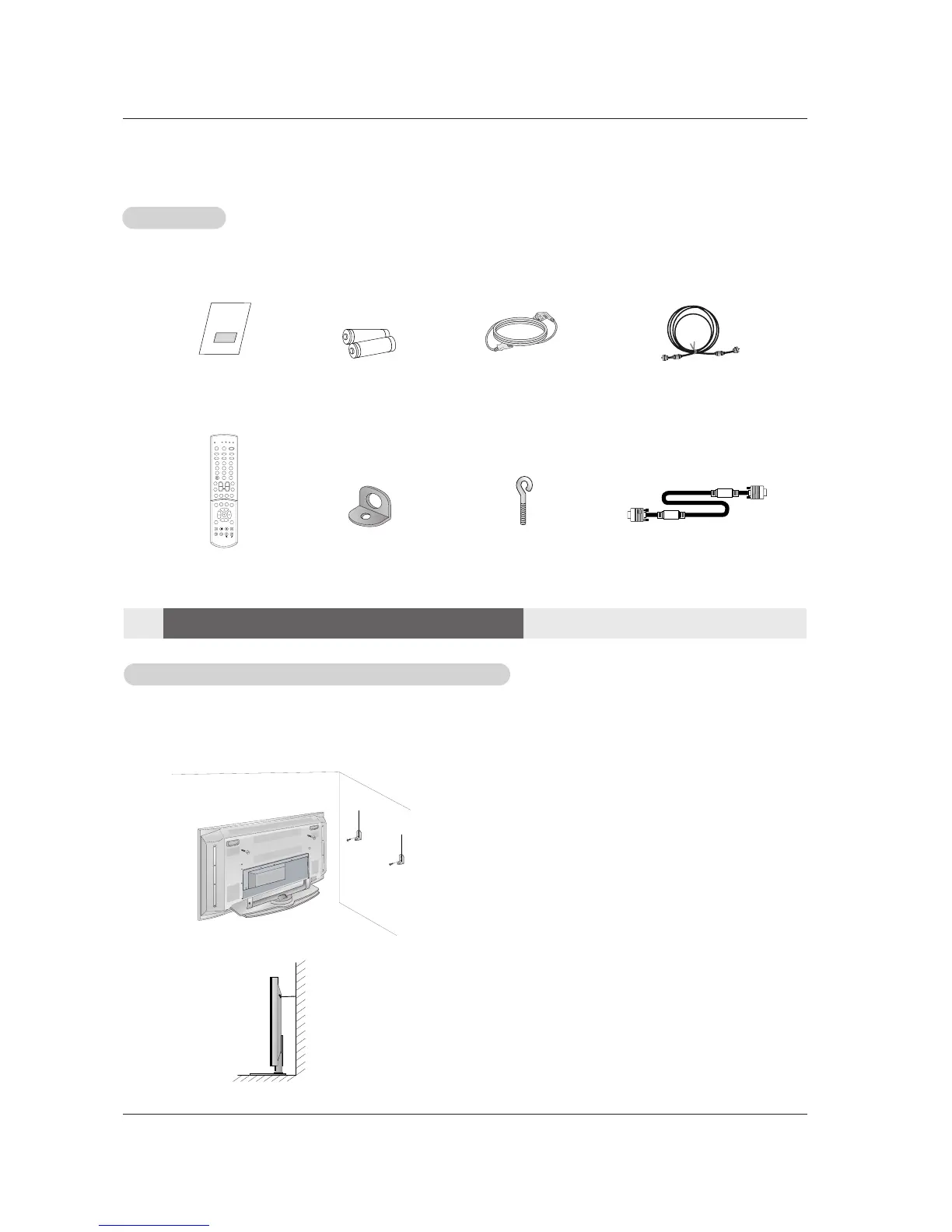
75Ω Round Cable
Ensure that the following accessories are included with your plasma display. If an accessory is missing, please contact the dealer
where you purchased the product.
2-Wall brackets
2-eye-bolts
Remote Control
- Secure the TV assembly by joining it to a wall by using the TV/Wall brackets.
- This TV’s stand is sold, separately .
- Here shown may be somewhat different from your TV.
Joining the TV assembly to the wall to protect the set tumbling
• If the set will be mounted on a desk top, insert
the 2 eye-bolts and tighten them securely in the upper
holes as shown.
Install the wall brackets on the wall with 2 bolts*, (not
supplied with the product), as shown.
Match the height of the eye-bolts and the wall brack-
ets.
Check to be sure the eye-bolts and the brackets are
tightened securely.
• Secure the TV assembly to the wall with strong strings
or wire cables, (not supplied with the product), as
shown.
Installation
Installation
Installation Instructions
Installation Instructions
Accessories
Accessories
D-sub 15 pin Cable (RGB)



 To Next Page