Owner’s Manual 19
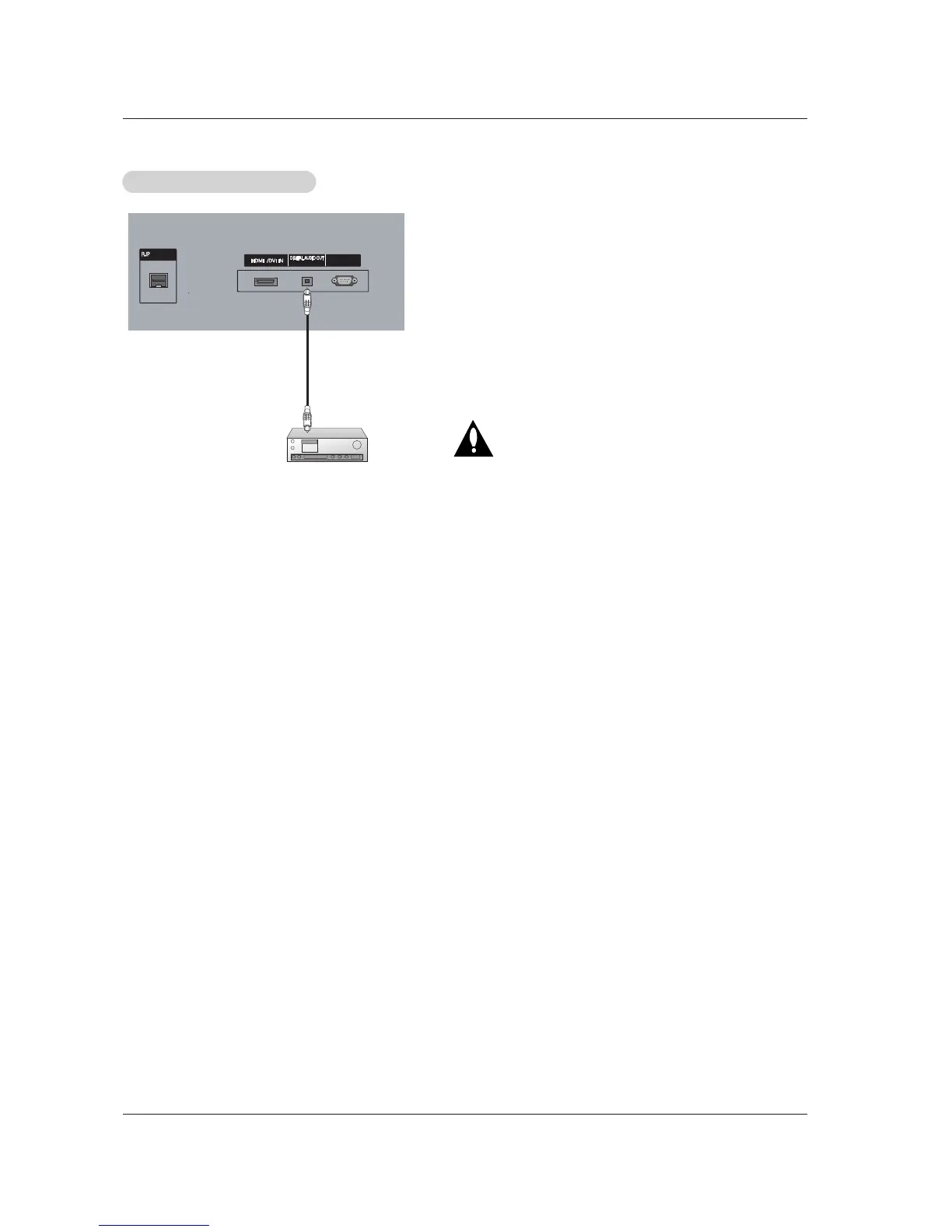
Send the TV’s audio to external audio equipment (stereo system) via
the Digital Audio Out(Optical) port.
How to connect
1. Connect one end of an optical cable to the TV Digital Audio
(Optical) Output port.
2. Connect the other end of the optical cable to the digital audio (opti-
cal) input on the audio equipment.
See the external audio equipment instruction manual for operation.
Note: When connecting with external audio equipments, such as
amplifers or speakers, please turn the TV speakers off.(Refer to
p.28)
Caution: Do not look into the optical output port.
Looking at the laser beam may damage
your vision.
Digital
Digital
Audio Output Setup
Audio Output Setup



 To Next Page