24 Plasma TV
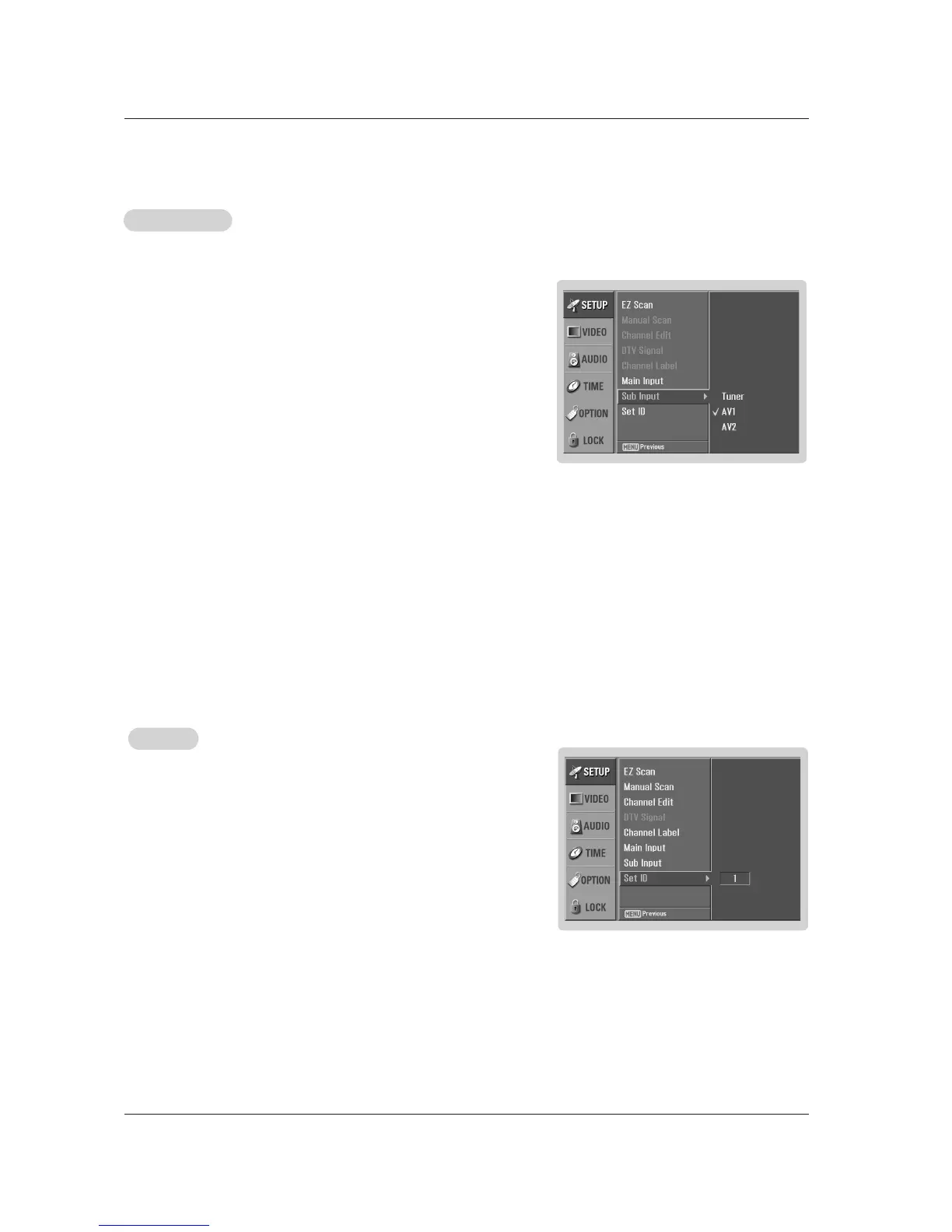
Set ID
Set ID
Use this function to specify a monitor ID number.
1. Press the MENU button and then use
DD / EE
button to select the SETUP menu.
2. Press the GG button and then use
DD / EE
button to select SET ID.
3. Press the GG button and then use
DD / EE
button to adjust SET ID to choose the
desired monitor ID number. The adjustment range of SET ID is 1 ~ 99.
4. Press EXIT button to return to TV viewing or press MENU button to return to
the previous menu.
- When Main Input is selected to Tuner, this function cannot be selected to Tuner.
1. Press the MENU button and then use
DD / EE
button to select the SETUP menu.
2. Press the GG button and then use
DD / EE
button to select Sub Input.
3. Press the GG button and then use
DD / EE
button to select the source: Tuner, AV1,
AV2.
4. Press EXIT button to return to TV viewing or press MENU button to return to
the previous menu.
* You can also select sources as using the PIP INPUT button.
Sub Input
Sub Input



 To Next Page