7
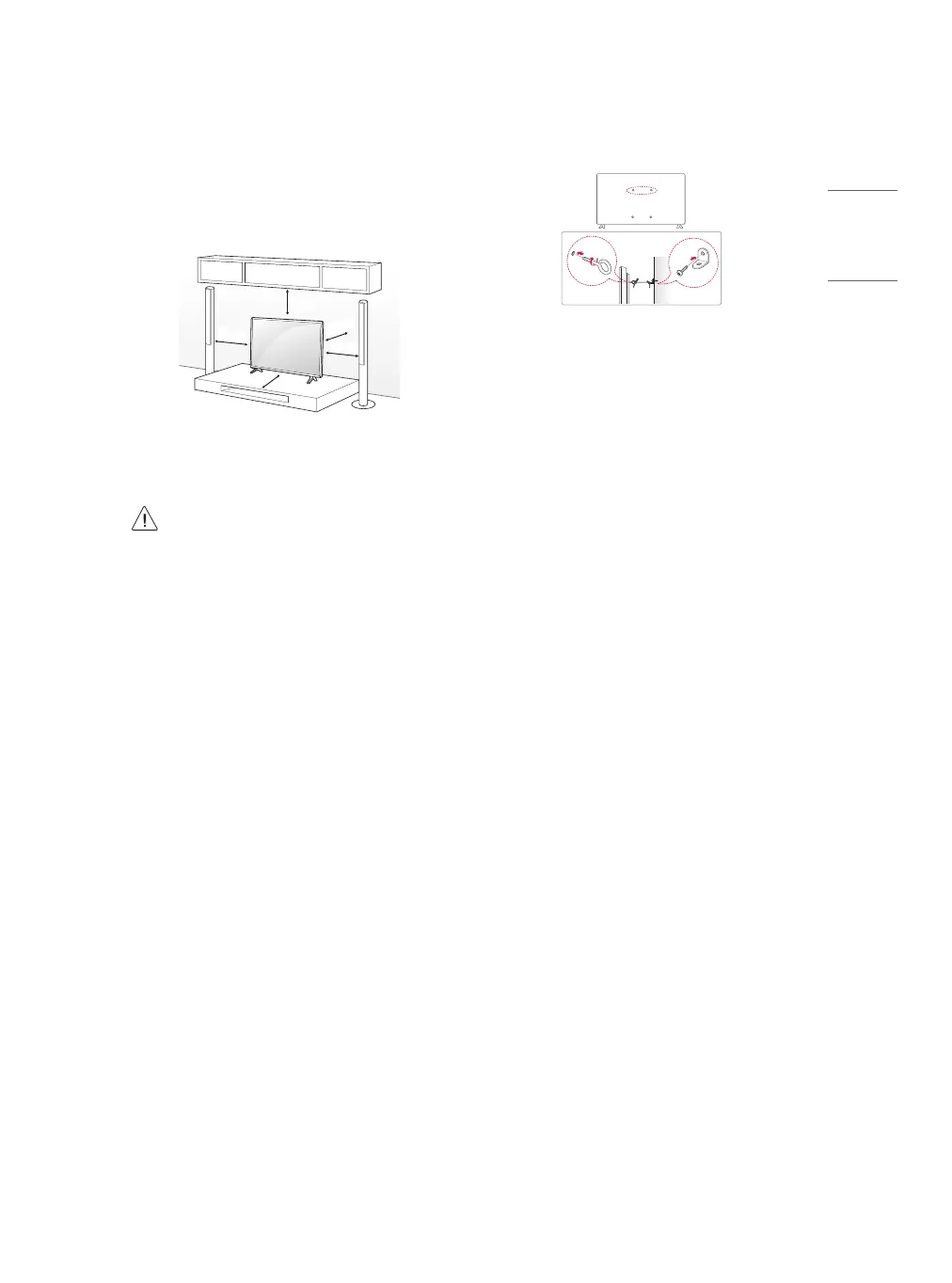
Mounting on the Table
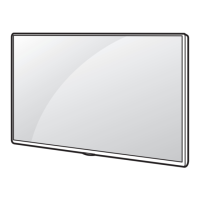
1 Lift and tilt the TV into its upright position on a table.
• Leave a minimum of 10 cm space from the wall for proper
ventilation.
10
cm
10 cm
10
cm
10
cm
10
cm
(Depending upon model)
2 Connect the power cord to a wall outlet.
• Do not apply foreign substances (oils, lubricants, etc.) to
the screw parts when assembling the product. (Doing so
may damage the product.)
• If you install the TV on a stand, you need to take actions
to prevent the product from overturning. Otherwise, the
product may fall over, which may cause injury.
• Do not use any unapproved items to ensure the safety and
product life span.
• Any damage or injuries caused by using unapproved items
are not covered by the warranty.
• Make sure that the screws are fastened tightly. (If they
are not fastened securely enough, the TV may tilt forward
after being installed.)
• Do not fasten the screws with excessive force otherwise
they may strip and become loose.
Securing TV to the Wall
(Depending upon model)
1 Insert and tighten the eye-bolts or TV brackets and bolts on the back
of the TV.
• If there are bolts inserted at the eye-bolts position, remove the
bolts rst.
2 Mount the wall brackets with the bolts to the wall. Match the
location of the wall bracket and the eye-bolts on the rear of the TV.
3 Connect the eye-bolts and wall brackets tightly with a sturdy rope or
cable. Make sure to keep the rope parallel to the at surface.
• Use a platform or cabinet that is strong and large enough to
support the TV securely.
• Brackets, bolts, and ropes are optional. You can obtain additional
accessories from your local dealer.


 To Next Page