6
IMPORTANT
SAFETY
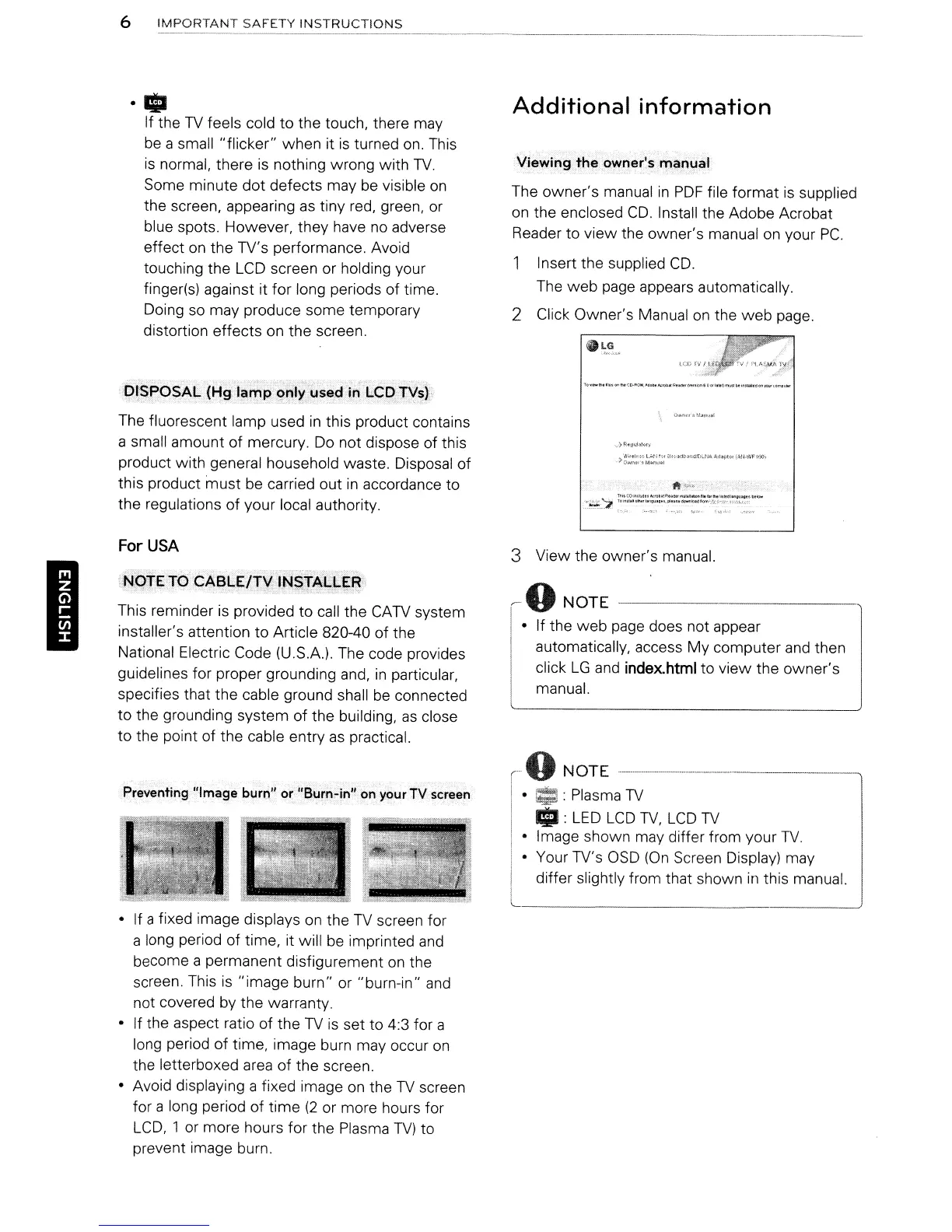
INSTRUCTIONS
------------_._------------_~
I
· iii
If the
TV
feels cold to the touch, there may
be a small
"flicker"
when
it
is
turned on. This
is normal, there
is
nothing wrong with
TV.
Some minute
dot
defects may be visible
on
the screen, appearing as tiny red, green, or
blue spots. However, they have
no
adverse
effect on the TV's performance. Avoid
touching the LCD screen or holding your
finger(s) against it
for
long periods
of
time.
Doing so may produce some temporary
distortion effects on the screen.
The fluorescent lamp used
in
this product contains
a small amount of mercury. Do not dispose of this
product
with
general household waste. Disposal of
this product
must
be carried out
in
accordance to
the regulations
of
your local authority.
For
USA
J.JOTE
TO
CABLE/TV
INSTALLER
This reminder is provided to call the CATV system
installer's attention to Article 820-40
of
the
National Electric Code (U.S.A.). The code provides
guidelines for proper grounding and,
in
particular,
specifies that the cable ground shall
be
connected
to
the grounding system
of
the building,
as
close
to
the point of the cable entry
as
practical.
Preventing "Image burn" or "Burn-in"on your
TV
screen
• If a fixed image displays
on
the
TV
screen for
a long period of time, it will be imprinted and
become a permanent disfigurement
on
the
screen. This is
"image
burn" or "burn-in" and
not covered by the warranty.
• If the aspect ratio of the
TV
is set to 4:3 for a
long period
of
time, image burn may occur
on
the letterboxed area
of
the screen.
• Avoid displaying a fixed image
on
the
TV
screen
for a long period
of
time
(2
or more hours for
LCD,
1 or more hours for the Plasma
TV)
to
prevent image burn.
Additional
information
Viewing
the
owner's
manual
The
owner's
manual
in
PDF
file
format
is supplied
on
the enclosed
CD.
Install the Adobe Acrobat
Reader to
view
the owner's manual on your Pc.
Insert the supplied
CD.
The
web
page appears automatically.
2 Click Owner's Manual
on
the
web
page.
...
.)RtUl.iIaI<ll)
)i::
•.
~,$~::~:~:lt
~1(-~1'3n:l,.tl"'iA
~j.pIOlIJ;N·\'¥l'IOOI
3 View the owner's manual.
~
0
NOTE
------------,
• If the
web
page does not appear
automatically, access
My
computer and then
click
LG
and
index.html
to
view
the
owner's
manual.
r-
0
NOT
E --------------------------------------------
I •
01:
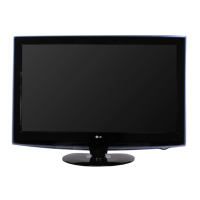
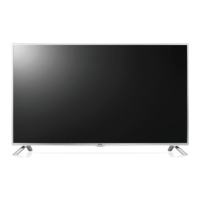
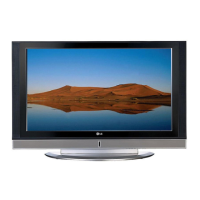
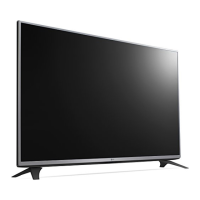
Plasma
TV
I
..
: LED
LCD
TV,
LCD
TV
• Image shown may differ from your
TV.
• Your TV's OSD
(On
Screen Display) may
differ slightly from that shown
in
this manual.
6
IMPORTANT
SAFETY
INSTRUCTIONS
------------_._------------_~
I
· iii
If the
TV
feels cold to the touch, there may
be a small
"flicker"
when
it
is
turned on. This
is normal, there
is
nothing wrong with
TV.
Some minute
dot
defects may be visible
on
the screen, appearing as tiny red, green, or
blue spots. However, they have
no
adverse
effect on the TV's performance. Avoid
touching the LCD screen or holding your
finger(s) against it
for
long periods
of
time.
Doing so may produce some temporary
distortion effects on the screen.
The fluorescent lamp used
in
this product contains
a small amount of mercury. Do not dispose of this
product
with
general household waste. Disposal of
this product
must
be carried out
in
accordance to
the regulations
of
your local authority.
For
USA
J.JOTE
TO
CABLE/TV
INSTALLER
This reminder is provided to call the CATV system
installer's attention to Article 820-40
of
the
National Electric Code (U.S.A.). The code provides
guidelines for proper grounding and,
in
particular,
specifies that the cable ground shall
be
connected
to
the grounding system
of
the building,
as
close
to
the point of the cable entry
as
practical.
Preventing "Image burn" or "Burn-in"on your
TV
screen
• If a fixed image displays
on
the
TV
screen for
a long period of time, it will be imprinted and
become a permanent disfigurement
on
the
screen. This is
"image
burn" or "burn-in" and
not covered by the warranty.
• If the aspect ratio of the
TV
is set to 4:3 for a
long period
of
time, image burn may occur
on
the letterboxed area
of
the screen.
• Avoid displaying a fixed image
on
the
TV
screen
for a long period
of
time
(2
or more hours for
LCD,
1 or more hours for the Plasma
TV)
to
prevent image burn.
Additional
information
Viewing
the
owner's
manual
The
owner's
manual
in
PDF
file
format
is supplied
on
the enclosed
CD.
Install the Adobe Acrobat
Reader to
view
the owner's manual on your Pc.
Insert the supplied
CD.
The
web
page appears automatically.
2 Click Owner's Manual
on
the
web
page.
...
.)RtUl.iIaI<ll)
)i::
•.
~,$~::~:~:lt
~1(-~1'3n:l,.tl"'iA
~j.pIOlIJ;N·\'¥l'IOOI
3 View the owner's manual.
~
0
NOTE
------------,
• If the
web
page does not appear
automatically, access
My
computer and then
click
LG
and
index.html
to
view
the
owner's
manual.
r-
0
NOT
E --------------------------------------------
I •
01:
Plasma
TV
I
..
: LED
LCD
TV,
LCD
TV
• Image shown may differ from your
TV.
• Your TV's OSD
(On
Screen Display) may
differ slightly from that shown
in
this manual.


 To Next Page
 Loading...