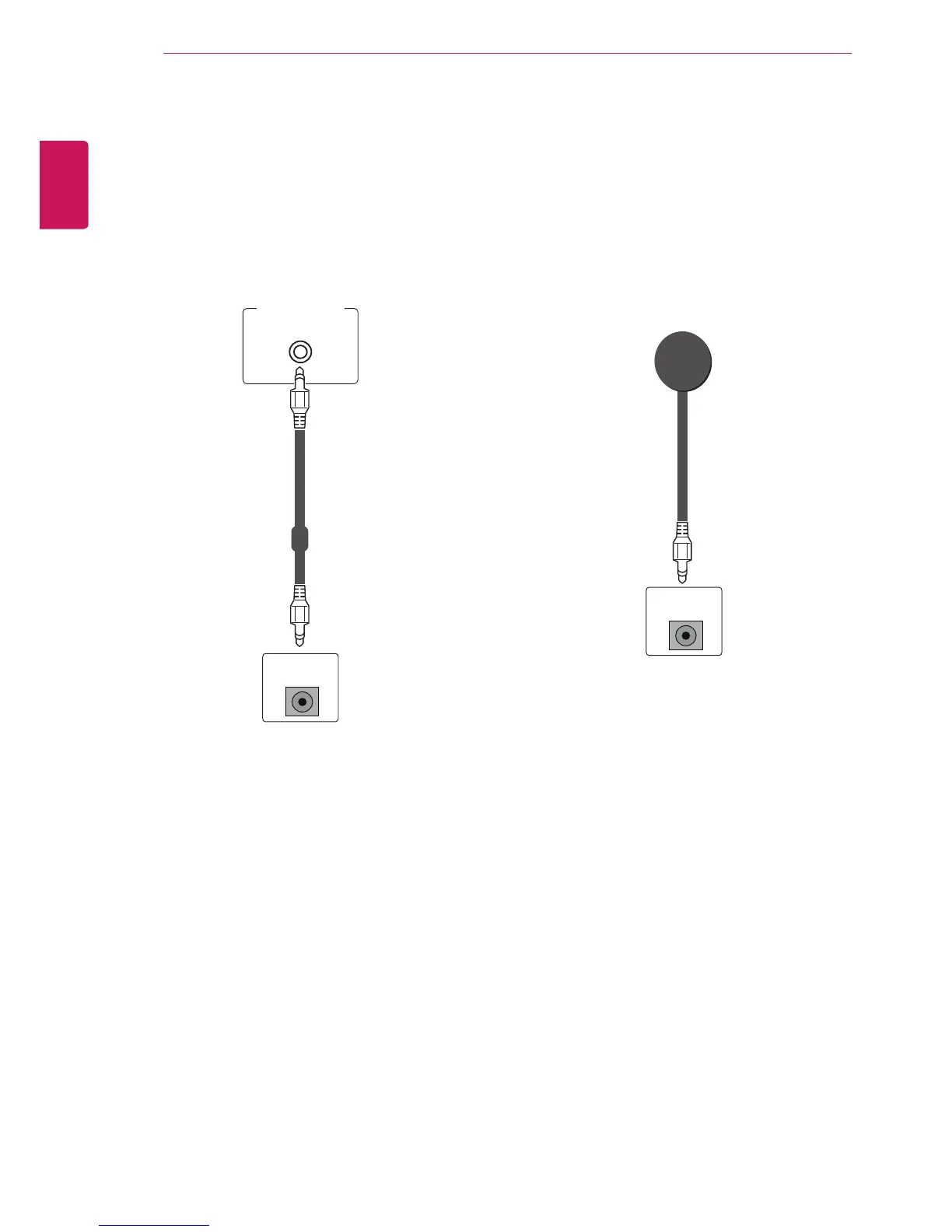
Audio connection
Transmits the digital video and audio signals from
your PC to the Monitor set. Connect the PC and
the Monitor set with the Audio cable as shown in
the following illustrations. You should set PC as
an input label to connect the PC to the Monitor set
with an Audio connection.
IR Receiver connection
It has the role of enabling to receive the signal of
the remote control by connecting to the set.
PC



 To Next Page