LG 6200 45
Contacts
4. Erase Calls
Allows you to erase selected call list(s).
1. Press Left Soft Key Menu, scroll to Call History,
and press .
2. Scroll to Erase Calls and press .
3. Use to highlight the list of calls to erase, then press
.
Outgoing Calls / Incoming Calls / Missed Calls / All Calls
4. Select Erase or Cancel then press .
Contacts
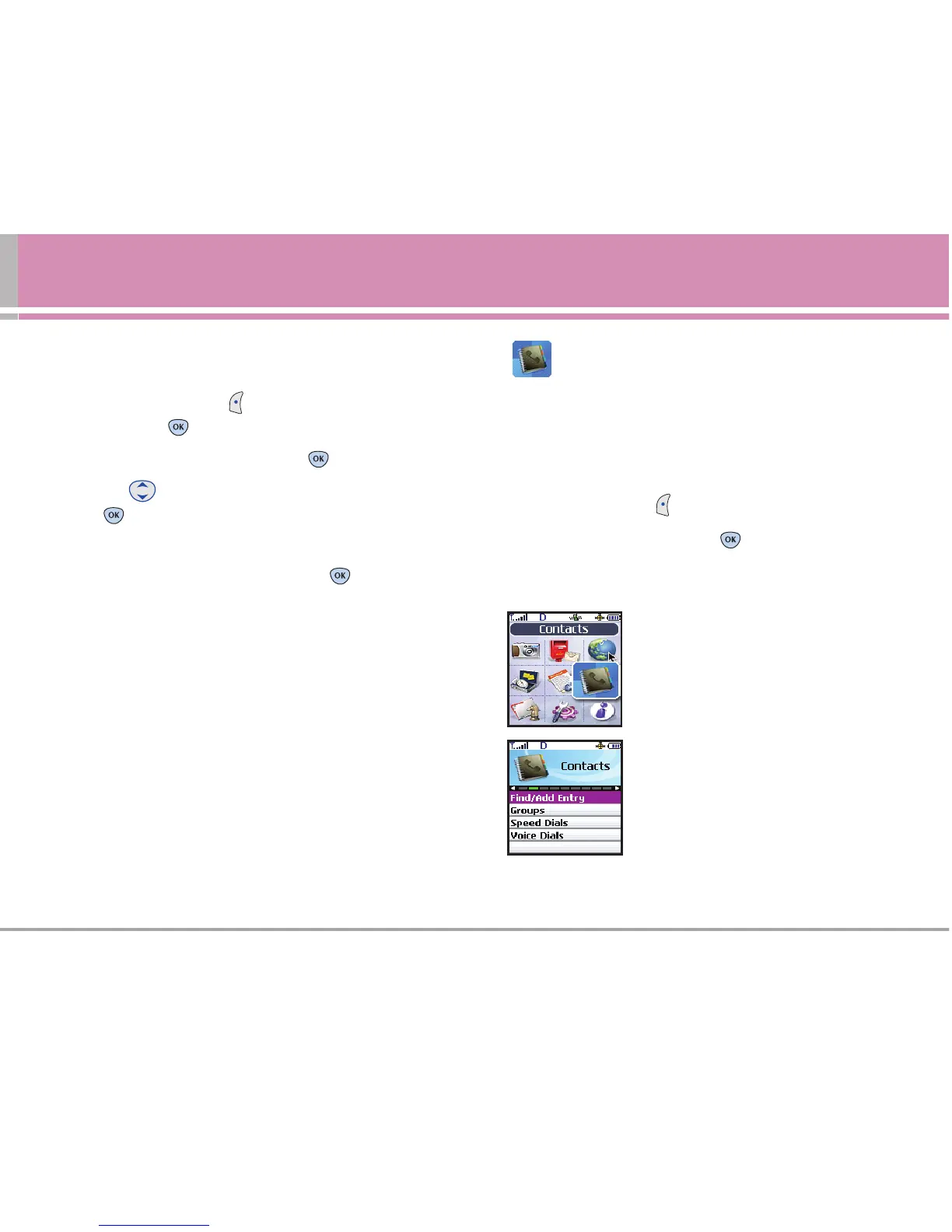
The Contacts Menu allows you to store names, phone
numbers and other information in your phone’s memory.
Access and Options
1. Press Left Soft Key Menu.
2. Scroll to Contacts, and press .
3. Select a sub-menu.
1. Find/Add Entry
2. Groups
3. Speed Dials
4. Voice Dials



 To Next Page