LG 6200 47
Downloads
Downloads
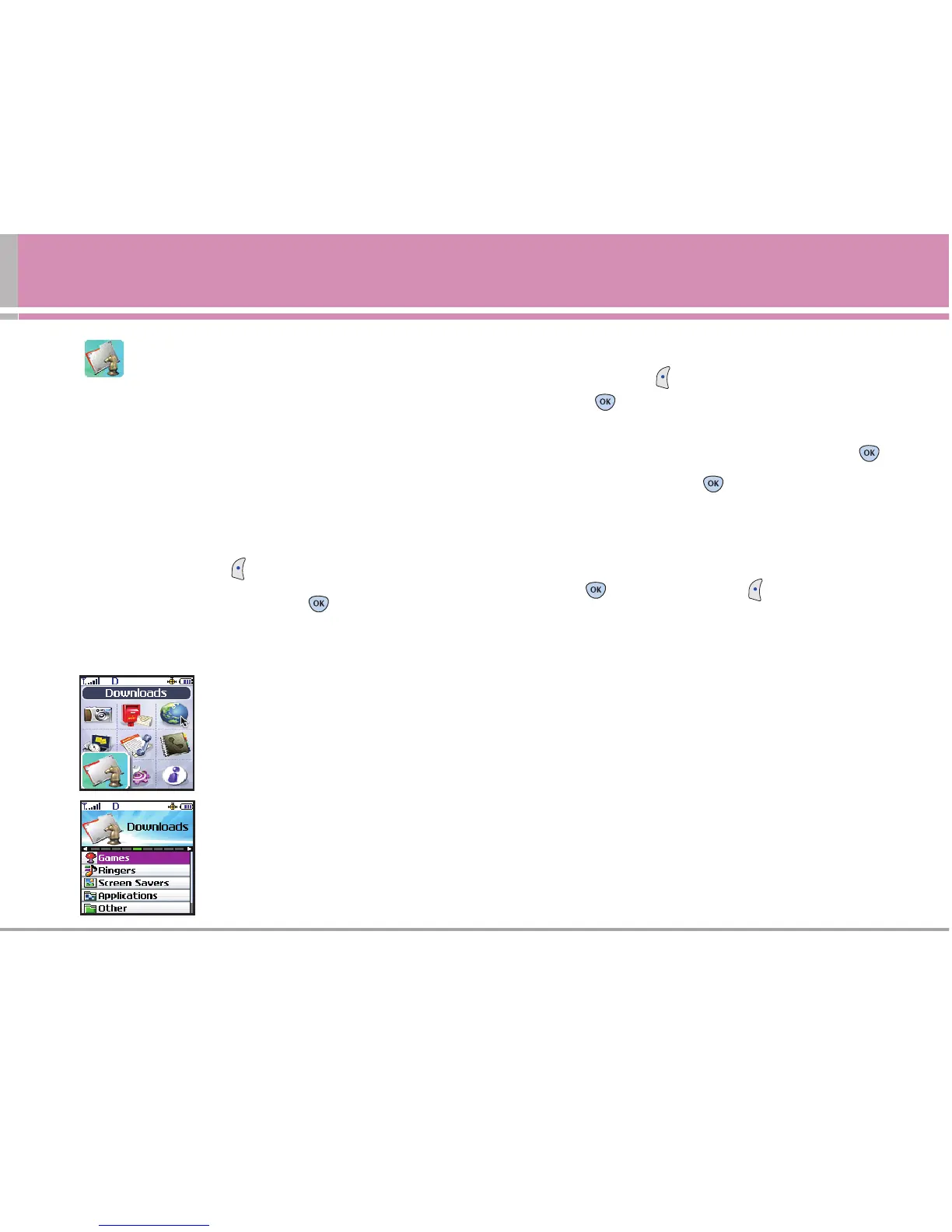
You have access to a dynamic variety of Premium Service
content such as downloadable Games, Ringers, Screen
Savers, Applications, and Other. The basic steps required
to access and download Premium Service content are
outlined below.
Access and Options
1. Press Left Soft Key Menu.
2. Scroll to Downloads, and press .
3. Select a sub-menu.
1. Games
2. Ringers
3. Screen Savers
4. Applications
5. Other
<Memory Status>
Accessing the Download Menus
1. Press Left Soft Key Menu, scroll to Downloads,
and press .
2. Select the type of file you wish to download
(Games,
Ringers, Screen Savers, Applications
or
Other)
and press .
3. Select Get New and press .
(The browser will launch
and take you to the corresponding download menu.)
Downloading an Item
Once you’ve selected an item you wish to download, highlight
it and press or press Left Soft Key Select. You will see
a summary page for the item including its title, the vendor, the
download detail, the file size, and the cost. Links allow you to
view the License Details page, which outlines the price,
license type, and length of license for the download, and the
Terms of Use page, which details the Premium Services
Terms of Use and your responsibility for payment.
To download a selected item:
1.
From the information page, select Purchase.
(The item will
download automatically.When the New Download screen appears,
the item has been successfully downloaded to your phone.)
NOTE
If you have not previously purchased an item, you
will be prompted to create your purchasing profile.



 To Next Page