LG 6200 49
Settings
Settings
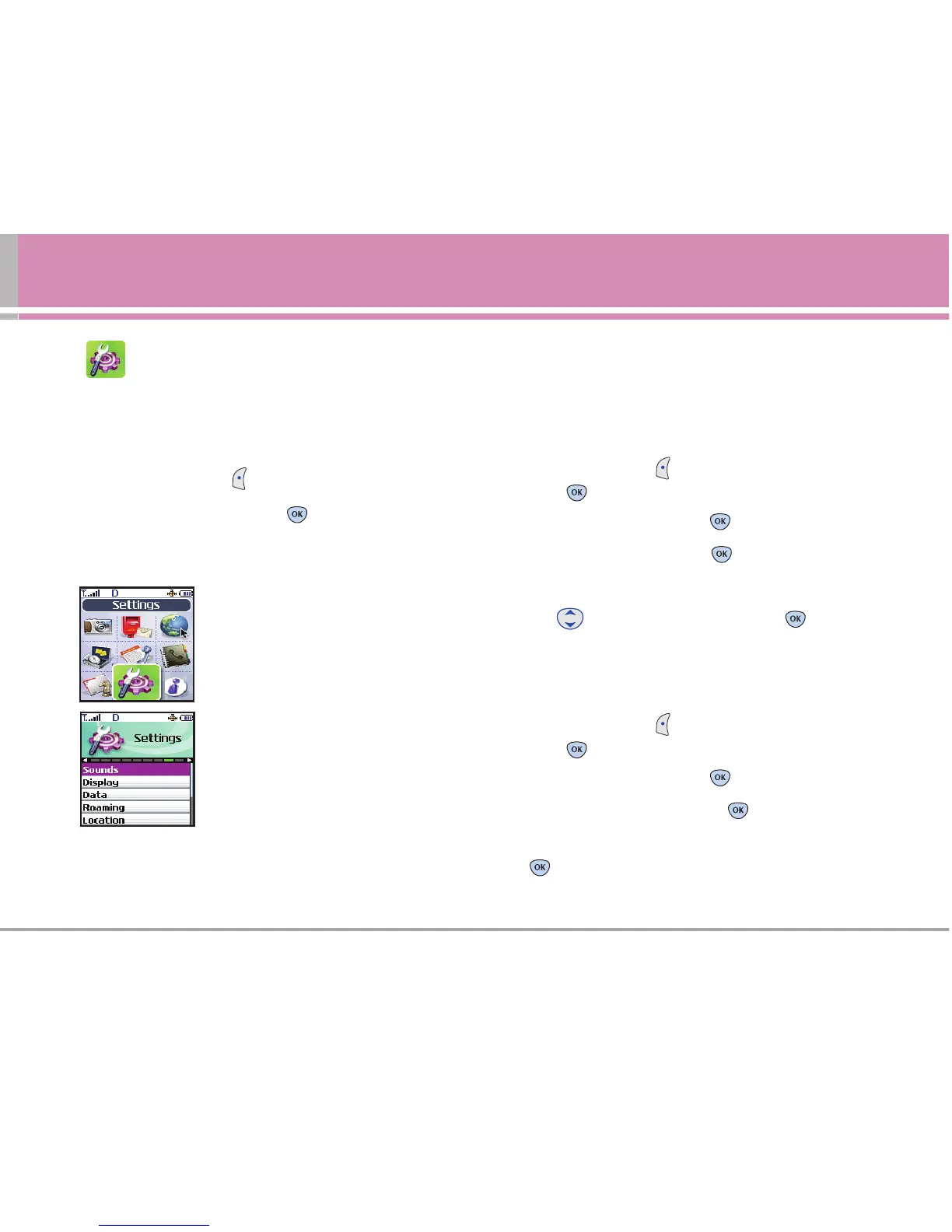
The Settings menu has options to customize your phone.
Access and Options
1. Press Left Soft Key Menu.
2. Scroll to Settings, and press .
3. Select a sub-menu.
1. Sounds
2. Display
3. Data
4. Roaming
5. Location
6. Messaging
7. Security
8. Voice Dial
9. Setup/Others
1. Sounds
Options to customize the phone’s sounds.
1.1 Ringers
Allows you to assign ring tones for incoming calls.
1. Press Left Soft Key Menu, scroll to Settings, and
press .
2. Scroll to Sounds and press .
3. Scroll to Ringers and press .
4. Select Caller ID / No Caller ID / Roaming.
5. Use to select a ringer, then press .
1.2 Key Tones
Allows you to select the Key Tone type.
1. Press Left Soft Key Menu, scroll to Settings, and
press .
2. Scroll to Sounds and press .
3. Scroll to Key Tones and press .
4. Choose either Short Tones or Long Tones and press
.



 To Next Page