EasyManua.ls Logo

LG 65UH5E-B.AEU - User Manual

LG 65UH5E-B.AEU
123 pages
Print Icon
To Next Page IconTo Next Page
Loading...
(1901-REV01)
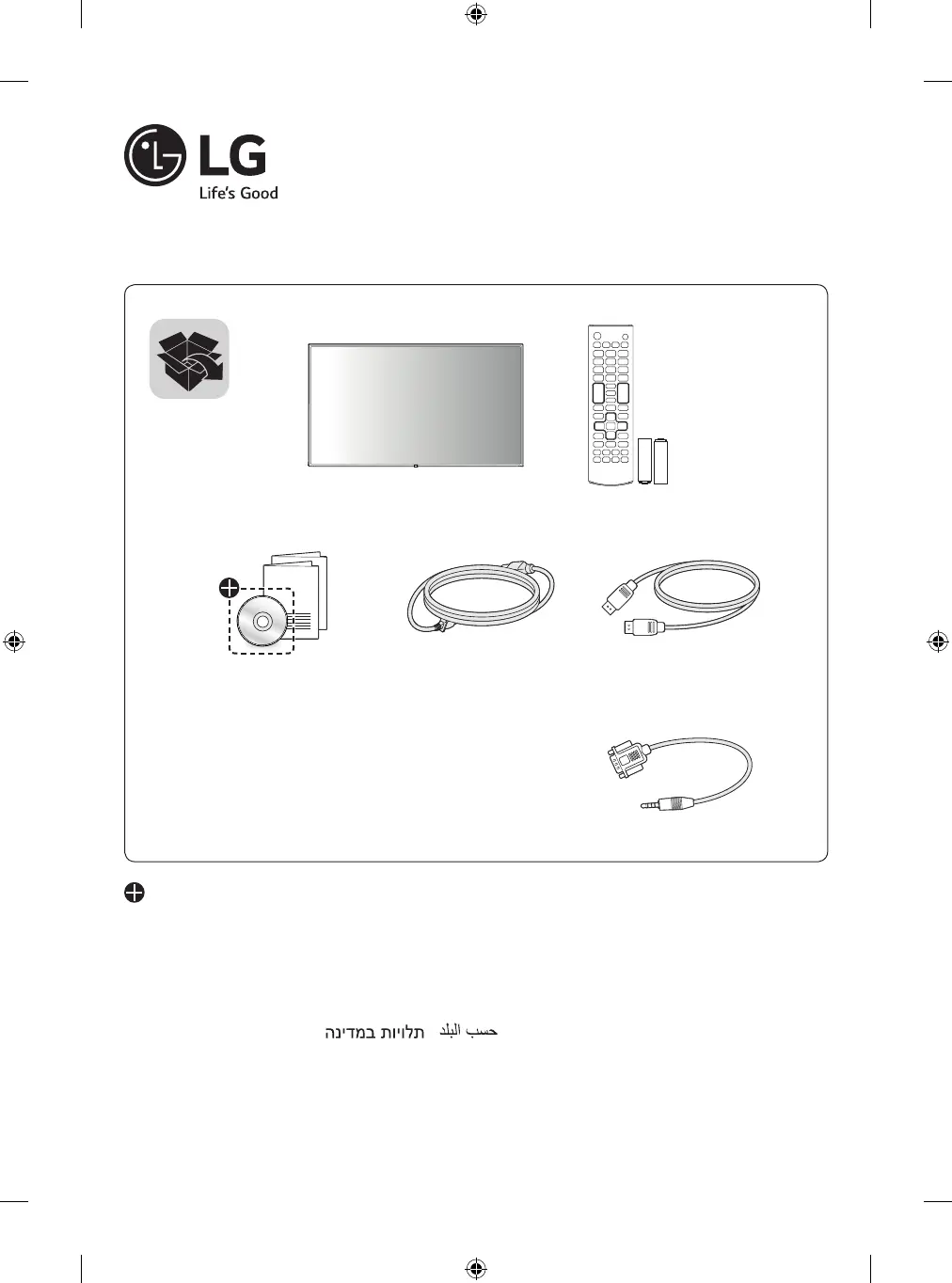
LG Digital Signage
(MONITOR SIGNAGE)
49UH5E 55UH5E 65UH5E
*MFL71380501*
AAA
Depending upon country / Závisí na zemi / Afhængigt af landet / En función del país /
Maan mukaan / Selon pays / Abhängig vom Land / Ανάλογα με τη χώρα / Országfüggő / Ter-
gantung pada negaranya / A seconda del Paese / Елге байланысты / 지역에 따라 다름 /
Afhankelijk van het land / Avhengig av land / Zależnie od kraju / Dependendo do país /
В зависимости от страны / Závisí od krajiny / Beroende på land / 視國家, 地區而定 /
Ülkeye bağlı
/ Залежно від країни / Mamlakatga bog’liq ravishda / 国によって異なり
ます / Depende do país / /

Table of Contents

Questions and Answers

  • B
    Brent RyanAug 20, 2025
    What to do if the operation does not work normally on LG 65UH5E-B.AEU Digital Signage?
    • T
      Travis HoffmanAug 20, 2025
      If the operation of your LG Digital Signage does not work normally, check if the Timer is set and review the power control settings. If power was interrupted, no further information is provided.
  • J
    Jeremy TurnerAug 22, 2025
    How to fix no image on LG 65UH5E-B.AEU?
    • R
      Rebekah McgeeAug 22, 2025
      If no image is displayed on your LG Digital Signage, first, ensure the power cord is correctly plugged into the power outlet. Then check the signal cable and access the input menu to verify the input signal. If the signal from the PC (Graphics card) is out of the vertical or horizontal frequency range of the product, adjust the frequency range by referring to the Specifications in this manual.
  • L
    Lisa RodriguezAug 25, 2025
    Why does the screen image look abnormal on my LG 65UH5E-B.AEU Digital Signage?
    • J
      Jason MontoyaAug 25, 2025
      If the screen image on your LG Digital Signage looks abnormal, verify that the graphics card resolution and frequency are supported by the product. If the frequency is out of range, set to the recommended resolution in the “Display” settings in Control Panel. Also, ensure you connect the signal cable that matches the source input signal.
  • M
    Melissa EdwardsAug 26, 2025
    What to do if the audio function does not work on LG 65UH5E-B.AEU Digital Signage?
    • B
      barbarastewartAug 26, 2025
      If the audio function does not work on your LG Digital Signage, check whether the audio cable is properly connected. Also, adjust the volume and make sure the sound is set correctly. Try selecting the appropriate equalizer sound and adjusting the volume again.
  • N
    nunezalejandroAug 28, 2025
    Why is the screen color abnormal on my LG Digital Signage?
    • W
      Wyatt MedinaAug 28, 2025
      If the screen color is abnormal on your LG Digital Signage, set the number of colors to more than 24 bits (true color) by selecting Control Panel - Display - Settings - Color Table menu in Windows. Also, check the connection status of the signal cable. Note that this can be attributable to the unique characteristics of the LCD panel and may not be a malfunction.
  • X
    xnicholsAug 29, 2025
    Why does after-image appear on my LG 65UH5E-B.AEU?
    • M
      Matthew GardnerAug 29, 2025
      If after-image appears on your LG Digital Signage, and you use a fixed image for a long time, the pixels may be damaged, so use the screen-saver function. Also, when a dark image is displayed on the screen after an image with high contrast (black and white or gray), this may cause image sticking, which is normal for LCD screen products.
  • F
    Francis HansenAug 31, 2025
    Why does the 'Unknown Product' message appear when my LG Digital Signage is connected?
    • R
      Ryan SuttonAug 31, 2025
      Check if the function is supported by referring to the graphics card user manual.
  • C
    cristinawilsonSep 2, 2025
    What to do if no image is displayed on my LG 65UH5E-B.AEU?
    • S
      Shane EdwardsSep 2, 2025
      If no image appears on your LG Digital Signage, first ensure the power cord is securely plugged into the power outlet. Also, verify that the signal cable between your PC and the signage is properly connected, and check the input signal through the input menu. If the signal from the PC is out of the vertical or horizontal frequency range, adjust the frequency range according to the specifications in this manual.
  • D
    David SmithSep 4, 2025
    How to fix abnormal screen color on LG 65UH5E-B.AEU?
    • D
      Daniel SchmidtSep 4, 2025
      To correct abnormal screen colors on your LG Digital Signage, first, set the number of colors to more than 24 bits (true color) via Control Panel - Display - Settings - Color Table in Windows. Also, check the connection of the signal cable or re-insert the PC graphics card. Note that some pixels (red, green, white, blue, or black) may appear due to the unique characteristics of the LCD panel, which is normal.
  • D
    daniel01Sep 6, 2025
    How to prevent after-image on LG Digital Signage?
    • J
      jonesjasonSep 6, 2025
      To prevent after-images on your LG Digital Signage, use the screen-saver function, especially if displaying a fixed image for extended periods. Note that after-image is normal for LCD screen products.

LG 65UH5E-B.AEU Specifications

General IconGeneral
BrandLG
Model65UH5E-B.AEU
CategoryDigital Signage
LanguageEnglish

Related product manuals