ENGENGLISH
13
ASSEMBLING AND PREPARING
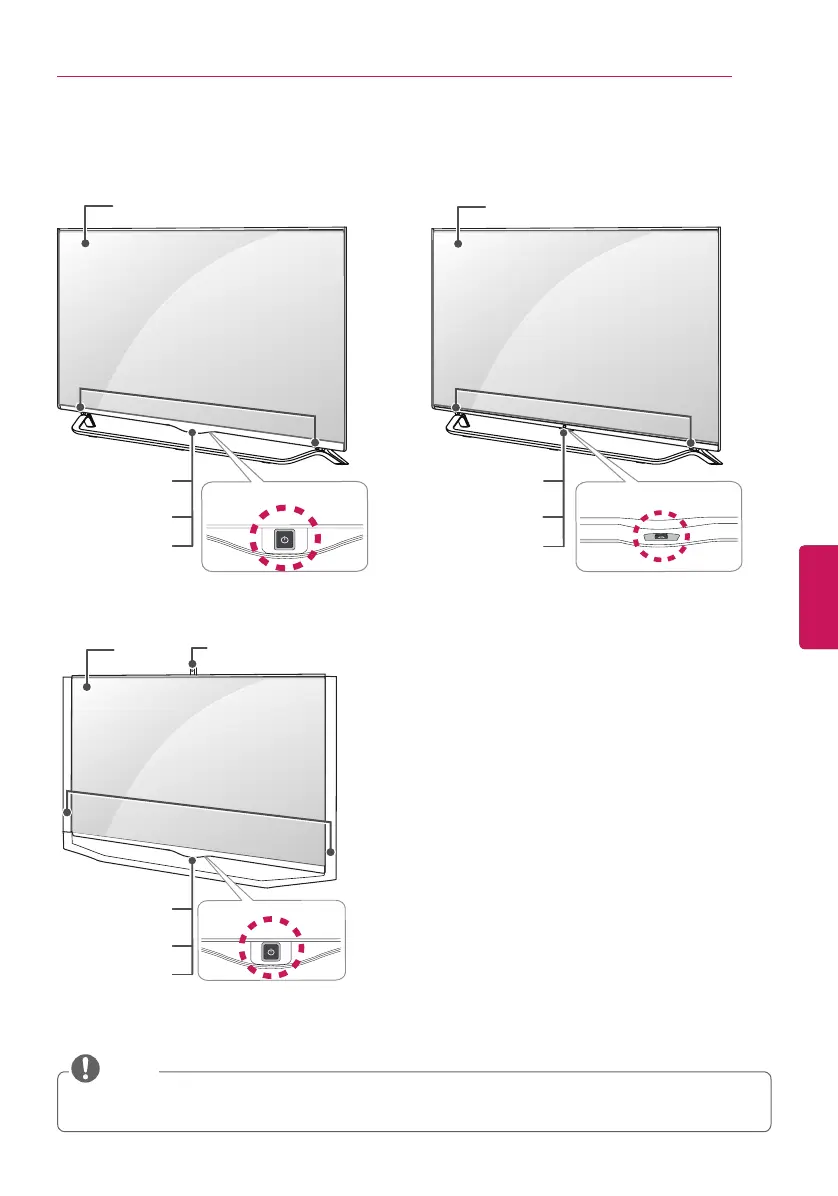
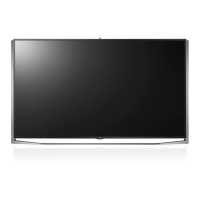
(For 49/55/60UB850T) (For 65UB930T, 65UB950T, 55/65UC970T)
Parts and Buttons
Joystick Button
2
Joystick Button
3
Screen
Screen
y
You can set the LG Logo Light or power indicator light to on or off by selecting
GENERAL
in
the main menu. (Depending upon model)
NOTE
Speakers
Remote
Control Sensor
Remote
Control Censor
Power Indicator
Power Indicator
(For 79/84/98UB980T)
Joystick Button
2
Remote
Control sensor
LG Logo Light
Intelligent
Sensor
1
Intelligent
Sensor
1
Intelligent
Censor
1
Speakers
Speakers
Screen
Built in Camera
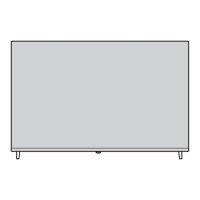
1. Intelligent Sensor - Adjusts the image quality and brightness based on the surrounding environment.
2. Joystick Button is located behind the screen of TV.
3. Joystick Button is located below the screen of TV.


 To Next Page