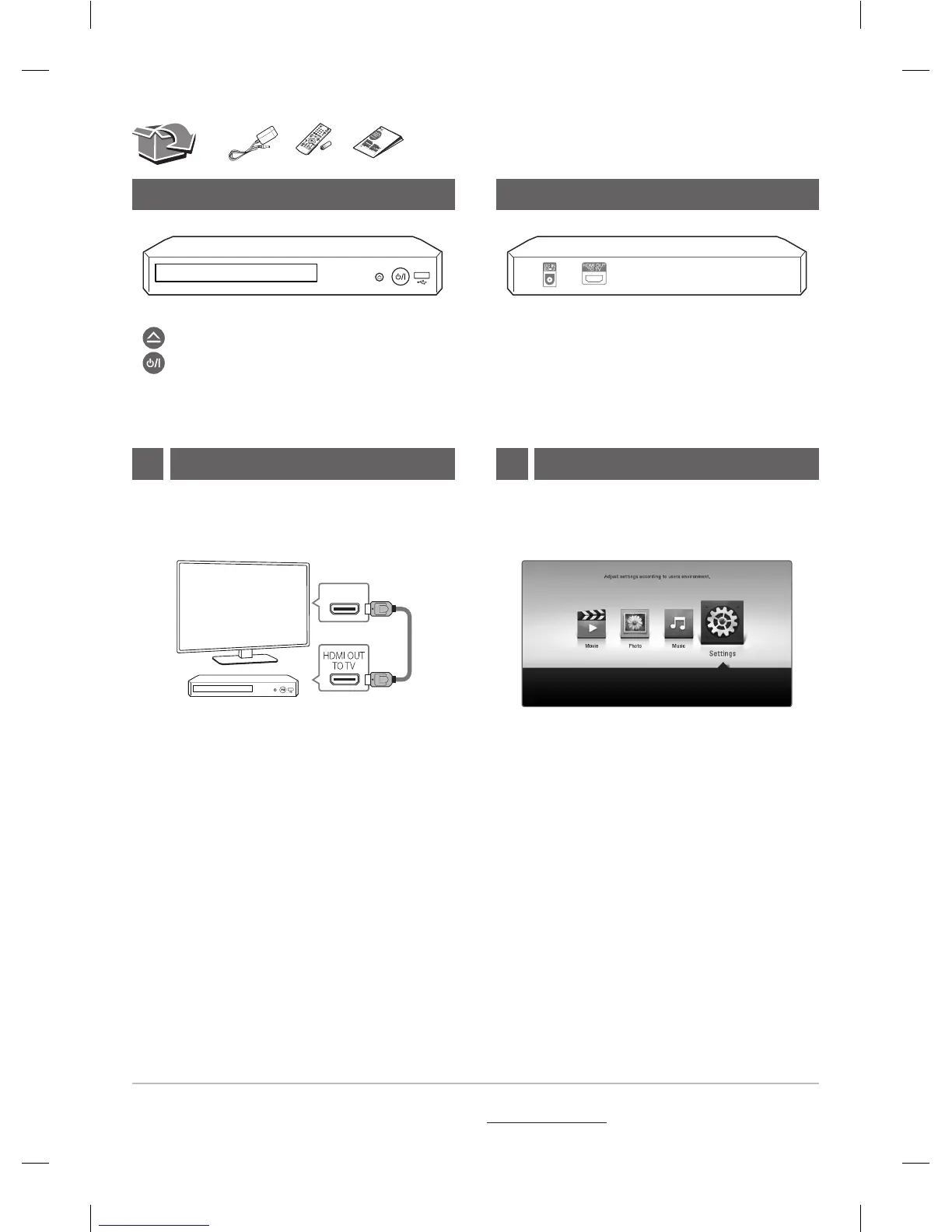
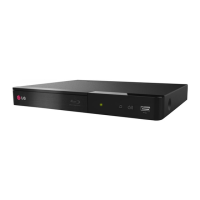
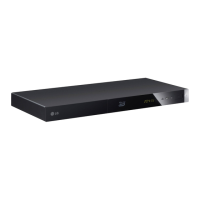
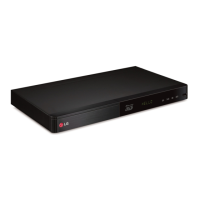
·······················Disc Tray Open / Close
······························Power On / O
USB Port ··················Connect a USB device.
Front Panel Rear Panel
TV Connection
HDMI IN
TV
b Set the input selector to HDMI on the TV.
c Follow the instructions on the TV screen using
remote control.
a Connect the HDMI jack on the player to the
HDMI jack on the TV using a HDMI cable.
After initial setup, Home menu appears on the TV
screen. Enjoy various functions on the player.
1 Home Menu2
+
DC IN 12 V 0 1 A ······· Connect to AC Adaptor.
HDMI OUT (TO TV)················ Connect to TV.
For more information, download the online owner’s manual. http://www.lg.com

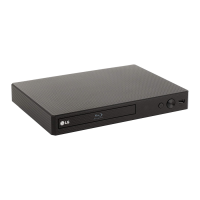

 To Next Page