8
ENG
English
Connecting LAN/Peripherals
y
The cloud server settings may affect the perfor-
mance of the headphones, earphones or speak-
ers depending on the connected cloud server.
y
The cloud server settings may affect the
functions or speed of the specific USB stor-
age device depending on the connected
cloud server.
y
Peripheral devices are sold separately.
y
The USB ports can be used to connect the
keyboard, mouse, and other USB devices.
y
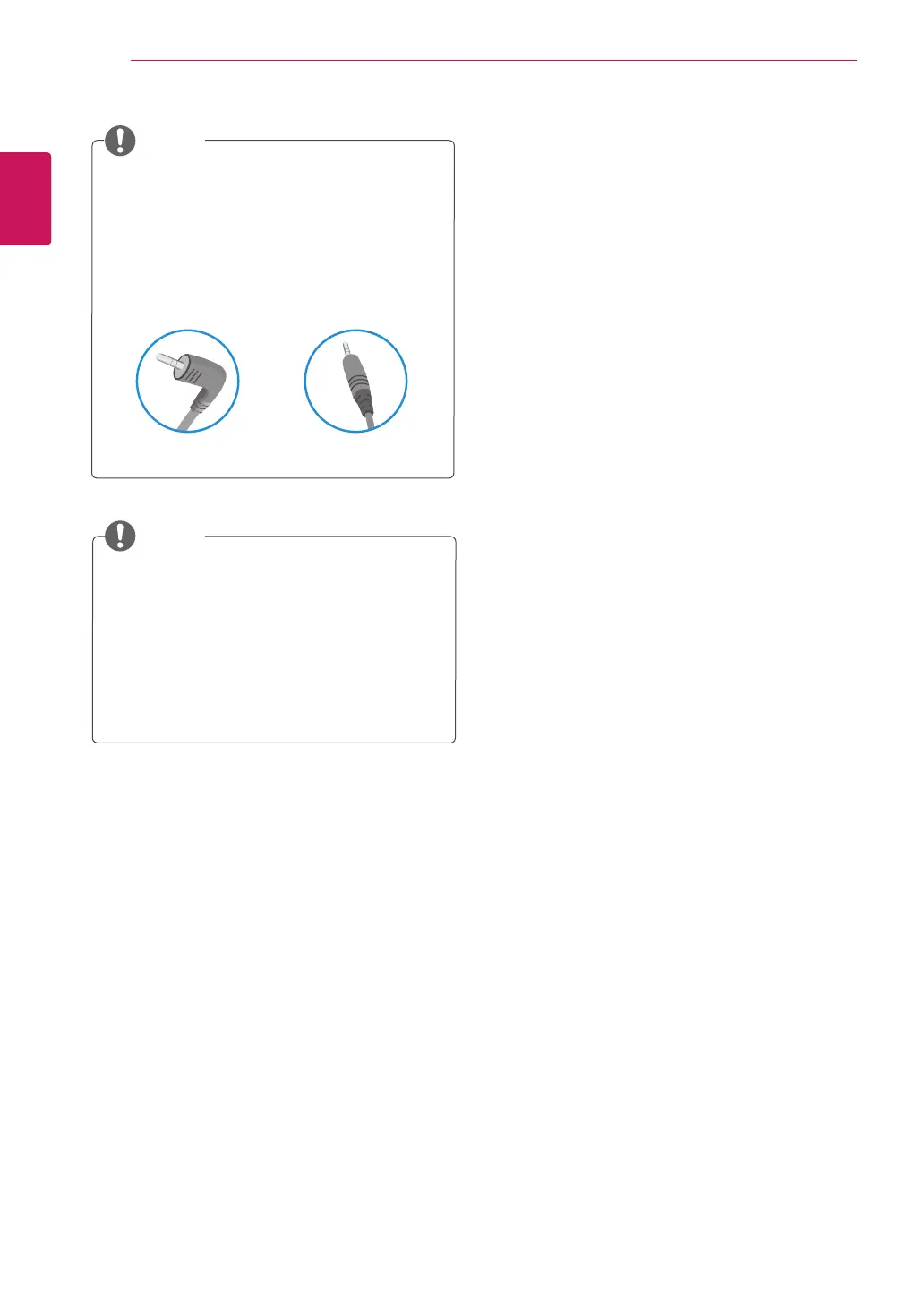
For an angle plug earphone/microphone, it is
difficult connect it with a peripheral device, so
use a straight type.
Angle Type Straight Type
NOTE
NOTE



 To Next Page