Getting Started10
Getting Started
1
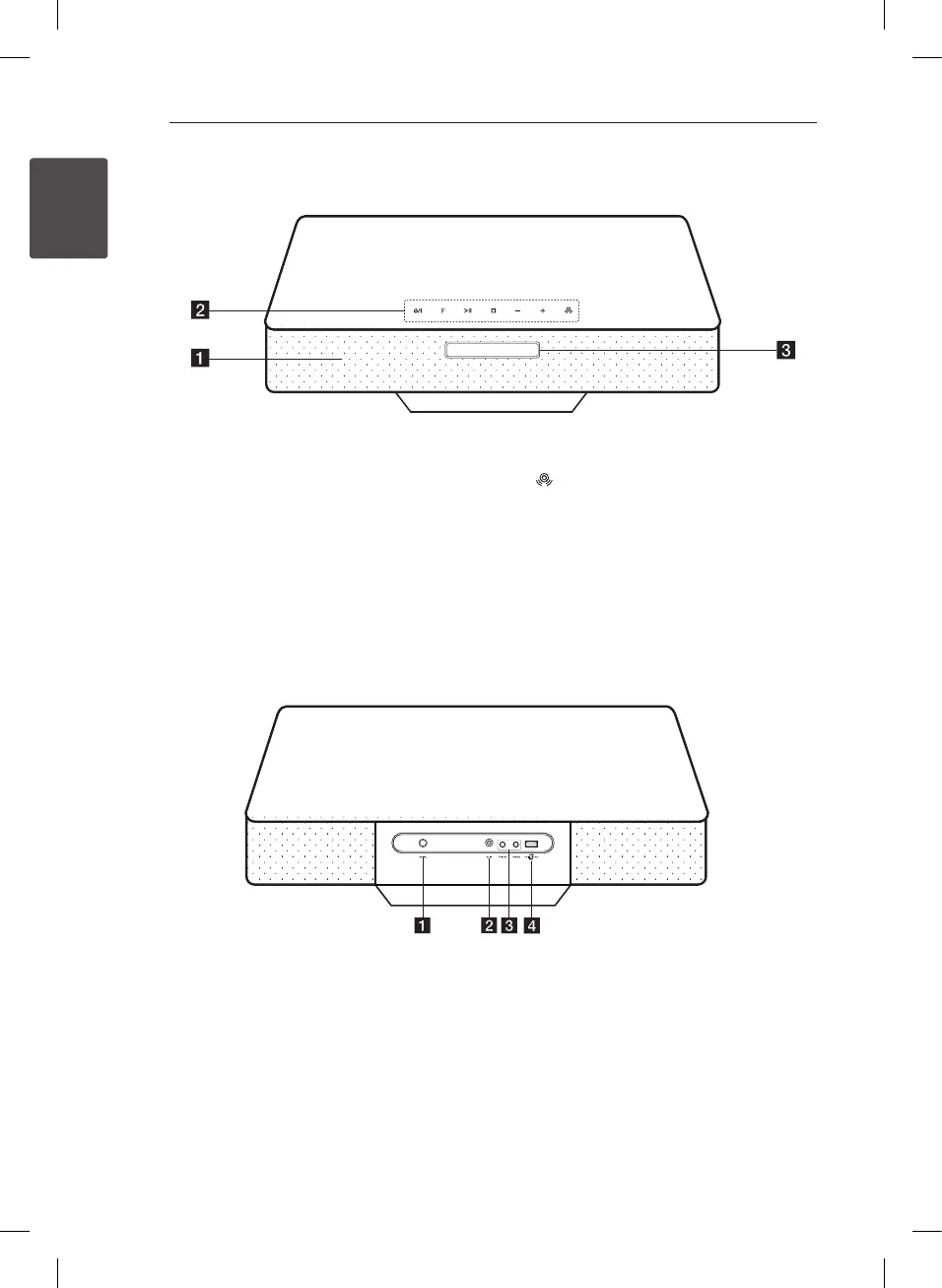
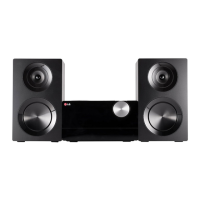
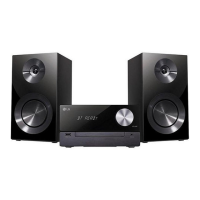
Front Panel
a
Speaker
b 1
/
!
(Power ON/OFF)
Switches the unit ON or OFF.
F(Function)
Selects the function and input source.
T
(Play/Pause)
- Starts and pauses playback.
- Selects Stereo/Mono.
I
(Stop)
Stops playback.
-/+ (Volume)
Adjusts volume level.
Reinforce BASS (BASS BLAST) sound eect.
c
Display Window
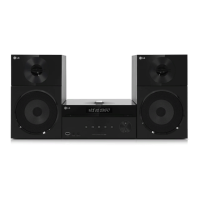
Rear Panel
a
FM ANT.
Connects the FM wired antenna.
b
DC IN(AC adapter input)
c
PORT.IN
Listens to music from your portable device.
PHONES
Listens to music with your headphone.
(3.5 mm)
d
USB Port
Plays and records the audio les by
connecting the USB device.
CM2330-DG.DDEULLK_ENG_6461.indd 10 2013-08-28 9:32:31


 To Next Page