Connecting 15
Connecting
2
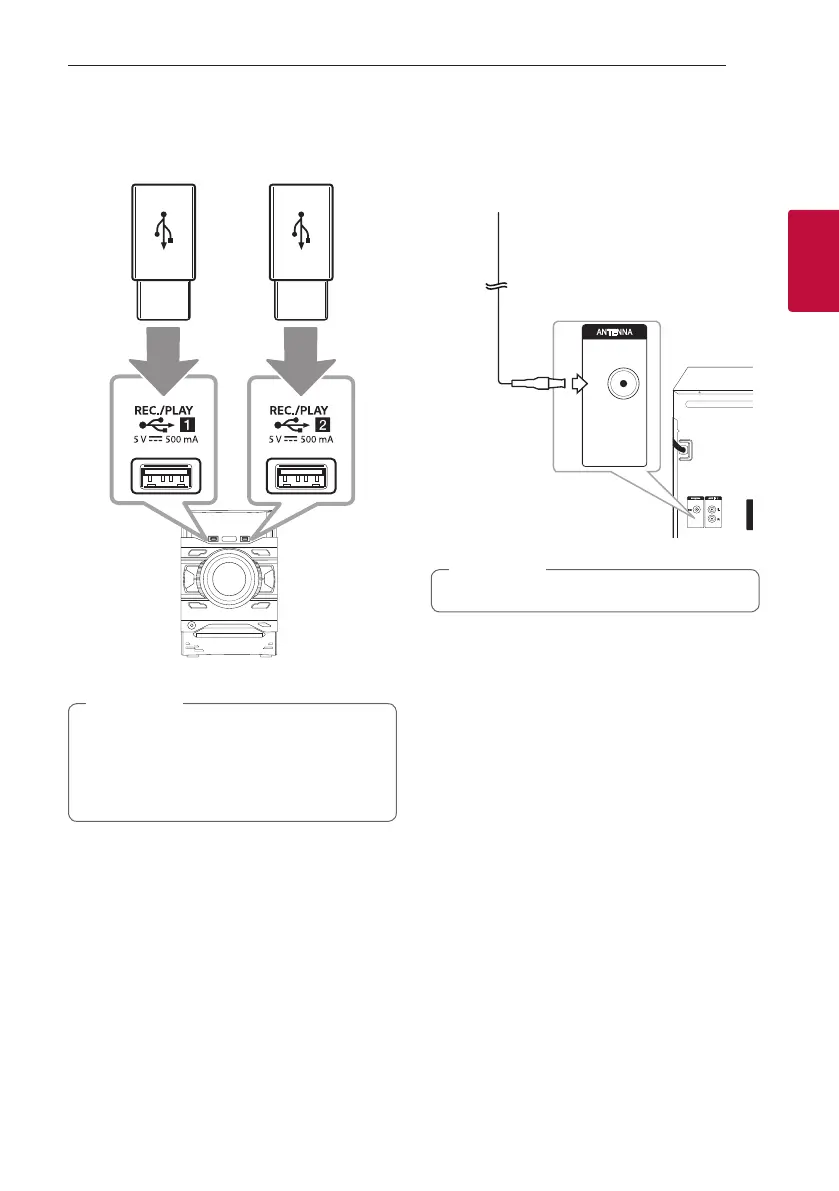
USB Connection
Connect a USB device (or MP3 player, etc.) to the
USB ports on the unit.
USB
device
Removing the USB device from the unit:
1. Choose a different function/mode or
press Z twice in a row.
2. Remove the USB device from the unit.
,
Note
Antenna Connection
Connect the supplied FM antenna for listening to
the radio.
FM
Be sure to fully extend the FM wire antenna.
,
Note



 To Next Page
 Loading...