Connecting 17
Connecting
2
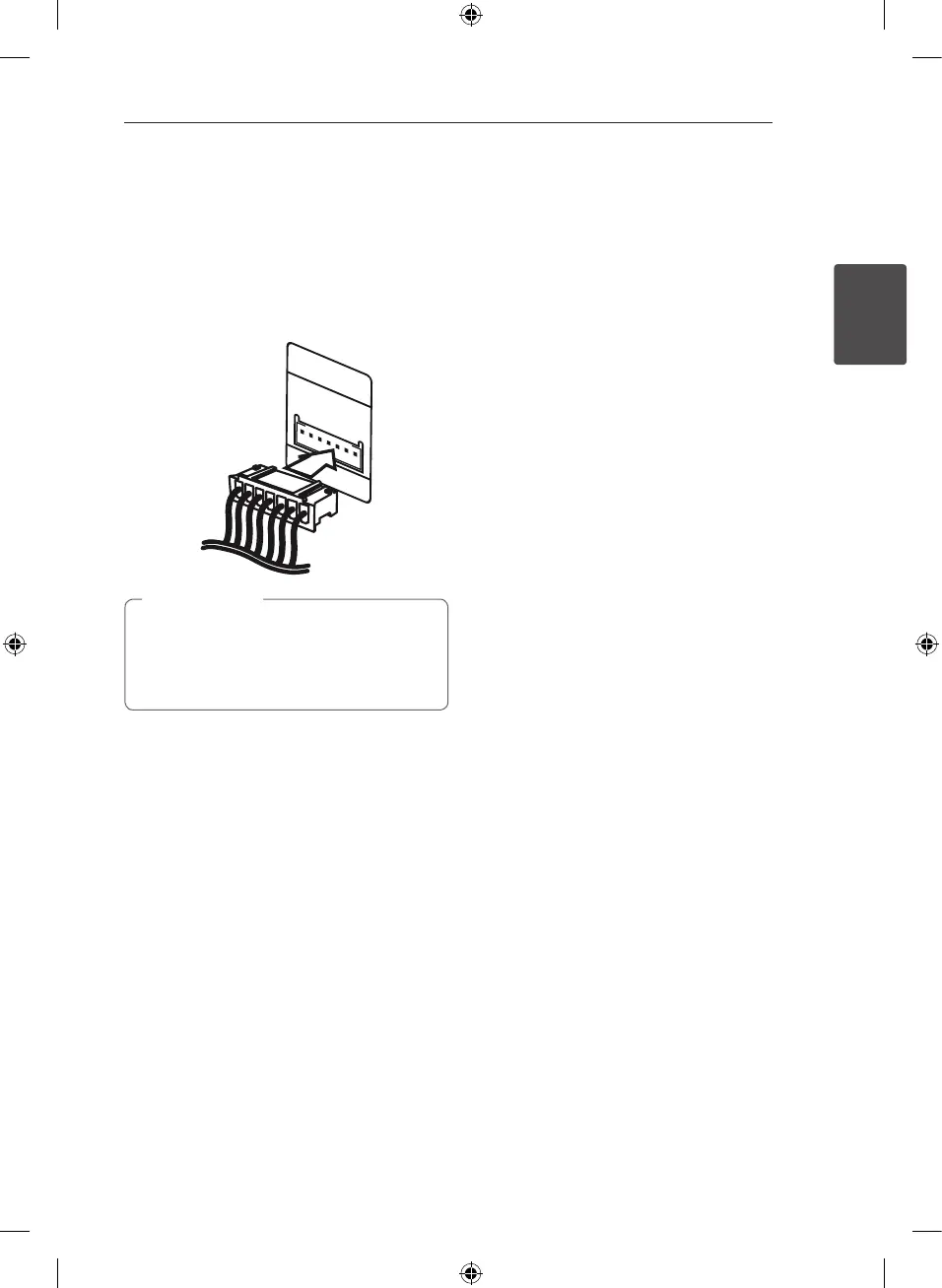
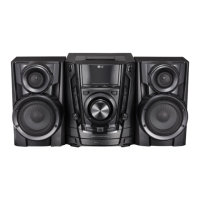
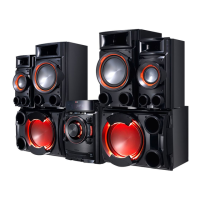
Attaching the speaker
light cables to the unit (For
CM8530, CM8430)
Connect the speaker’s lighting cables on the
speakers to the SPEAKER LIGHTING SYSTEM jack on
the unit.
y
Make sure to connect the cables to
connectors tightly on the unit.
y
Make sure that the jacks and the speakers
are matched correctly.
>
Caution
CM8530-FU_DKENHL_ENG.indd 17 2013-03-07 �� 12:11:57


 To Next Page