Getting Started10
Getting Started
1
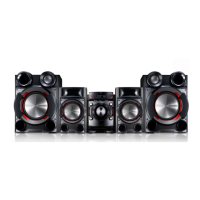
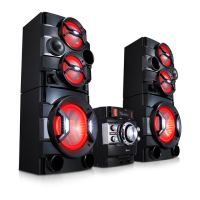
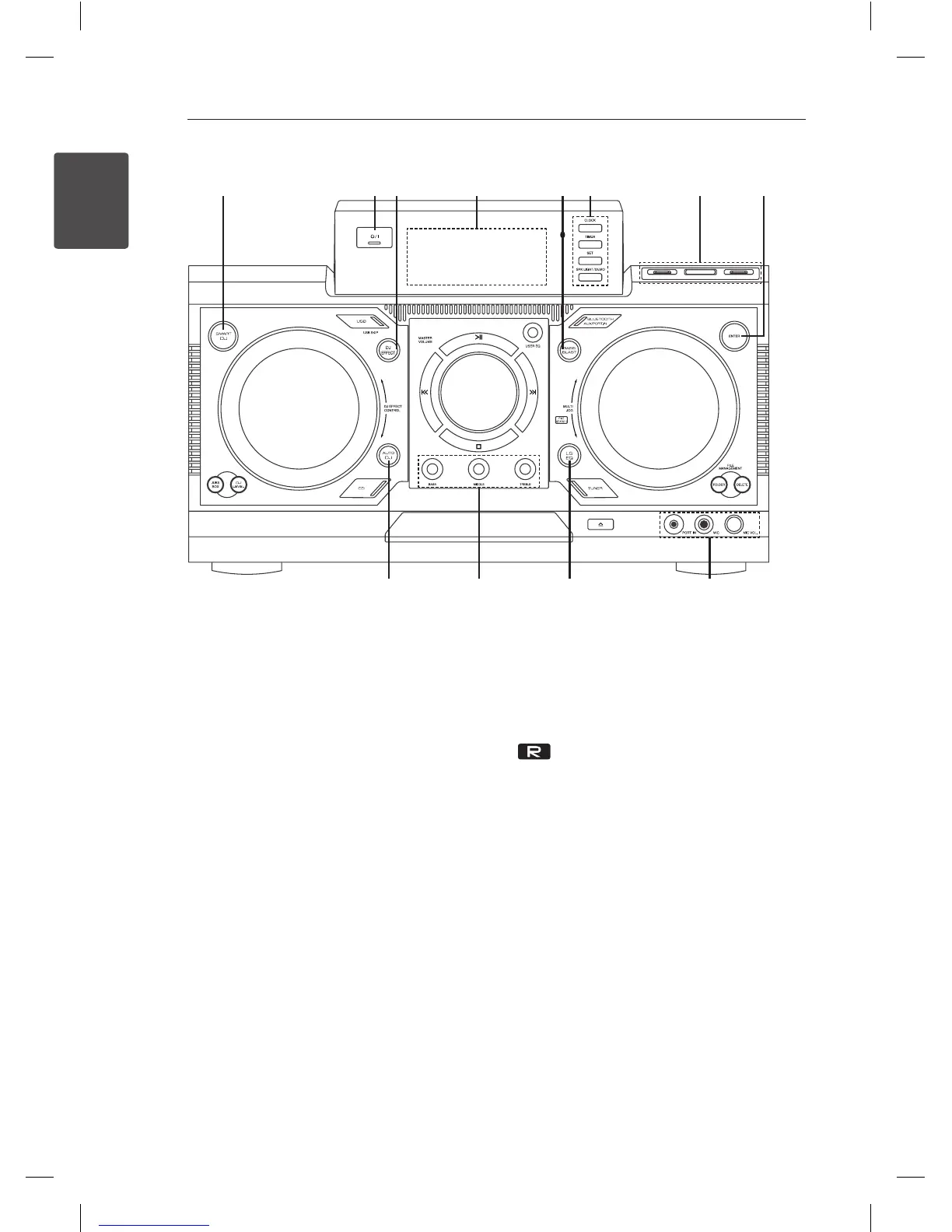
Front panel
a b
i
g hc d
j k l
e f
a
SMART DJ
Selects SMART DJ mode. (For more information
refer to the page 19)
b
1
/
!
(Power)
c
DJ EFFECT
Selects DJ effect. (For more informaion refer to
the page 20)
d
Display window
e
BASS BLAST
Selects the BASS BLAST or BYPASS sound
directly.
f
CLOCK
For setting the clock and checking the time.
TIMER
With the TIMER function you can turn CD, USB
play and TUNER reception on or off at a desired
time.
SET
Confirms the setting.
SPK LIGHT / DEMO
- Changes lighting effects.
- Shows demo.
g
USB 1/2 Port
You can play or record sound files by
connecting the USB device.
USB REC
Records to USB.
h
ENTER
Selects a folder when searching a file.
i
AUTO DJ
Selects the AUTO DJ mode. (For more
informaion refer to the page 20)
j
BASS/MIDDLE/TREBLE
Adjusts the sound level when setting USER EQ.
k
LG EQ
Chooses locally special equalizer.
l
PORT. IN jack
MIC jack
MIC VOL.



 To Next Page
 Loading...